4
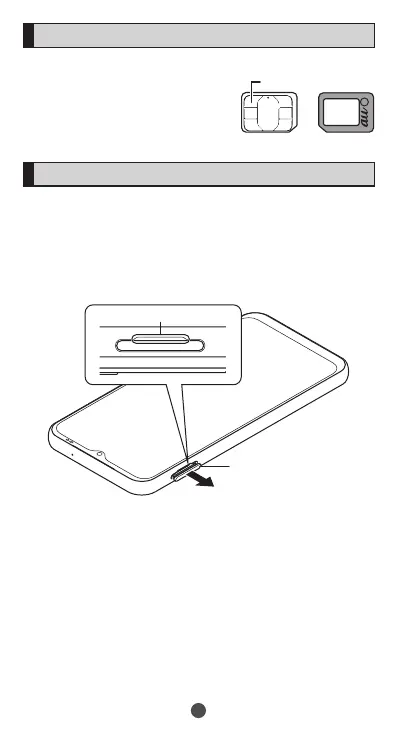
SIM card
Yourphonenumberetc.is
recordedinSIMcard.
SIMlockisdisabledforthe
product.
Attaching SIM card
BeforeattachingSIMcard,makesuretoturnofftheproduct.
1
Face the display side of the product up, put your
fingertip into the groove, and then draw the slot cap
of microSD memory card/SIM card slot straight and
horizontally
Groove
Slot cap
10
IC (metal) part



 To Next Page