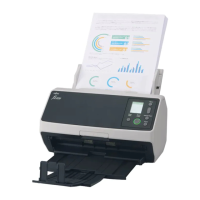
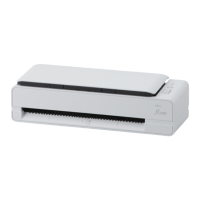
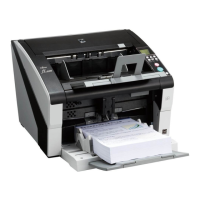
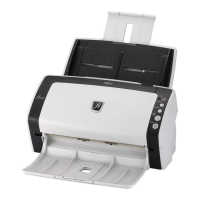
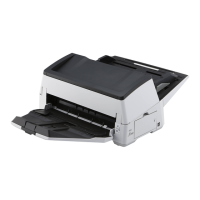
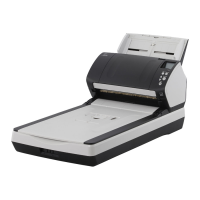
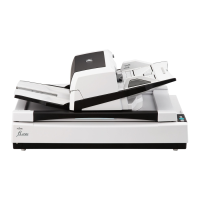
● For fi-8190/fi-8290/fi-8170/fi-8270
Use one of the following methods to clear the cleaning counter.
- Select [5: Consumable counters] from the [Settings Menu] screen on the operator panel, then clear the
cleaning counter.
For details, refer to How to Use Settings Menu (page 146).
- Clear the cleaning counter in the Software Operation Panel.
For details, refer to Clearing the Sheet Counters (page 355).
● For fi-8150/fi-8250/fi-8150U/fi-8250U
Clear the cleaning counter in the Software Operation Panel.
For details, refer to Clearing the Sheet Counters (page 355).
Daily Care
221



 To Next Page