13
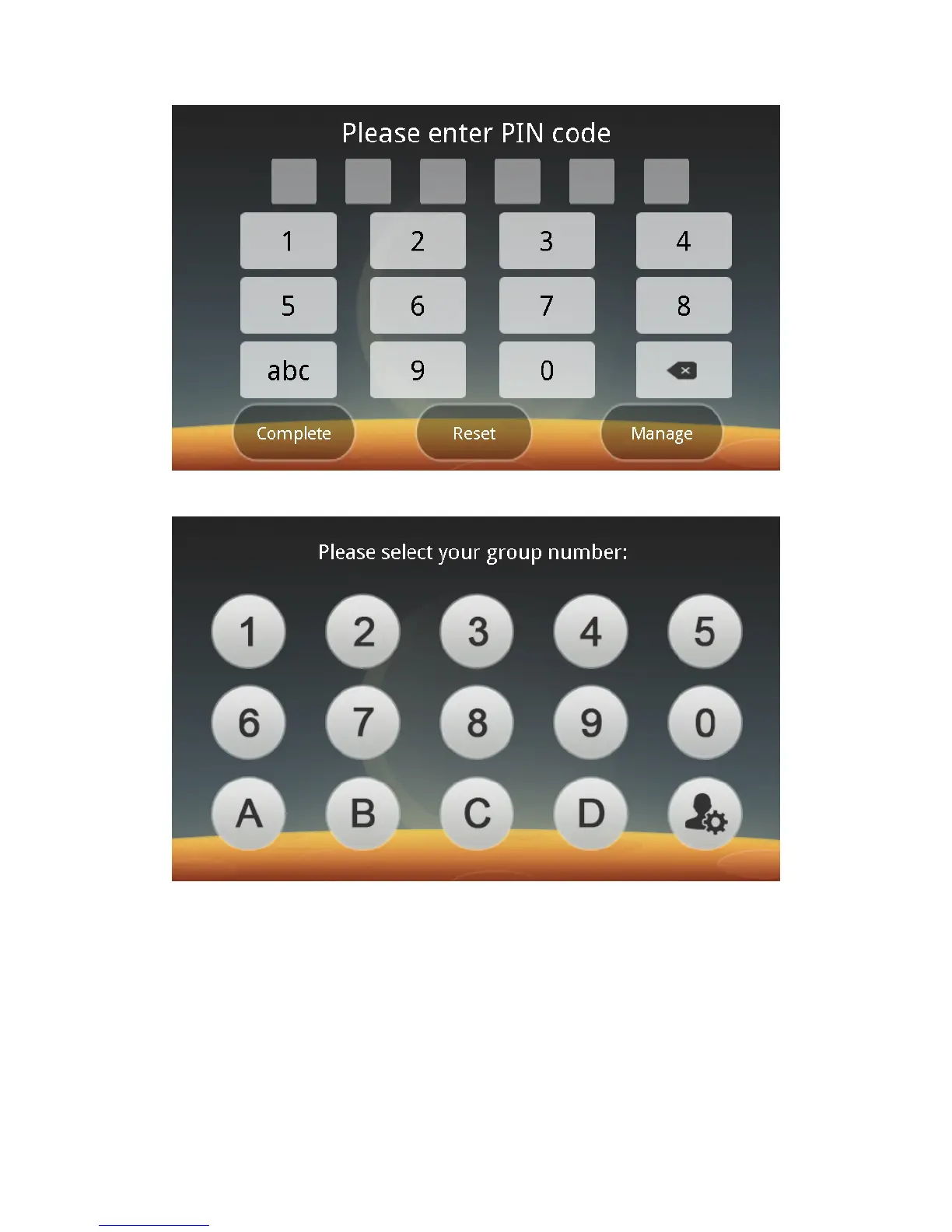
4. When you are registered in the Group No. + Palm Vein mode, the idle
screen is as follows:
Note: During recognition in different modes, there are acoustic prompts no
matter whether the card swiping or recognition is successful or not.
Step 8: Management
Click on the Management button in the idle screen. After the administration is
authenticated, you can enter the Main Menu screen:



 To Next Page