14
1. System Management:
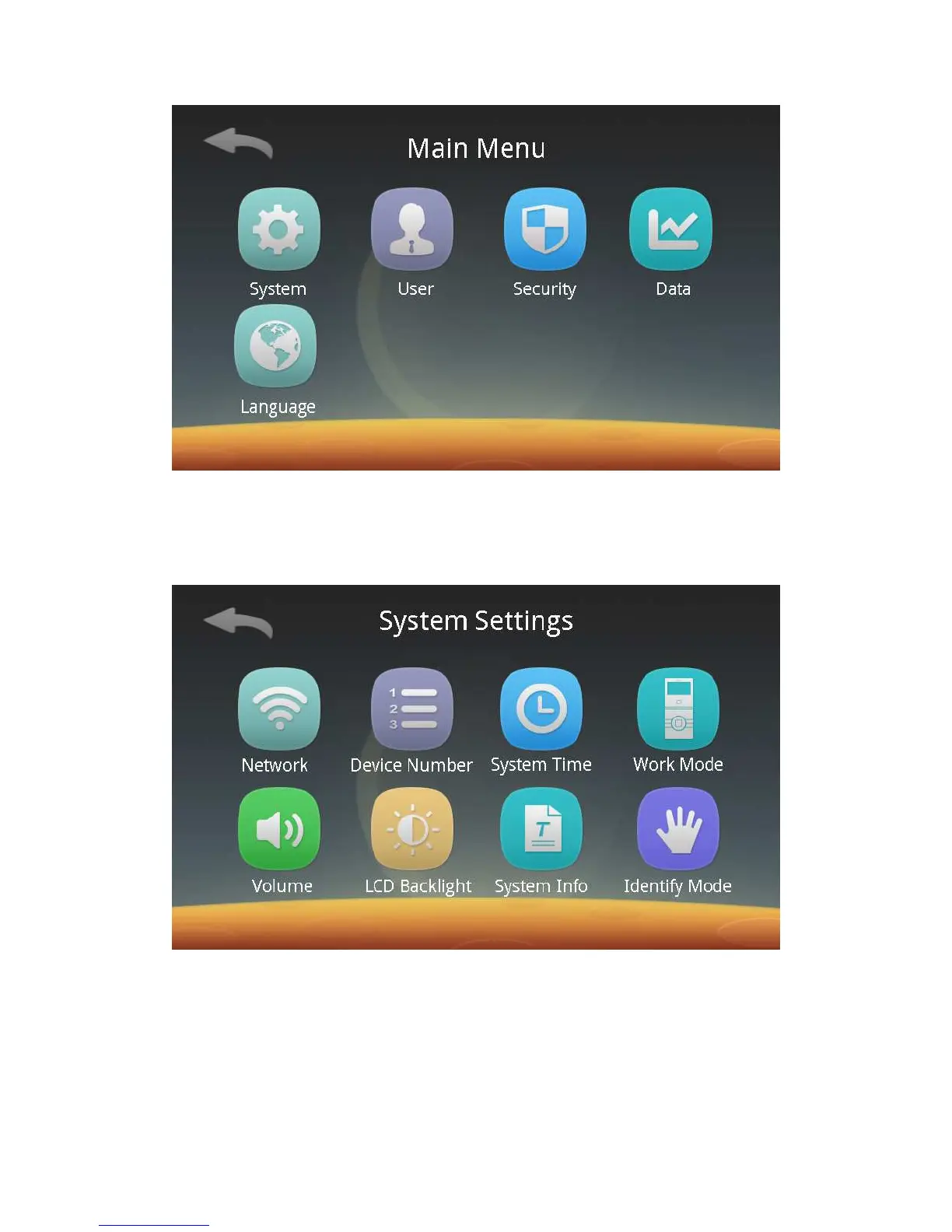
Click the System Management button to enter the following settings screen.
You can set the network communication, device number, system time, work mode,
system volume and LCD backlight respectively, check system settings, and select a
identify mode.
1) Network communication:
Click the Network button to enter the following screen:



 To Next Page