15
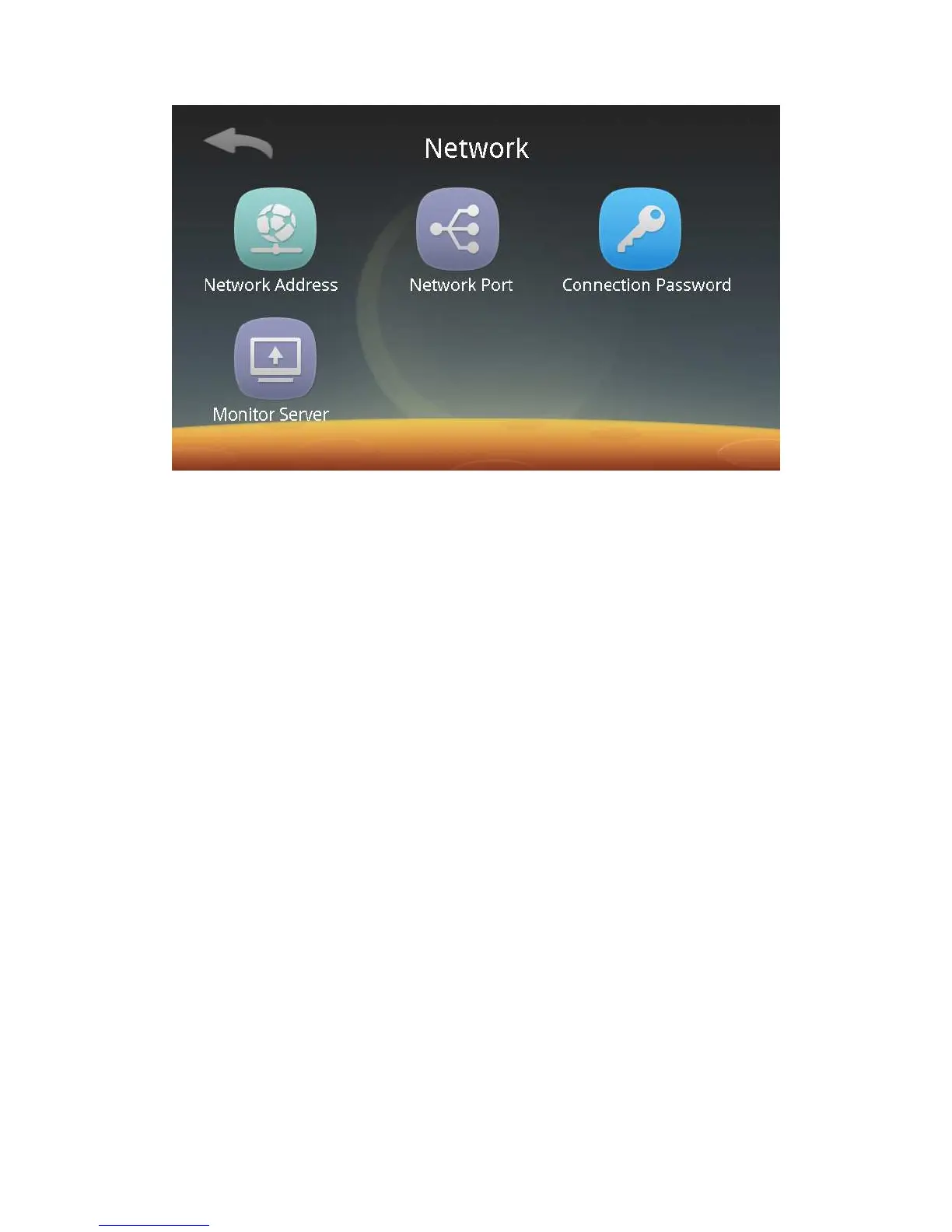
You can follow screen prompts to set the network address, network port
number and connection password respectively. A device can be managed remotely
only when the same access password is set for the PalmPass Network Management
System and the device. The device's default settings:
Network address:
IP Address: 192.168.3.100
Subnet Mask: 255.255.255.0
Gateway: 192.168.3.1
Network Port: 7777
Connection Password: 123456
Monitoring server: Turn on or off the function switch. Enter the server
address.
2) Device Number:
Click the Device Number button to enter the device number setting screen. The
default device number is "1".



 To Next Page