16
3) System Time:
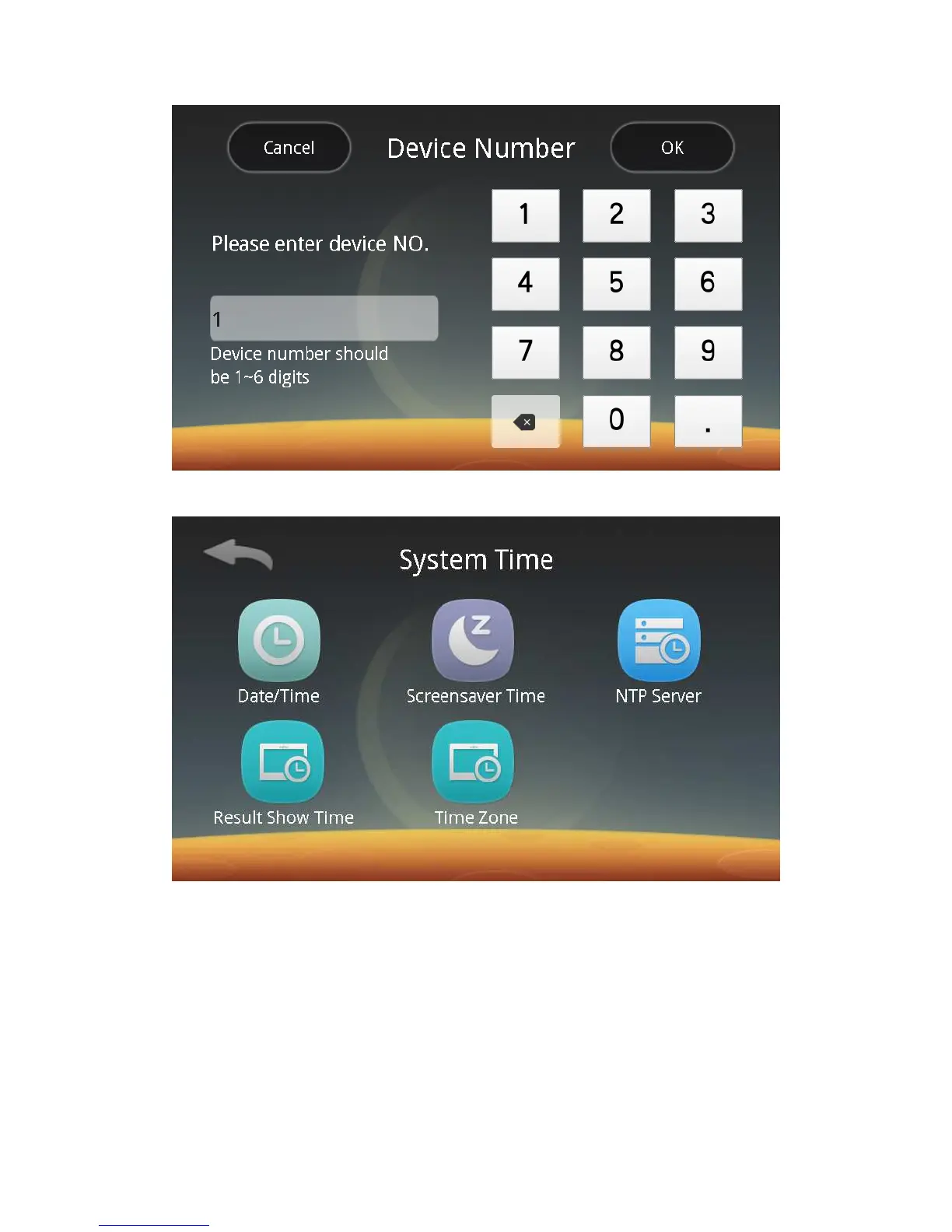
Click the System Time button to enter the following screen:
You can follow screen prompts to set the date / time, screensaver time, NTP
server, result show time and time zone respectively.
ⅰ. Date / Time: Set the date and time of the device.
ⅱ. Screensaver Time: Set whether the system sleeps. When the system sleeps,
the screen backlight is turned off. The system can wake up when you click on the
screen.
ⅲ. NTP Server: Turn on or off the function switch. Enter the server address. By
default, the time is synchronized with the server time every day.
iv. Result Show Time: Range 0 ~ 10s, set according to needs.



 To Next Page