21
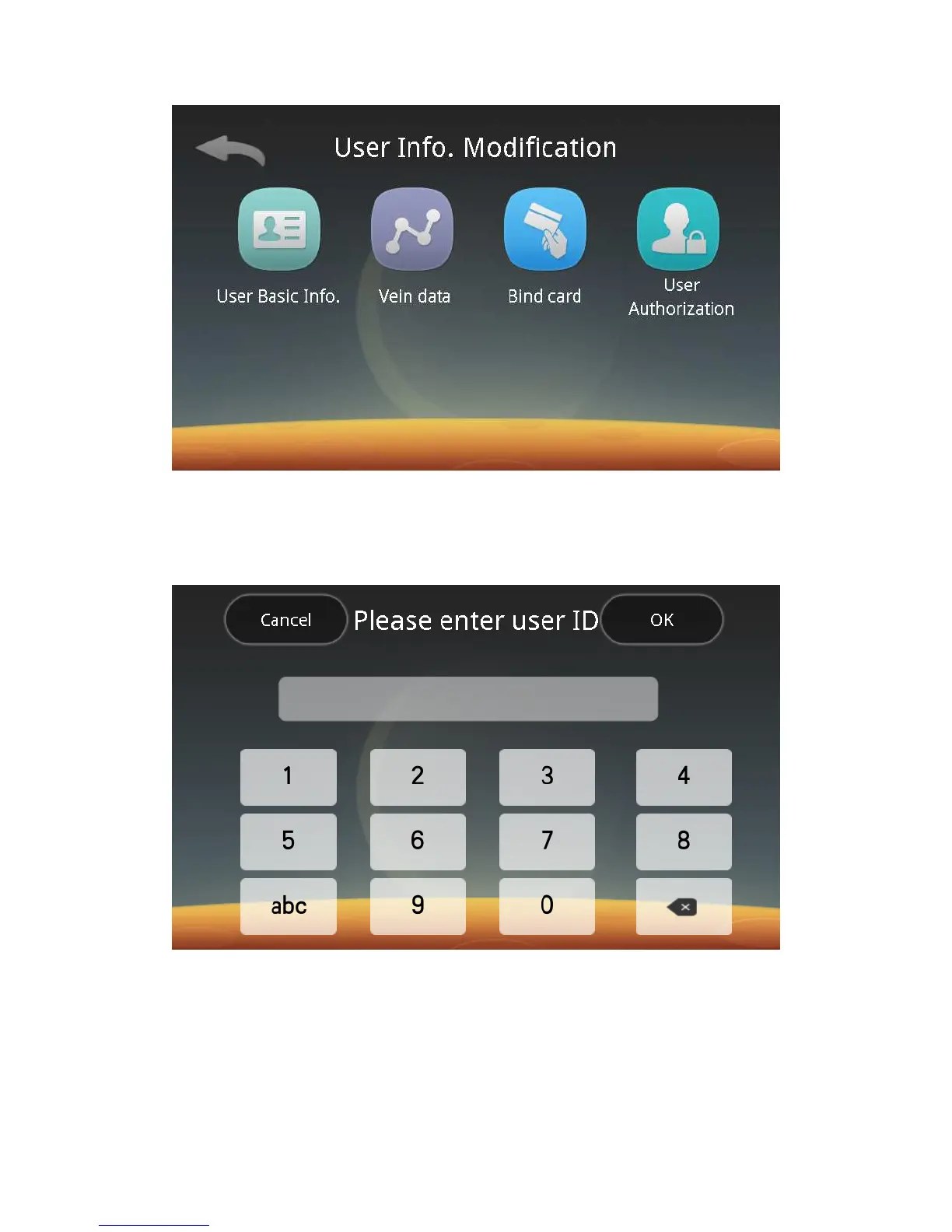
You can follow screen prompts to edit the user’s basic information, vein data
and permissions. When you switch to the Card + Palm Vein mode, you can assign a
card to the user by card swiping.
3) Edit a user:
Click on "Edit" to enter the following interface:
Follow screen prompts to input a user ID and click the Next button to enter the
user information editing screen. You can edit the user’s information with the above
steps.
4) Delete Users:
Click the Delete Users button to enter the following screen:



 To Next Page