22
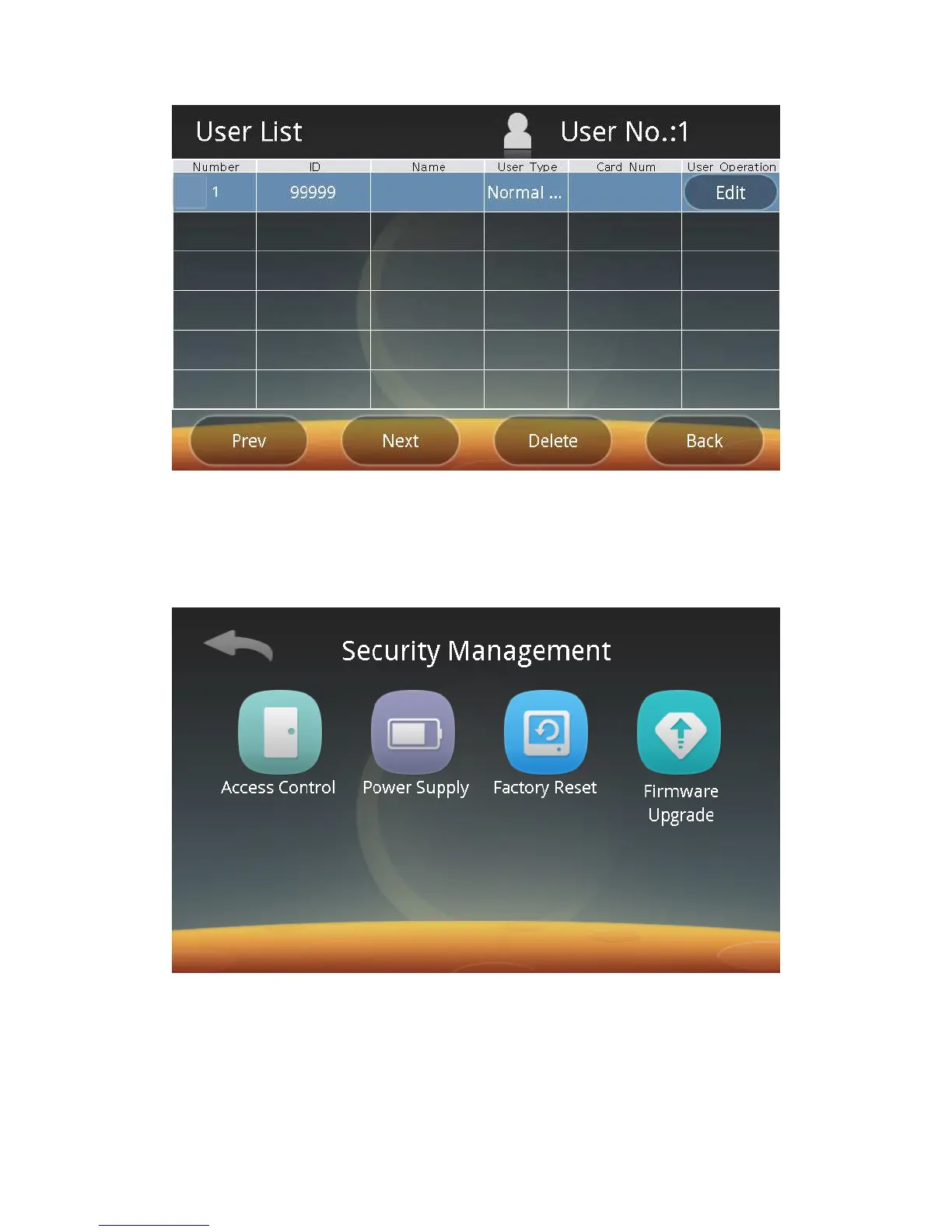
Follow screen prompts to select users and click the Delete button, and then
the users can be deleted.
3. Security Management:
Click the Security button to enter the following screen, and then you can set
access control options, power supply, restore factory settings and upgrade software
respectively.
1) Set Access Control:
Click the Access Control button to enter the following screen:



 To Next Page