24
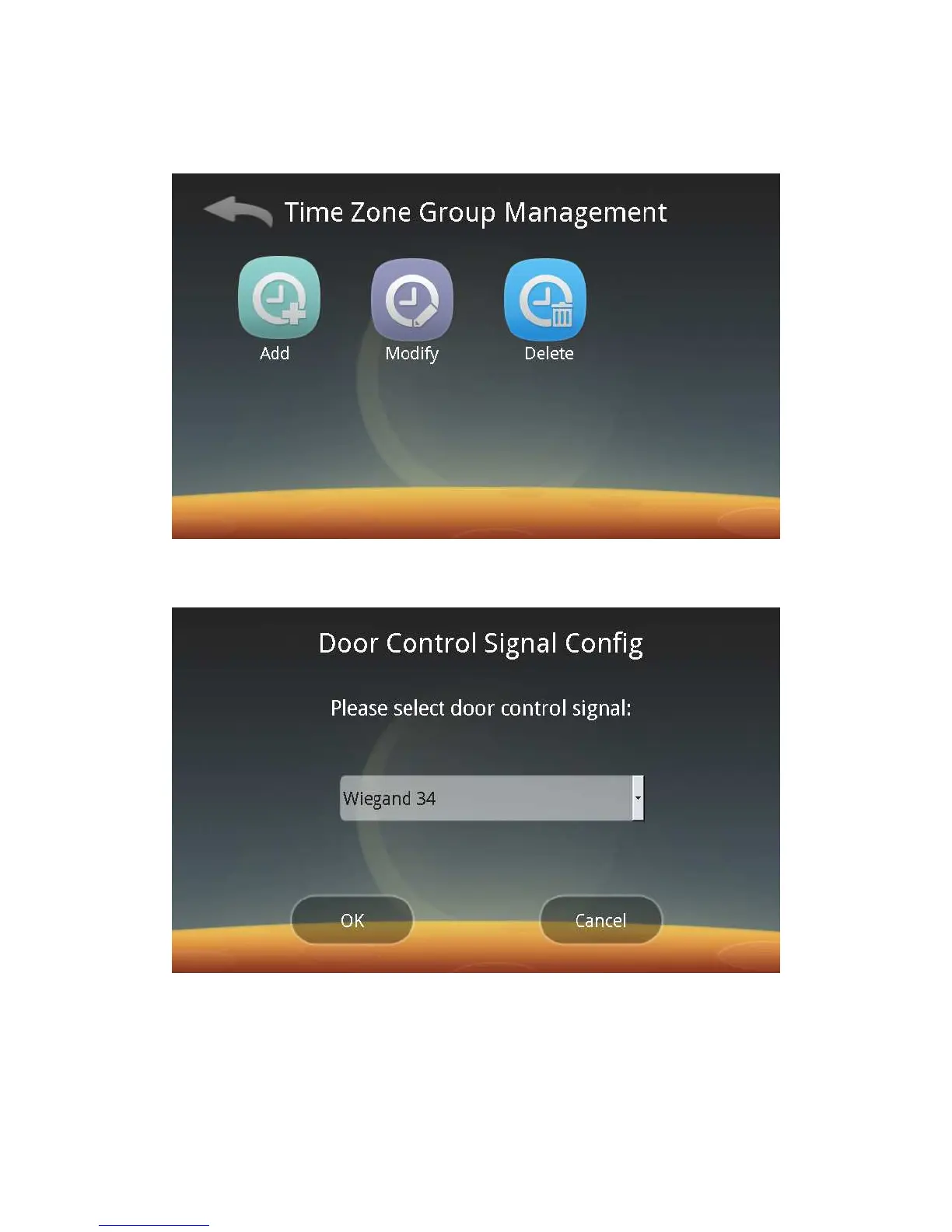
Click on time zone or Time Zone Group Management to enter the following
interfaces respectively, and then you can add, modify and delete time zone and
time zone groups.
ⅱ. Door Control Signal Settings:
Click the Door Control Signal button to enter the following screen:
Follow screen prompts to select an appropriate item:
◆ To be connected to the door controller, select “Wiegand 26” , “Wiegand 34”,
CORP 1K(Corporate 1000) or CSN32;
◆ If an electric lock is connected, select Electric Lock Output.
◆ To be used for work check-in without output, select “No output”.
ⅲ. Door Open Time:



 To Next Page