25
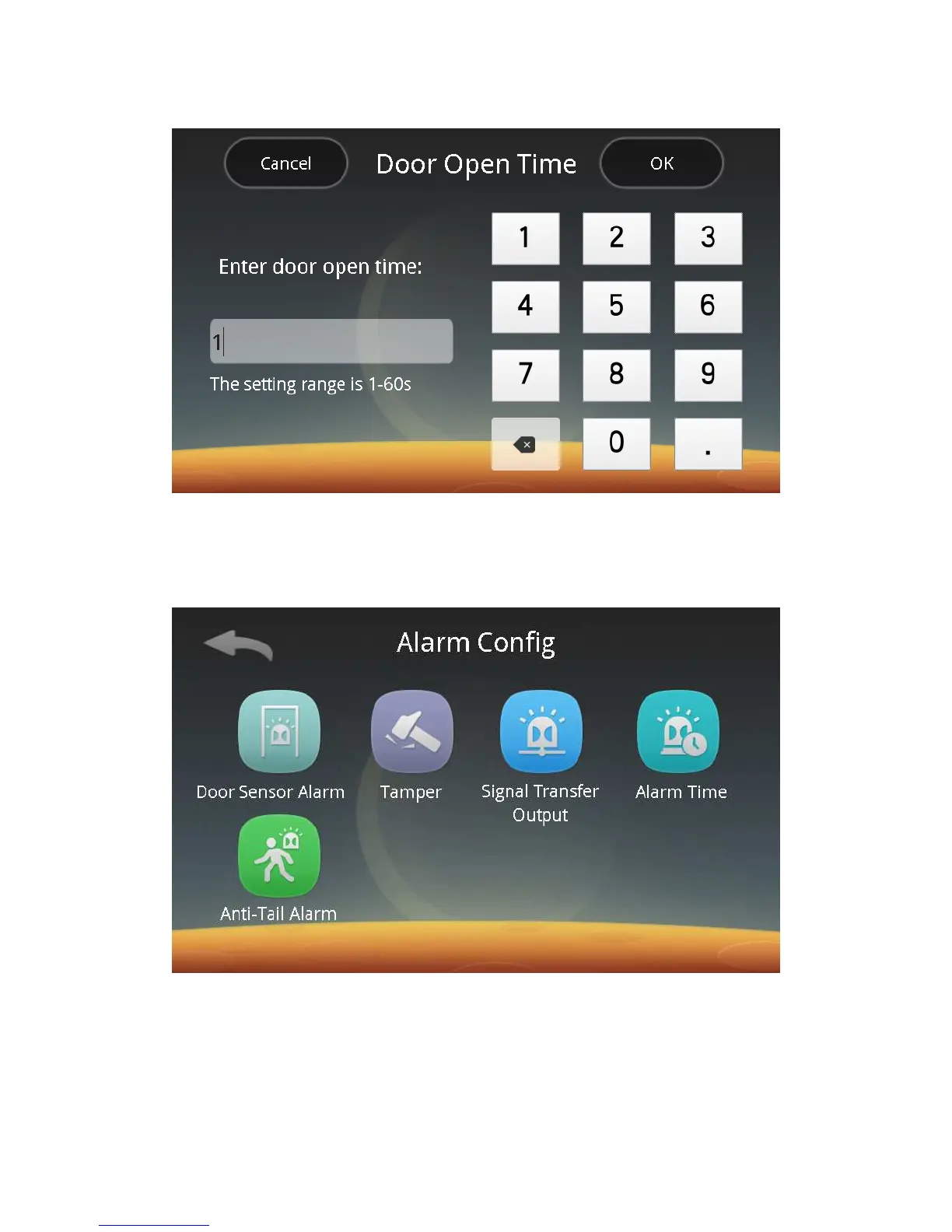
Click the Door Open Time button to enter the following screen:
Follow screen prompts to enter the door open time in a range of 1 ~ 60s.
Note: This function is limited to the case of connecting to the electric lock
directly.
ⅳ. Alarm Settings:
Click the Alarm button to enter the following screen:
You can follow screen prompts to carry out settings of the Door Sensor Alarm,
Tamper Alarm, Alarm Signal Output, Alarm Time, and Anti-Tali Alarm.
ⅰ. Door Sensor Alarm:
Click the Door Sensor Alarm button to enter the following screen:



 To Next Page