If you have installed the software before
14
z For Windows XP
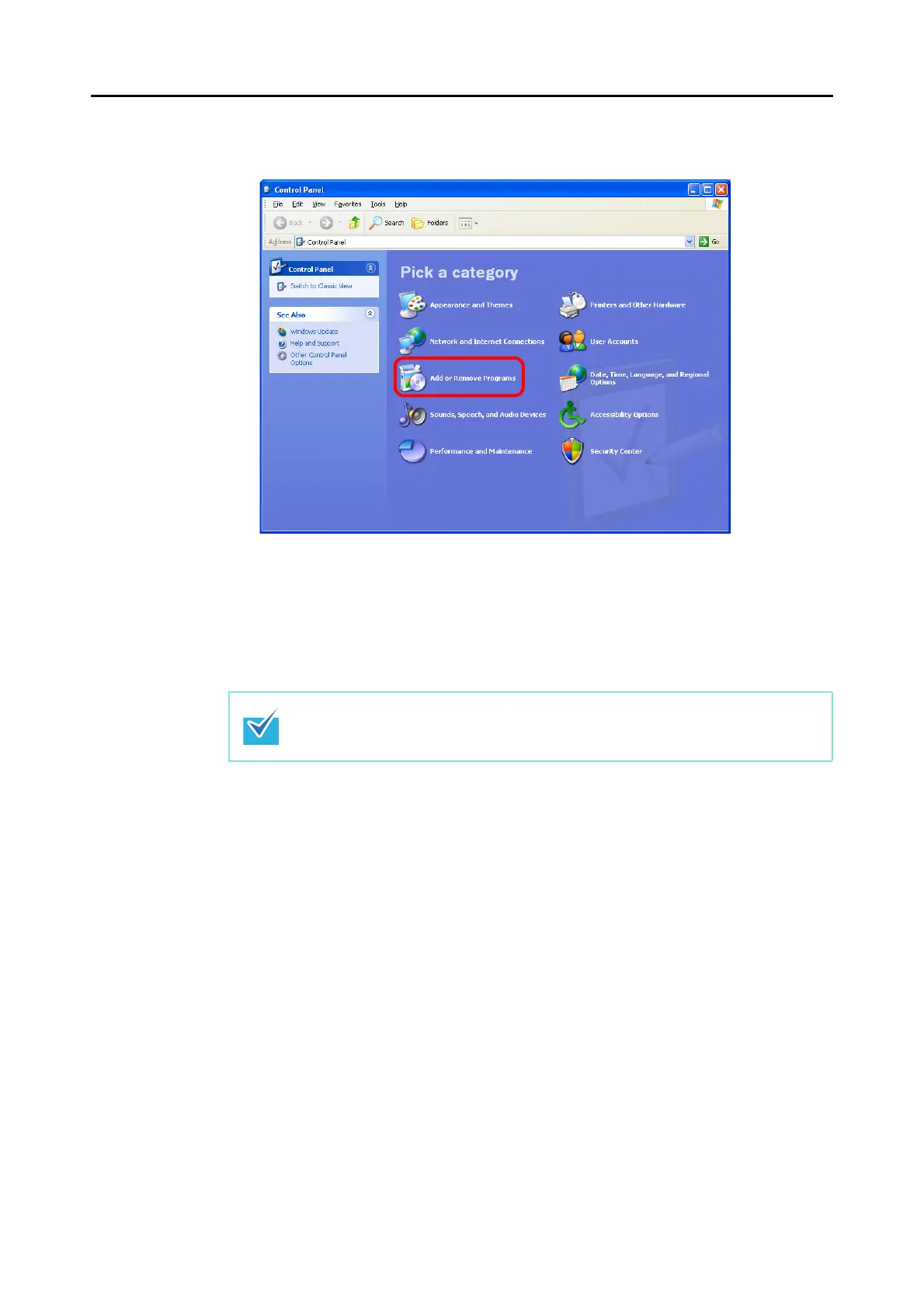
1. Select [start] menu [Control Panel] [Add or Remove Programs].
A list of installed software is displayed.
2. Select a software to uninstall.
The following software must be uninstalled:
- ScanSnap Manager
- ScanSnap Organizer
- CardMinder
3. Click the [Remove] button.
A confirmation message appears.
4. Click the [Yes] button.
The software is uninstalled.
5. Confirm that the software has been removed from the list in [Add or Remove
Programs].
To uninstall more than one software, repeat steps 2. to 5. for each software.



 To Next Page
 Loading...













