Installing in Windows
46
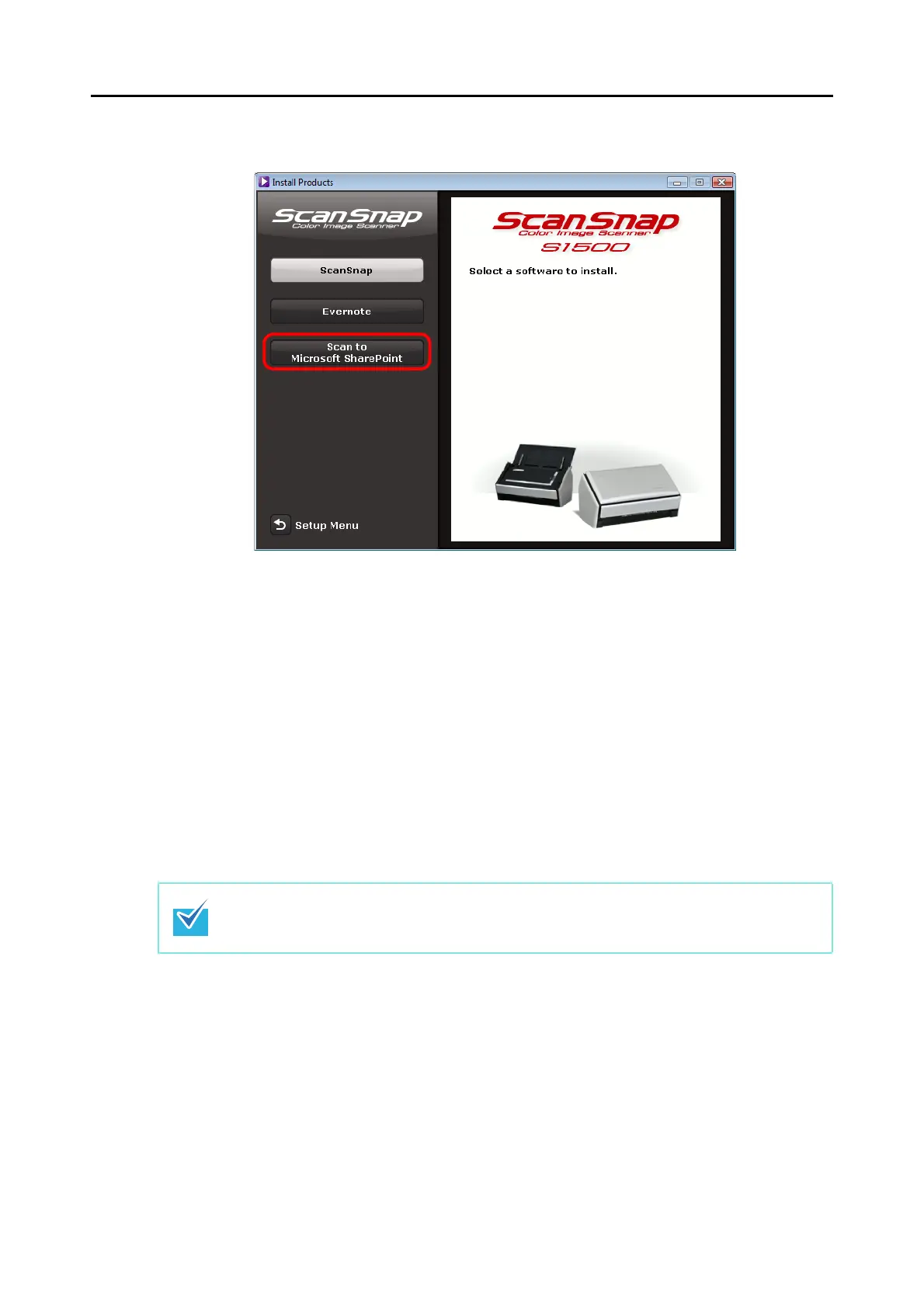
4. Click the [Scan to Microsoft SharePoint] button.
Example: [Install Products] dialog box for S1500
Installation starts.
5. Follow the instructions on the screen to complete the installation.
6. Click the [Close] button when the installation complete notification is
displayed.
7. Remove the Setup DVD-ROM from the DVD-ROM drive.
For details about how to use Scan to Microsoft SharePoint, refer to the Scan to Microsoft
SharePoint User Guide. Click the [Scan to Microsoft SharePoint] button in the [Manuals] dialog
box to open the Scan to Microsoft SharePoint User Guide.



 To Next Page
 Loading...













