6
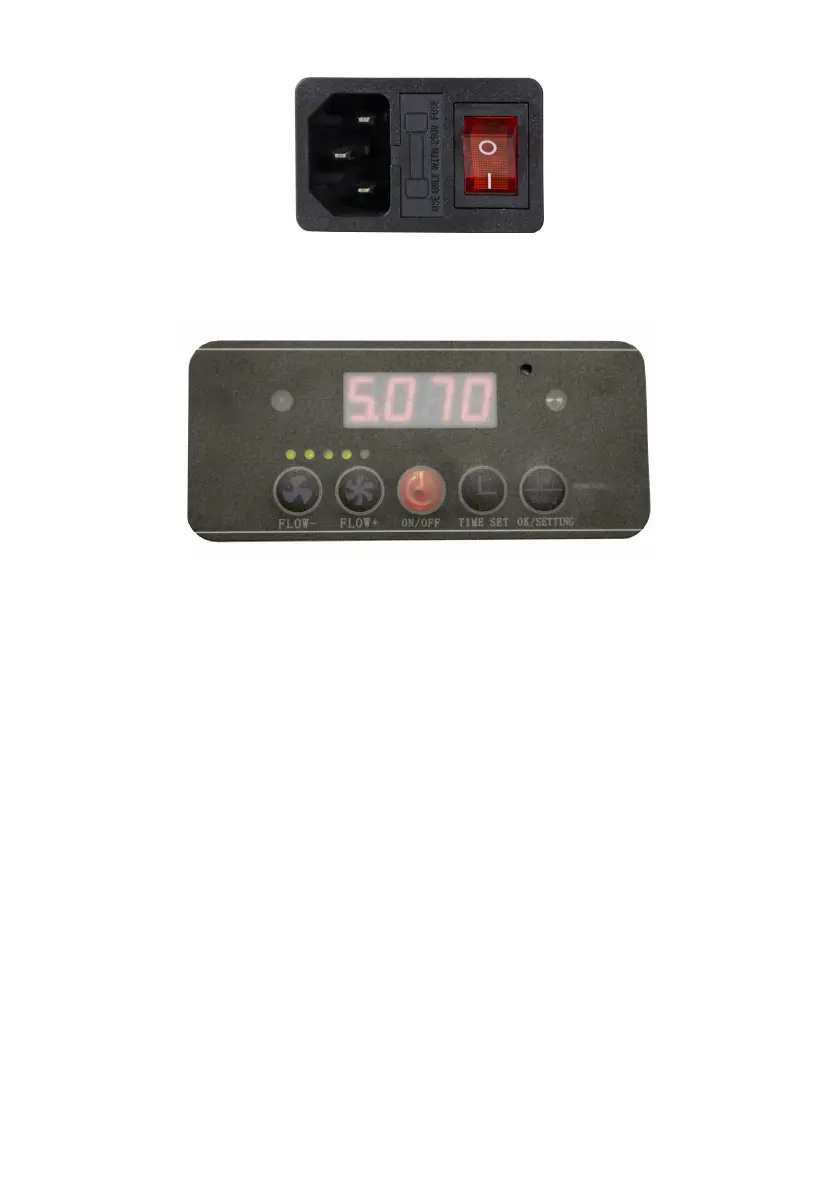
5.5 ControlPanelButtonFunctions
On/OffButton
Pressing the On/Off button on the control panel should cause the
machine to start running and the orange light on the machine control
panel should turn ON. Pressing the power button again should cause
the machine to stop running and the orange indicator light on the
machinecontrolpanelshouldturnOFF.
Flow+Button
Press this button when the machine is running to increase the fan
speed, the number on digital display increases in multiples of 10, the
maximum number is 100 which means the machine is running in full
speed.
FlowButton
Press this button when the machine is running, the number on digital
displaydecreasesinmultiplesof10.
ProperFanSpeed
FullSpectrumLaserFSL200UserManual,2016,Rev.A



 To Next Page