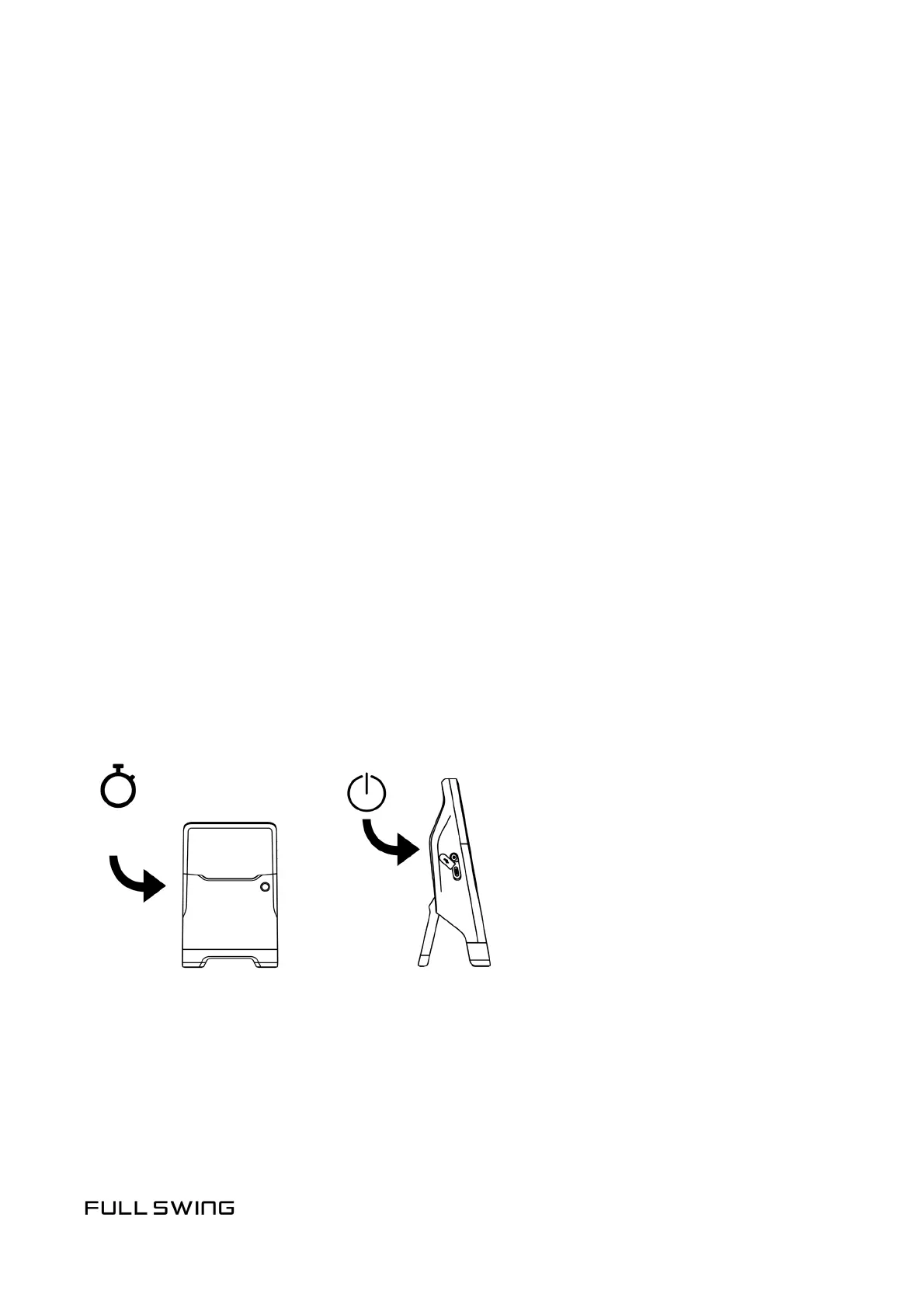
3. PAIR & CONFIGURE
4. CHECK FOR UPDATES
5. POWER IT UP
Open the Full Swing app and follow the onscreen instrucons to:
• Create a Full Swing account or log in with an exisng account
• Pair your KIT with your mobile device
NOTE: Tap the Power buon to view your Device Name in the
upper le corner of the display
• Join your KIT to a Wi-Fi network (required for updates)
Your KIT will automacally download and install new updates while it is charging
and connected to Wi-Fi. For the best experience, please allow any updates
to nish before using your KIT.
NOTE: Do not power the unit on at this me. Updates will only install while
the unit is in charging mode.
Aer your KIT is completely charged and updated, it is ready to use.
• Press and hold the Power buon for 2 seconds to power the unit ON.
POWER ON/OFF
2S


 To Next Page