6
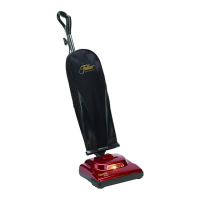
How to Change the Vacuum Bag
How to Remove/Install the Bottom Plate
CAUTION: First, unplug the vacuum cleaner from the electrical outlet�
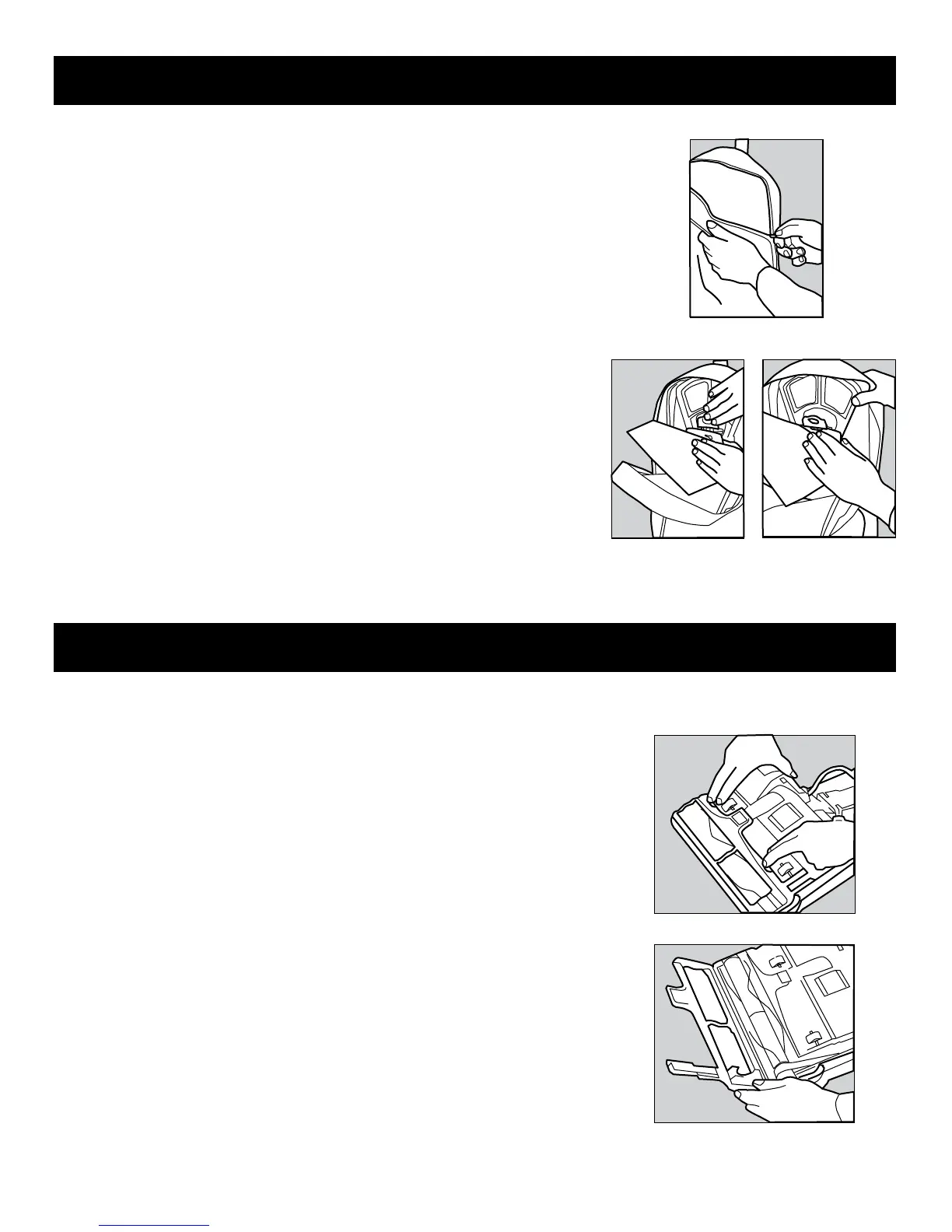
1� Unzip the outer cloth bag (figure 7)�
2� Remove the used bag by pressing the bag holder tab and pulling the bag off the
vacuum (figure 8)� Discard used bag�
3� To install the new bag, position the bottom of the bag collar into the bag collar
holder (figure 9)�
4� Push the top of the bag collar inward and secure it under the bag holder tab�
5� Zip the outer cloth bag closed�
CAUTION: First, unplug the vacuum cleaner from the electrical outlet�
To remove the bottom plate:
1� After unplugging the power cord, turn the vacuum cleaner over, exposing the underside�
2� Press the two holding tabs inward (figure 10) releasing the bottom plate� Remove the
bottom plate�
To install the bottom plate:
1� Align the bottom plate hinges with the corresponding grooves (figure 11)�
2� Press plate into position until the plate “clicks” on both sides�
Fig. 11
Fig. 7
Fig. 9
Fig. 8
Fig. 10


 To Next Page