EasyManua.ls Logo

fully Jarvis - Cable Connection Reset; Check Control Box and Leg Cables

fully Jarvis
9 pages
Print Icon
To Next Page IconTo Next Page
To Previous Page IconTo Previous Page
Loading...
6/8/23, 8:59 AM
My Jarvis is stuck. How do I reset it? – Fully
https://legacysupport.fully.com/hc/en-us/articles/12056688477847-My-Jarvis-is-stuck-How-do-I-reset-it-
2/10
 Ensure your Control Box (Part H) is firmly attached. Go here for installation tips.
 Ensure that you are using the appropriate leg cable(s).
Missing the Leg Extension Cable? Contact us for a replacement.
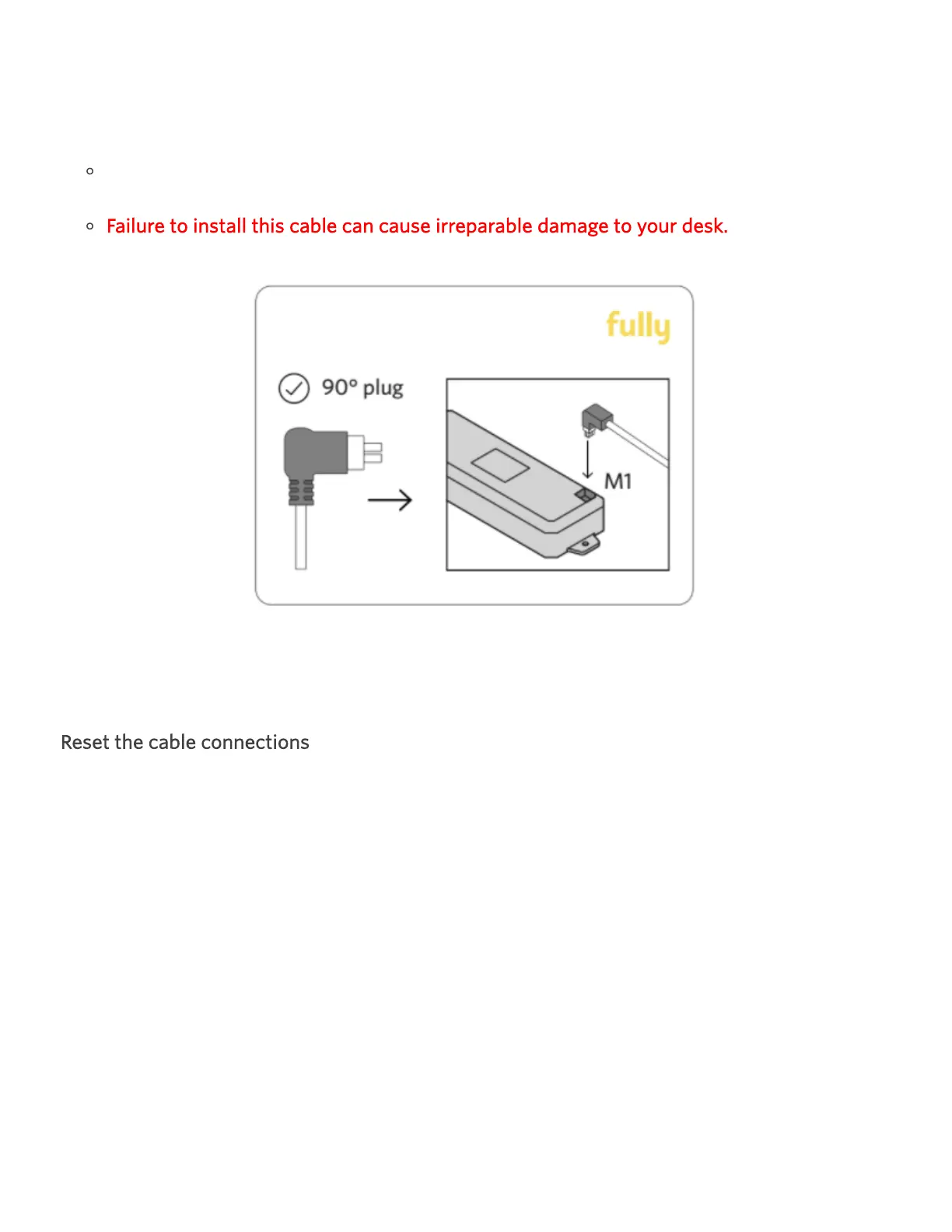
Failure to install this cable can cause irreparable damage to your desk.
If your desk becomes lopsided at any point, stop troubleshooting and contact us.
Reset the cable connections
 Unplug the desk from power.

Other manuals for fully Jarvis

Related product manuals