Step 1
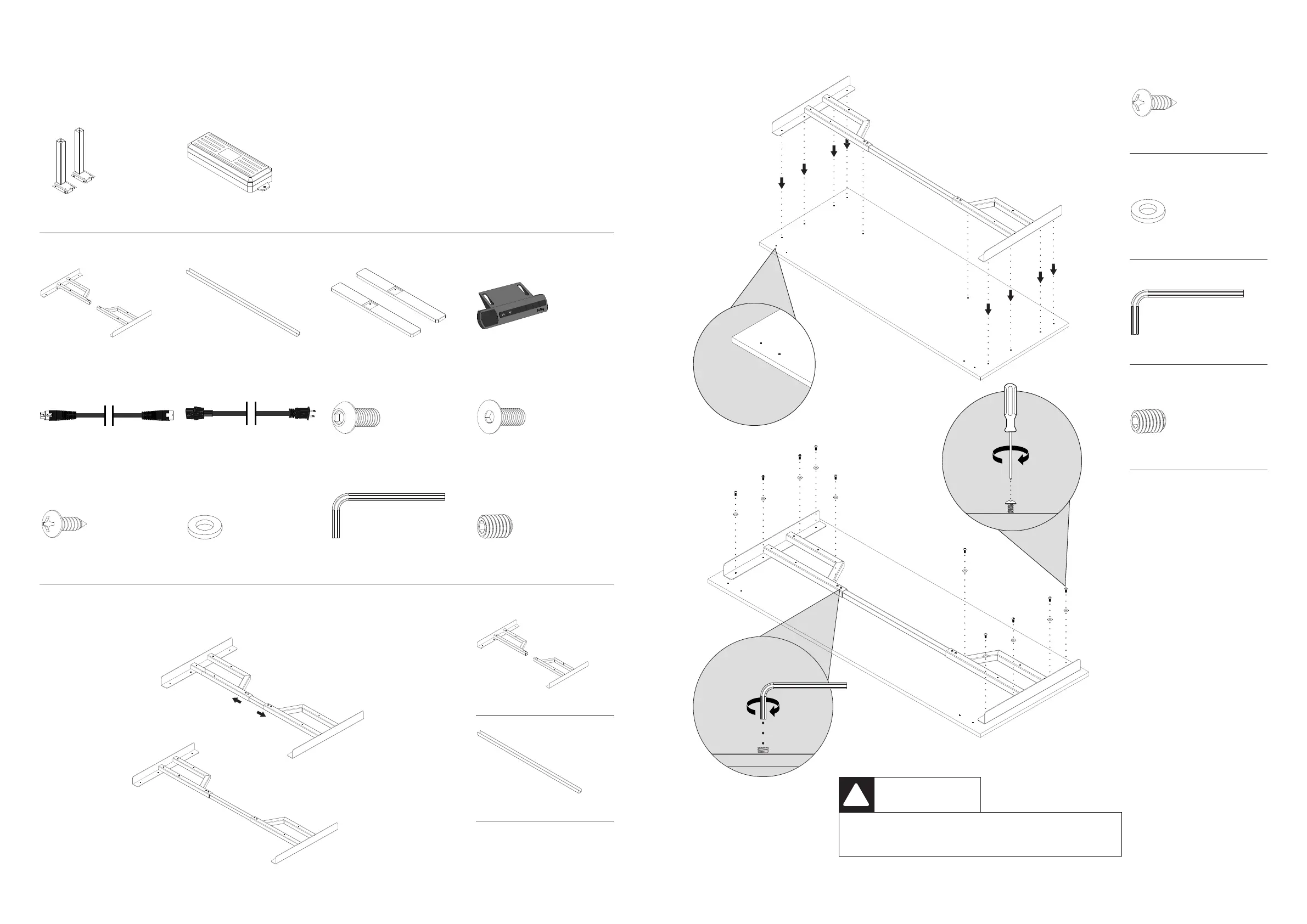
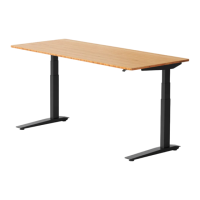
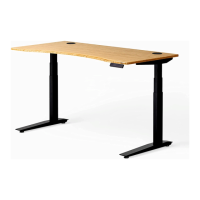
Remi standing desk
E—Feet x2C—Frame End x2
Box 1
Box 2
B—Control Box
I—Medium Machine Screw x8
L—Washers x10
F—Memory Handset
J—Small Countersunk Screw x8
D—Center Rail (Pre-Installed)
A—Lifting Column x2
G—Leg Cable
N—Set Screws (Pre-Installed) x4M—Hex Wrench
H—Power Cable
K—Wood Screw x14
3
D—Center Rail (Pre-Installed)
C—Frame End x2
Step 2
4
K—Wood Screw x10
N—Set Screws (Pre-Installed) x4
M—Hex Wrench
*Front of the Desk
CAUTION
NO IMPACT DRIVERS OR OTHER HIGH TORQUE
EQUIPMENT ARE TO BE USED.
!
L—Washers x10



 To Next Page