17
EN
Hotel Mode Settings
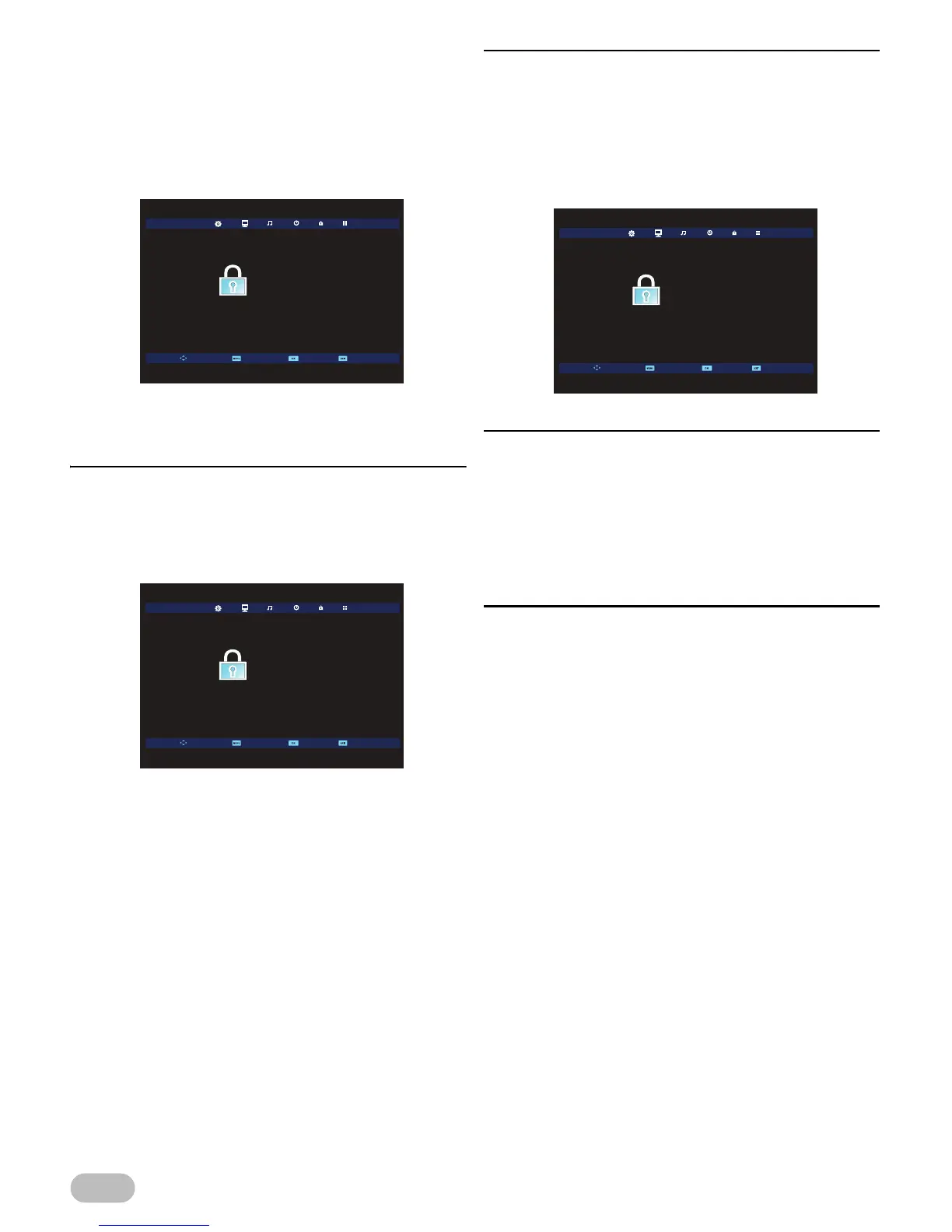
You must enter [Lock System] due to proceed Hotel
Mode setting. For details, refer to “Lock Settings”
(p. 16).
1 Use ◄ / ► to select [LOCK].
2 Use ▲ / ▼ to select [Lock System], then press
OK.
3 Use the Number buttons to enter the 4-digit PIN
code you set.
[Hotel Mode]
4 Use ▲ / ▼ to select [Hotel Mode], then press
OK to enter [Hotel Mode] menu.
5 Use ▲ / ▼ to select [Hotel Mode], then press ◄
/ ► to select [On] to adjust following settings.
[Source Lock]
You can lock the source one by one. If you set to [On],
the source does not appear on the display.
5 Use ▲ / ▼ to select [Source Lock], then press
OK.
6 Use ▲ / ▼ to select the source you want, then
press OK to set to [On].
[Default Source]
You can set the first displaying source as the unit turns
on.
5 Use ▲ / ▼ to select [Default Source], then
press OK.
6 Use ▲ / ▼ to select the source you want, then
press OK to set the default.
[Default Prog]
If you set [ATV] in [Default Source], you can set the
the first displaying ATV programme number as the unit
turns on.
5 Use ▲ / ▼ to select [Default Prog], then press
OK.
6 Use ▲ / ▼ to select the programme you want,
then press OK to set the default.







 To Next Page