10 EN
To Select a Desired Channel
You can select a desired channel by using CHANNEL (K/L), or
directly pressing the Number buttons on the remote control.
• Enter a channel numbers as a two-digit number for the
quickest results. For example, to select channel 6, press
0
and 6. If you only press 6, channel 6 will be selected after a
brief delay.
• You can only select channels 01–99.
Manual Channel Preset
• Use the remote control for this procedure.
1) Press
VCR, then SETUP.
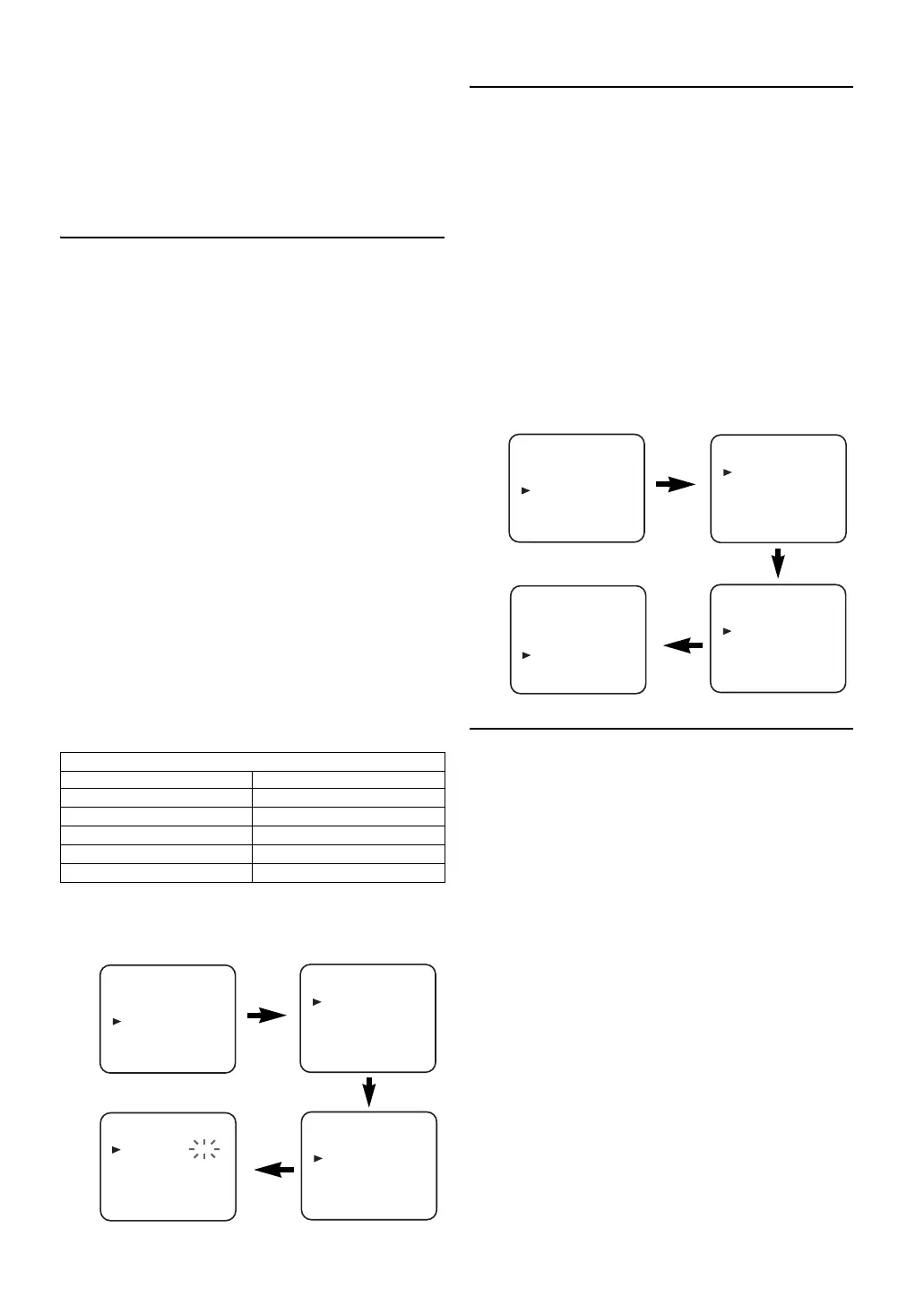
2) Press K or L to select “INITIAL”, then press B.
3) Press K or L to select “CH TUNING”, then press B.
4) Press K or L to select “MANUAL”, then press B.
5) Press K or L to select “POSITION”, then press B.
•When a weak signal is received in Manual Tuning mode,
you can change the background to solid blue or the
static screen by pressing C.RESET.
6) Press the Number buttons, K or L to select your desired
position number, then press B.
•You can select position number 01-99.
•If “ON” appears on the right side of “SKIP”, press K or
L to point to “SKIP”. Then, press B to select “OFF”.
•If you want to remove scrambled signals, press K or L
repeatedly to point to “DECODER”. Then, press B to
select “ON”.
7) Press K or L to select “CHANNEL”, then press B.
8) Press K or L to start scanning.
•The unit’s tuner will begin to search up or down
automatically. When a channel is found, the unit will
stop searching and the picture will appear on the TV
Screen.
•You can select desired channel number by using
the Number buttons. You must refer to the following
Channel Plan table and press three digits to select the
channel number.
(To select channel 24, press “0” button first and then
press “2” and “4”.)
•If this is the channel you want, press B.
This unit can receive Hyper and Oscar frequency bands.
9) Press SETUP to exit.
Note: • To confirm that a channel has been added, press
CHANNEL (K/L).
To Skip a Preset Channel
The channels you can no longer receive or seldom watch can
be set to be skipped when you access channels by pressing
CHANNEL (K/L).
• Use the remote control for this procedure.
1) Press
VCR, then SETUP.
2) Press
K or L to select “INITIAL”, then press B.
3) Press
K or L to select “CH TUNING”, then press B.
4) Press
K or L to select “MANUAL”, then press B.
5) Press
K or L to select “POSITION”, then press B.
6) Press
the Number buttons, K or L to select relevant
position number, then press
B.
7) Press
K or L to select “SKIP”, then press B to select
“ON”.
•To memorise the channel again, press B. “ON” will
change to “OFF”.
8) Press
SETUP to exit.
Note: • To confirm that a channel has been deleted, press
CHANNEL (K/L).
Channel Reprogramming
You can replace two channels.
• Use the remote control for this procedure.
1) Press
VCR, then SETUP.
2) Press
K or L to select “INITIAL”, then press B.
3) Press
K or L to select “CH TUNING”, then press B.
4) Press
K or L repeatedly to select “MOVE”, then press B.
5) Press
K or L repeatedly to select the position number you
want to change the channel, then press
B.
•You cannot select a position number where “- - -”
appears next to the number. This is because “SKIP” is
set to “ON” for this position number.
•When a weak signal is received in Channel
Reprogramming mode, you can change the background
to solid blue by pressing
C.RESET.
If you press
C.RESET again, the background will return
to the static screen.
6) Press K or L repeatedly until the channel move to another
position number, then press
B.
Channel Plan
CH Indication TV Channel
01 – 10 IRA – IRJ, GAP
21 – 69 E21 – E69
74 – 78 X, Y, Z, Z+1, Z+2
80 – 99, 100 S1 – S20, GAP
121 – 141 S21 – S41
INITIAL
CH TUNING
CLOCK
CH TUNING
AUTO
MANUAL
MOVE
MANUAL
POSITION
CHANNEL
DECODER
SKIP
P08
008
[OFF]
[OFF]
MENU
TIMER
SET UP
INITIAL
INITIAL
CH TUNING
CLOCK
MANUAL
POSITION
CHANNEL
DECODER
SKIP
P08
008
[OFF]
[ON]
CH TUNING
AUTO
MANUAL
MOVE
MENU
TIMER
SET UP
INITIAL
E8GA5BD(EN).fm Page 10 Tuesday, April 17, 2007 11:56 AM



 To Next Page