24 EN
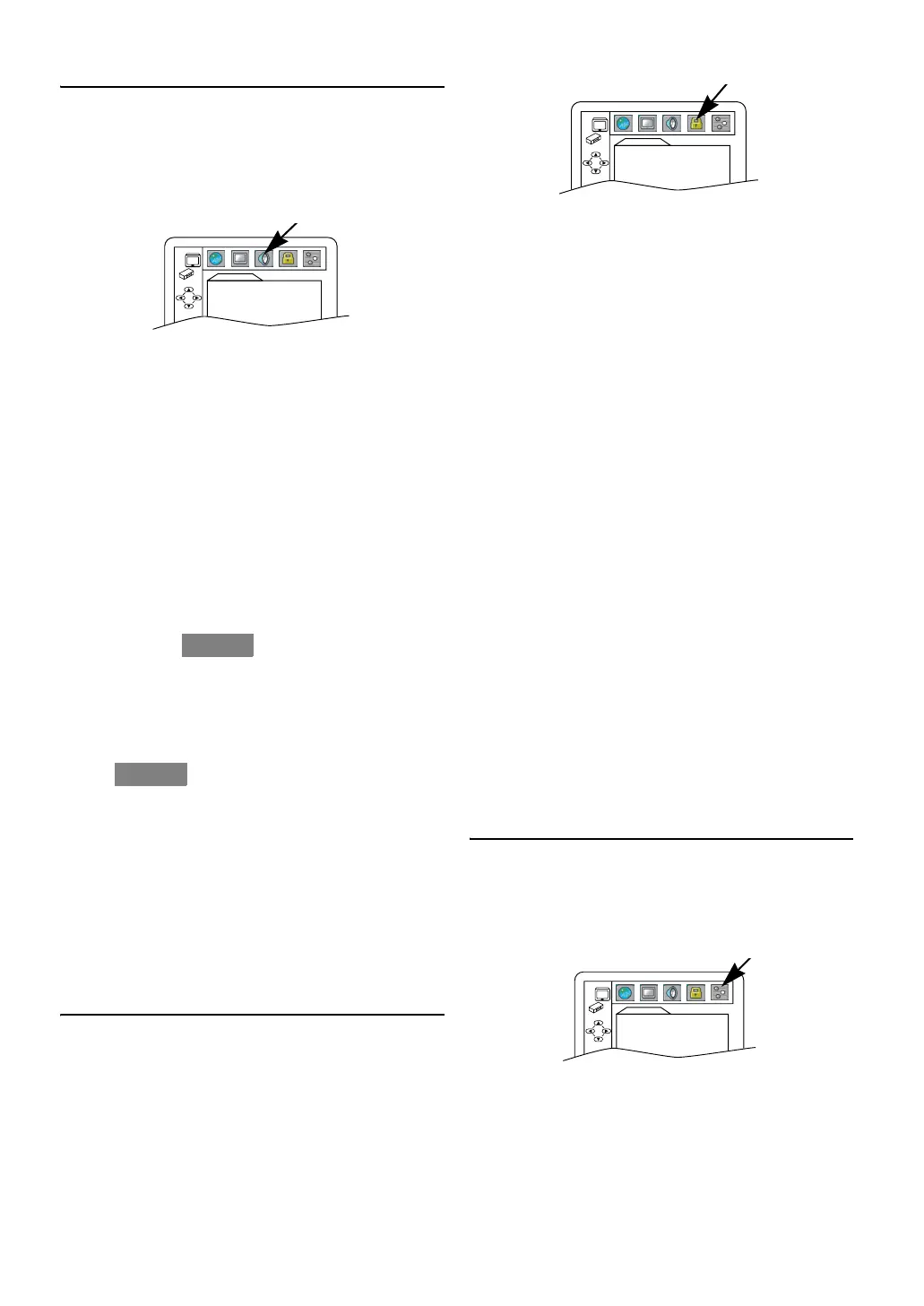
Audio Setting
Choose the appropriate audio settings for your equipment. It
only affects during the playback of DVDs.
1) In Stop mode, press
SETUP .
2) Press
s or B to select “CUSTOM”, then press ENTER.
•CUSTOM mode screen will appear.
3) Press
s or B to select “AUDIO”, then press ENTER to
confirm.
4) Press
K or L to select the below items.
5) Press
ENTER repeatedly to select “ON” or “OFF”.
6) Press
SETUP to exit.
DRC (Dynamic Range Control) :
ON : to compress the sound range.
OFF : to output an original sound range.
• This function is only available on DVDs recorded in the
Dolby Digital format.
• The default setting is “ON”.
DOWN SAMPLING :
ON : to convert 96 kHz format into 48 kHz.
OFF : to output the original sound.
• This function is only available when this unit is connected
to another source using the DIGITAL AUDIO OUT jack.
• When playing a disc with copyright protection, the sound
will be down sampled at 48 kHz, even if you set to “OFF”.
• The default setting is “ON”.
DOLBY DIGITAL :
BITSTREAM : to output Dolby Digital signals.
PCM : to convert Dolby Digital signals to PCM (2
channel) signals.
• Set to “BITSTREAM” when this unit is connected to a
Dolby Digital decoder.
• The default setting is “BITSTREAM”.
MPEG :
BITSTREAM : to output MPEG formatted sound.
PCM : to convert MPEG signals to PCM signals.
• Set to “BITSTREAM” when this unit is connected to an
MPEG decoder.
• The default setting is “PCM”.
MP3 SURROUND :
BITSTREAM : to output MP3 files in Bitstream.
PCM : to output all the MP3 files in stereo.
• Set to “BITSTREAM” when this unit is connected to an
amplifier for mp3surround.
• The default setting is “PCM”.
Parental Control
Parental Control prevents viewing of DVDs that exceed your
rating limit. The password is required to change the
“PARENTAL LEVEL”.
This feature prevents your children from viewing
inappropriate materials.
1) In Stop mode, press
SETUP .
2) Press
s or B to select “CUSTOM”, then press ENTER.
•CUSTOM mode screen will appear.
3) Press s or B to select “PARENTAL”, then press ENTER.
4) Press
the Number buttons to enter your 4-digit password.
•When doing this for the first time, enter any 4-digit
number by pressing the Number buttons (except for
4737), then press
ENTER. That number will be used as
the password from the second time onward. Record your
password in case you forget it.
•If you forget the password, press
4, 7, 3, 7. The original
password will be cleared and parental levels will be set to
“ALL”. Enter a new 4-digit password, then press ENTER.
5) Press
K or L to select “PARENTAL LEVEL”, then press
ENTER.
6) Press
K or L to select the desired level, then press ENTER.
For details, see below.
7) Press
SETUP to exit.
PARENTAL LEVEL :
ALL : All parental locks are cancelled.
8 : DVD software of any grades (adult/general/
children) can be played back.
7 to 2 : Only DVD software intended for general use
and children can be played back.
1 : Only DVD software intended for children can be
played back.
Note: • This function may not work on some DVDs. Make
sure if the parental lock function operates in the way
you have set.
• The resume information will be cleared if you change
the parental level when the resume information is on.
To Change the Password
1) Follow the steps 1) to 4) above.
2) Press
K or L to select “PASSWORD CHANGE”, then
press
ENTER.
3) Enter a new 4-digit password, then press
ENTER.
4) Press
SETUP to exit.
Others Setting
You can change the other functions.
1) In Stop mode, press
SETUP .
2) Press
s or B to select “CUSTOM”, then press ENTER.
•CUSTOM mode screen will appear.
3) Press
s or B to select “OTHERS”, then press ENTER to
confirm.
4) Press K or L to select the below items, then press ENTER.
Select options following instructions below.
5) Press SETUP to exit.
ANGLE ICON :
ON : to show the angle icon when multiple camera angles are
available during DVD playback.
OFF : to hide the angle icon.
•Press
ENTER repeatedly to select “ON” or “OFF”.
• The default setting is “ON”.
AUDIO
DRC ON
DOWN SAMPLING ON
DOLBY DIGITAL BITSTREAM
MPEG PCM
MP3 SURROUND PCM
QUICK
QUICK
PARENTAL
PARENTAL LEVEL ALL
PASSWORD CHANGE
OTHERS
ANGLE ICON ON
AUTO POWER OFF ON
DUAL PLAYBACK OFF
SLIDE SHOW 5sec
E8GA5BD(EN).fm Page 24 Tuesday, April 17, 2007 11:56 AM



 To Next Page