–
13
–
EN
DVD FUNCTIONS
1
2
Repeat / Random Playback
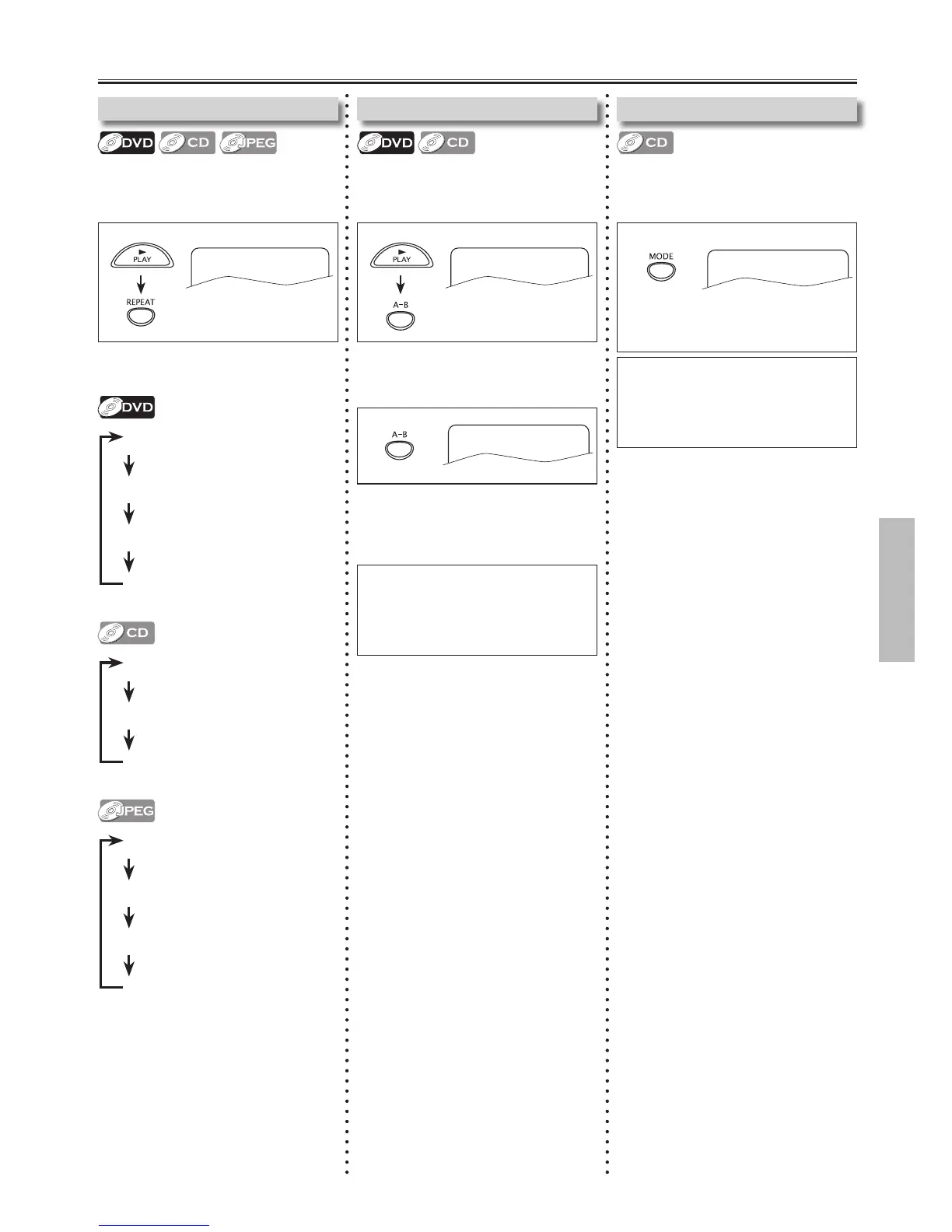
Each time you press [REPEAT], repeat
function changes as example below.
Repeat Playback
Repeat function is available only during
playback.
Repeat A-B Playback
Repeat function is available only during
playback.
REPEAT A-B
Note:
• To exit the sequence, press [A-B] so
that “A-B CANCEL” appears.
• This function does not work in the other
repeat modes.
1
REPEAT A-
e.g.) DVD
1 Press [MODE].
Random Playback
This function shuffles the playing tracks
instead of playback in the sequence.
Note:
• During random playback, you cannot
go back to the previous track.
Press [ SKIP G ] to search tracks or les
randomly.
Random playback will start.
RANDOM: On
REP OFF (repeat off)
REP CHAPTER
( current chapter repeat)
REP TITLE (current title repeat)
REP ALL (entire disc repeat)
REP OFF (repeat off)
REP 1 ( current track repeat)
REP ALL (entire disc repeat)
REP OFF (repeat off)
REP 1 ( current track repeat)
REP DIR ( current folder repeat)
REP ALL (entire disc repeat)
REP OFF
Press [A-B] again at your desired ending
point. (B)
• Point B should be in the same title or
track as point A.
Press [A-B] at your desired starting point. (A)
• To cancel point A, press [CLEAR].



 To Next Page