23
Tips
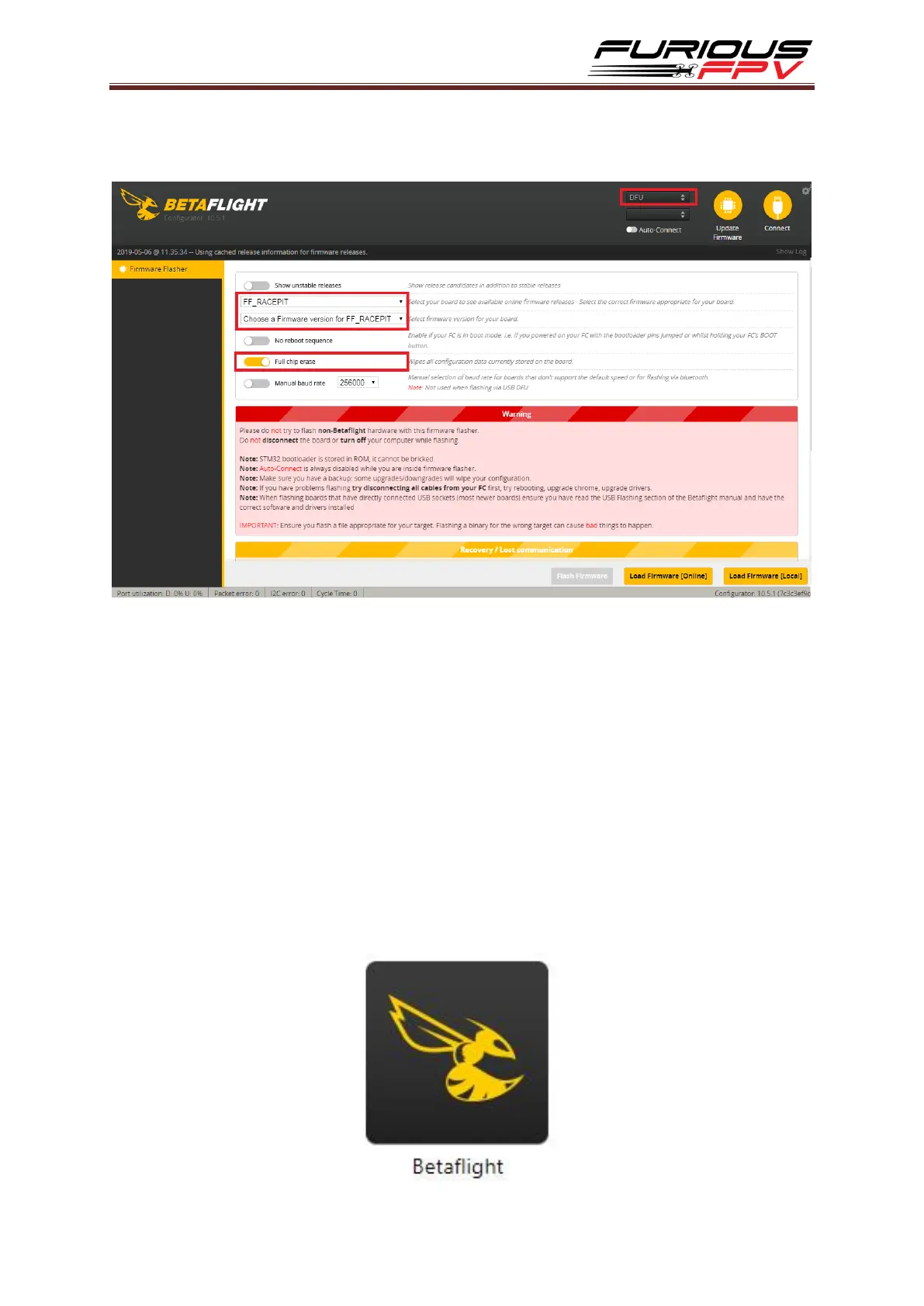
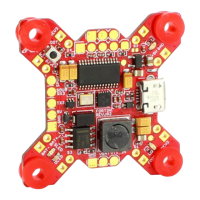
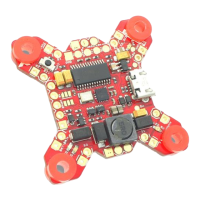
How to flash firmware for Racepit
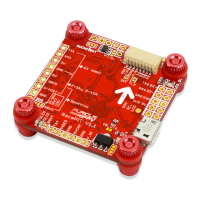
Step 1: Hold Boot button on FC and plug into PC via USB cable to go into DFU mode
Step 2: Turn on Full chip erase
Step 3: Select target FF_RACEPIT
Step 4: Choose new FW version for Flight Controller
Step 5: Click Load Firmware [Online] to download FW
Step 6: Click Flash Firmware to flash FW for Flight Controller
Guideline configuration OSD with BetaFlight
Step 1: Connect FC with computer via USB cable.
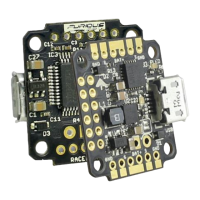
Step 2: Open Betaflight Configurator.


 To Next Page