6
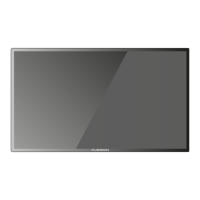
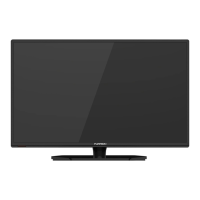
Main unit description
Control Panel Button Function
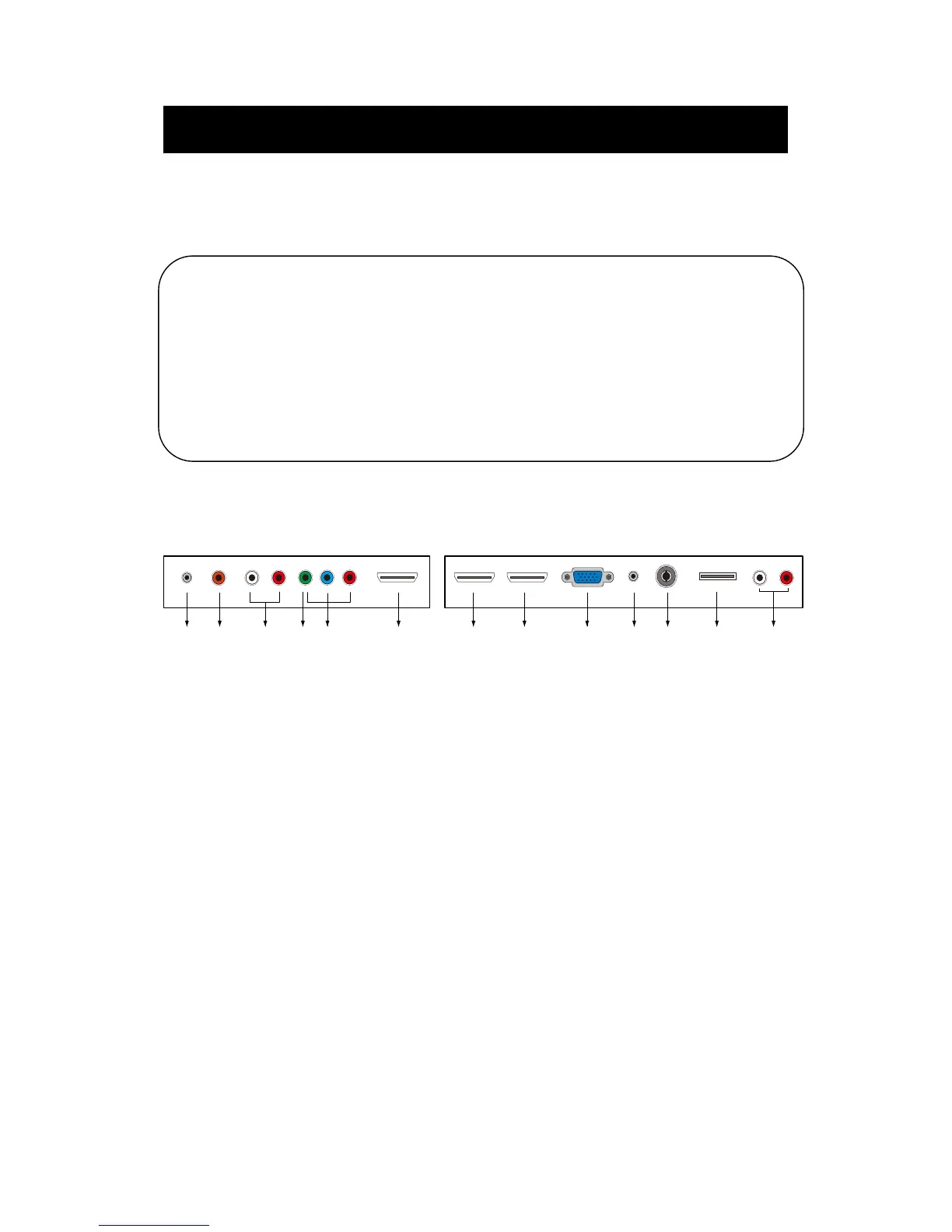
TV Terminal Connections
VOL+ : Volume up.
VOL- : Volume down.
CH+ : TV channel up.
CH- : TV channel down.
MENU : Press to select the main menu.
SOURCE : Select the input signal.
POWER : Switch on when at standby mode or enter the standby mode.
4. VIDEO IN terminal
3. AUDIO IN (L & R) terminal
5. COMPONENT IN (Y Pb Pr) terminal
1 23 54678910111213
1. EARPHONE OUT terminal
2. COAXIAL OUT terminal
13. AUDIO OUT (L & R) terminal
12. USB INPUT terminal (for SERVICE only)
6. HDMI 1 IN terminal
7. HDMI 2 IN terminal
8. HDMI 3 IN (ARC) terminal
9. VGA IN terminal of simulation signal of PC
10. PC AUDIO IN terminal
11. RF IN terminal (antenna)


 To Next Page