1. OPERATION
1-53
1
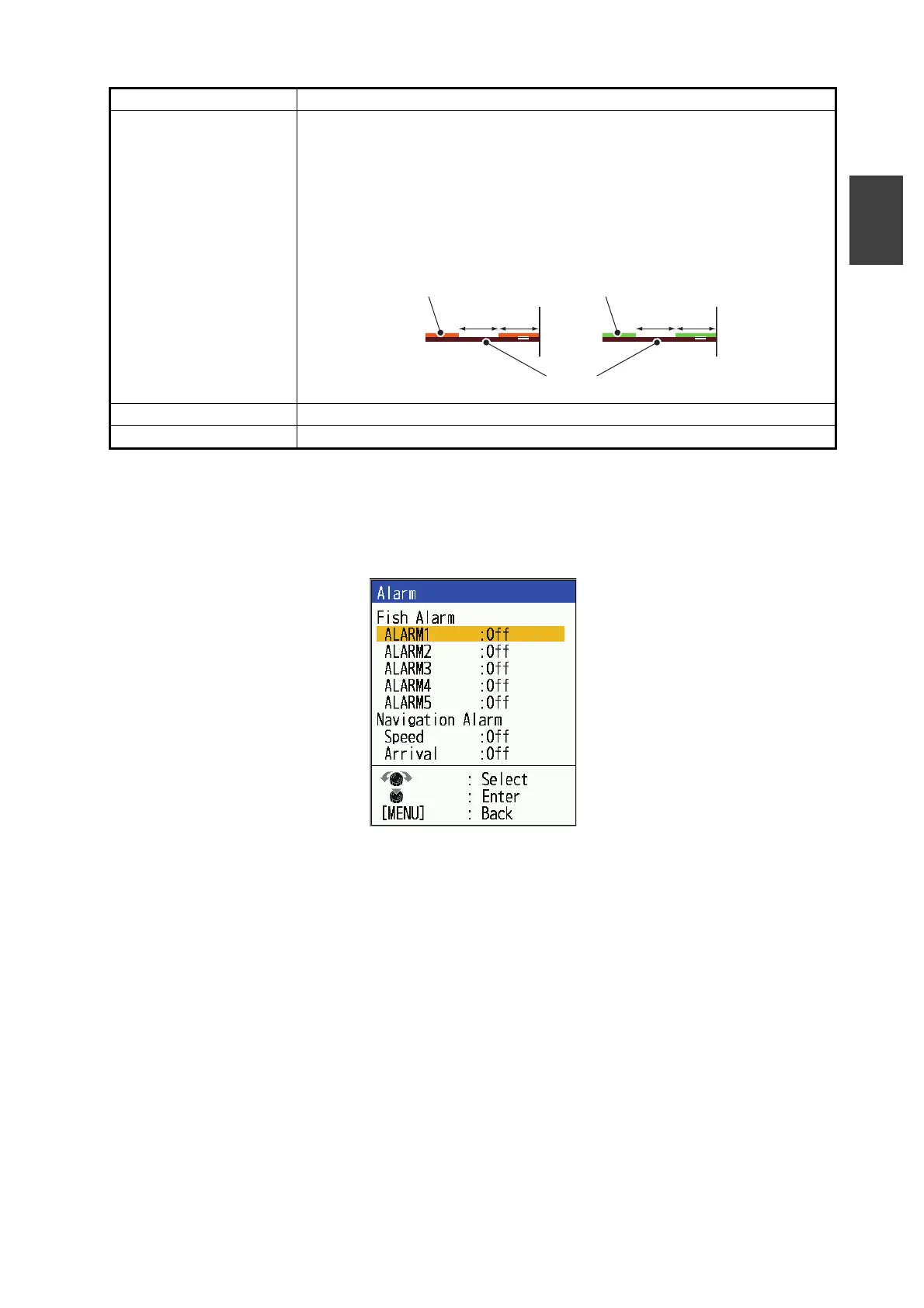
1.26.3 [Alarm] menu
The [Alarm] menu allows you to make settings related to alarms. For a description of
each item, see section 1.21.
[Header Scale] The header scale (below the header info) provides an estimate of time or
distance.
• Time: An orange bar and a “blank” bar scroll across the screen for 30
seconds each. (One set is one minute.)
• Distance: An orange bar and a “blank” bar scroll across the screen.
Each bar is equal to 0.03 NM. (One set is 0.06 NM.) Requires either
speed or position data.
[ACCU-FISH] See section 1.17.
[Bottom Dis.] See section 1.18.
Menu Item Description
00 00
0.03NM 0.03NM
Time marker
(orange)
Range marker
(green)
TX line
30s 30s



 To Next Page