7. RC1840 Equipment Setup
7-5
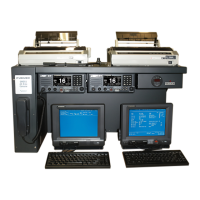
7.4 DSC-60 DSC/Watch Receiver
Refer to the Installation Manual, DSC-60
7.4.1 General
1) Power up the unit.
2) Press the [3/TEST] key, to start the self-test.
3) The test will run automatically and print the results.
4) Verify all test are OK and press the [CANCEL] key to return to
normal operation.
7.4.2 MMSI
1) To set the MMSI, refer to the Dealers Manual, Pg. 2.

 To Next Page
 Loading...