Procedure
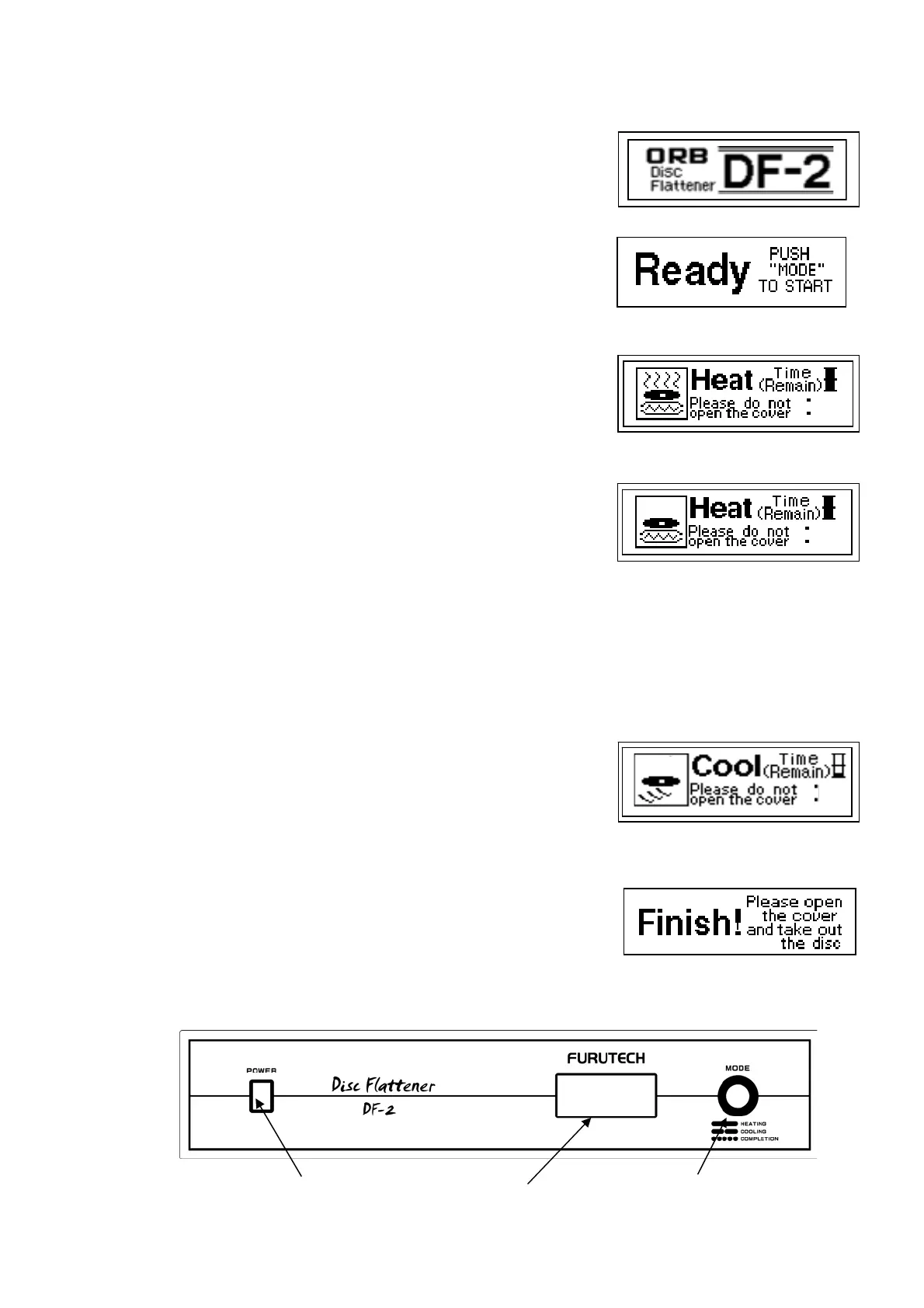
1. After switching on the power the Start display will flash and in about
5 seconds the standby screen appears.
2. Heating begins after pressing the mode button. By pressing the
mode button a second time within 5 seconds of first pushing it, the
Heating selection screen will show and you can change the heating
time (1hr, 1½hr, 2hr, 2½hrs). If the mode button is not pushed a
second time within 5 seconds then the preset heating time (1½hrs)
begins.
In warm climates 1hr ~1½hrs is recommended and in cold climates
2~2½hrs is recommended. There is the possibility of damaging LPs
with long period treatments, so please be sure to test on an LP of
no value first. Results cannot be guaranteed.
During the heating process the heating screen displays. As long as
the power switch is not turned off during the heating period, this
screen will remain. Do not move or open the DF-2 during the
heating process. Do not lock the latches during treatment.
3. Once the heating stage of the process is complete, the cooling
screen will be displayed. The cooling process is set at 2hrs. The
heating process may be interrupted by pressing the mode button
for more than three seconds. The cooling process will then
automatically begin. Do not open the DF-2 during the cooling
process.
4. Once the cooling stage of the process is completed, a tone will
sound indicating completion and the mode button will flash. After
confirming completion the LP may be removed from the DF-2.
5. Pressing the mode button shows the completion screen and that
returns to the standby screen.
Start Screen
Stand b
screen
Time Selection Screen
Coolin
Screen
Com
letion Screen
Mode Button Powe
Dis
la
Heatin
Screen
1
30
25℃
57℃
2
00
1
29


 To Next Page
 Loading...