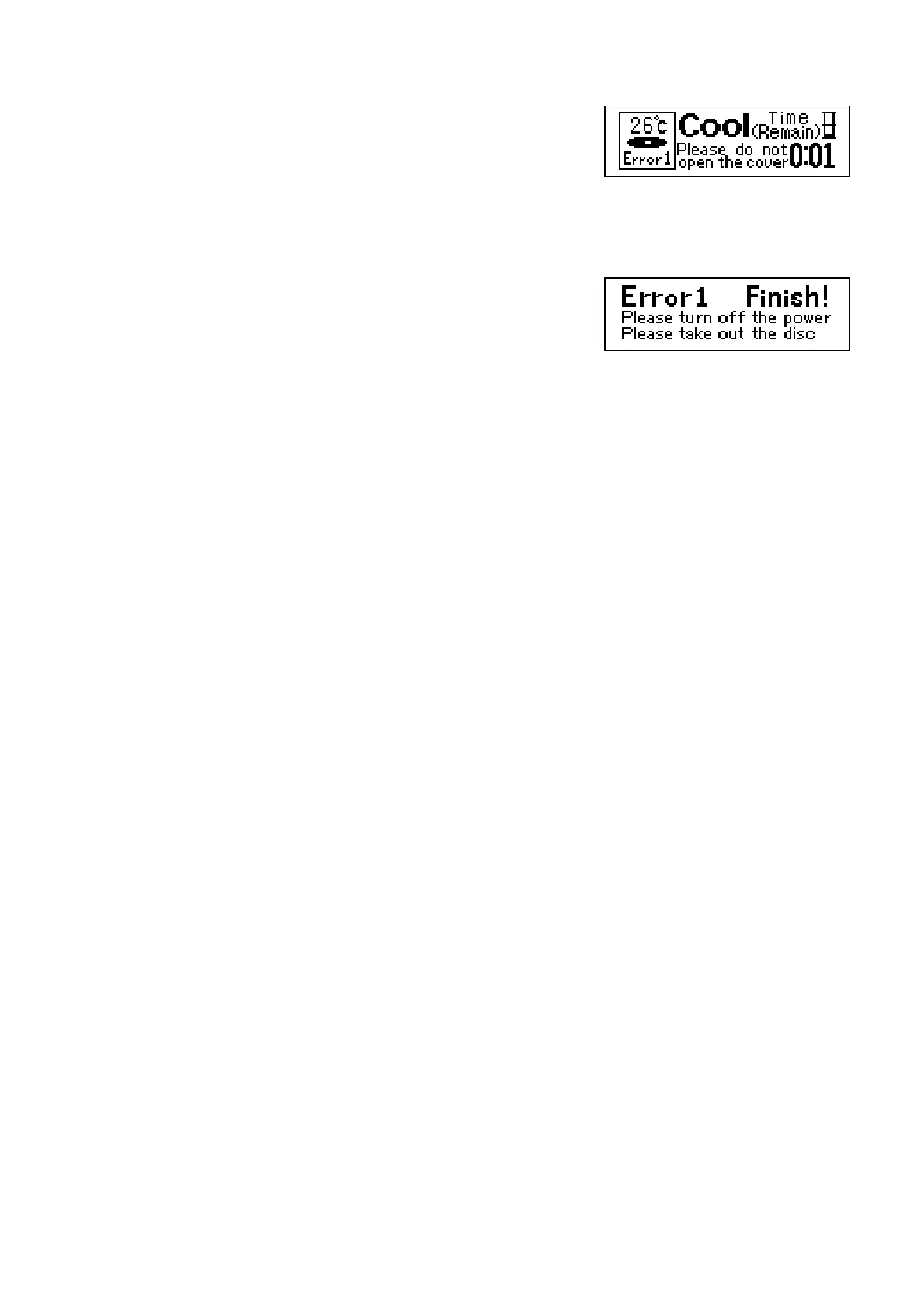
6. Should the device sense an abnormality during the heating process,
the process will automatically stop and the cooling process will
begin. An alarm will sound for 10 seconds to notify this change. To
stop the alarm press the mode button.
An Error sign will show on the display screen.
Caution: Do not open the cover until the cooling process is
complete.
7. Once the cooling process is complete the alarm will sound for 10
seconds. Press the mode button to stop the alarm. The display
screen will show an “Error Finish” image.
Error 1. High temperature abnormality (Temperature too high)
Error 2. Sensor abnormality (sensor fault)
Error 3. Heating abnormality (not heating correctly)
8. If any of these errors are experienced, please contact the dealer from where you purchased or the
manufacturer.
Erro
Screen
Error Cooling
Completion Screen



 To Next Page