AIR FILTER REPLACEMENT
How to replace the EDGE air filters.
Your EDGE printer shipped from the factory with a print chamber filter pre-installed. The HEPA and carbon
filter elements must be replaced regularly to maintain correct performance and effective filtration of the
exhaust air from the print chamber.
WHEN TO REPLACE
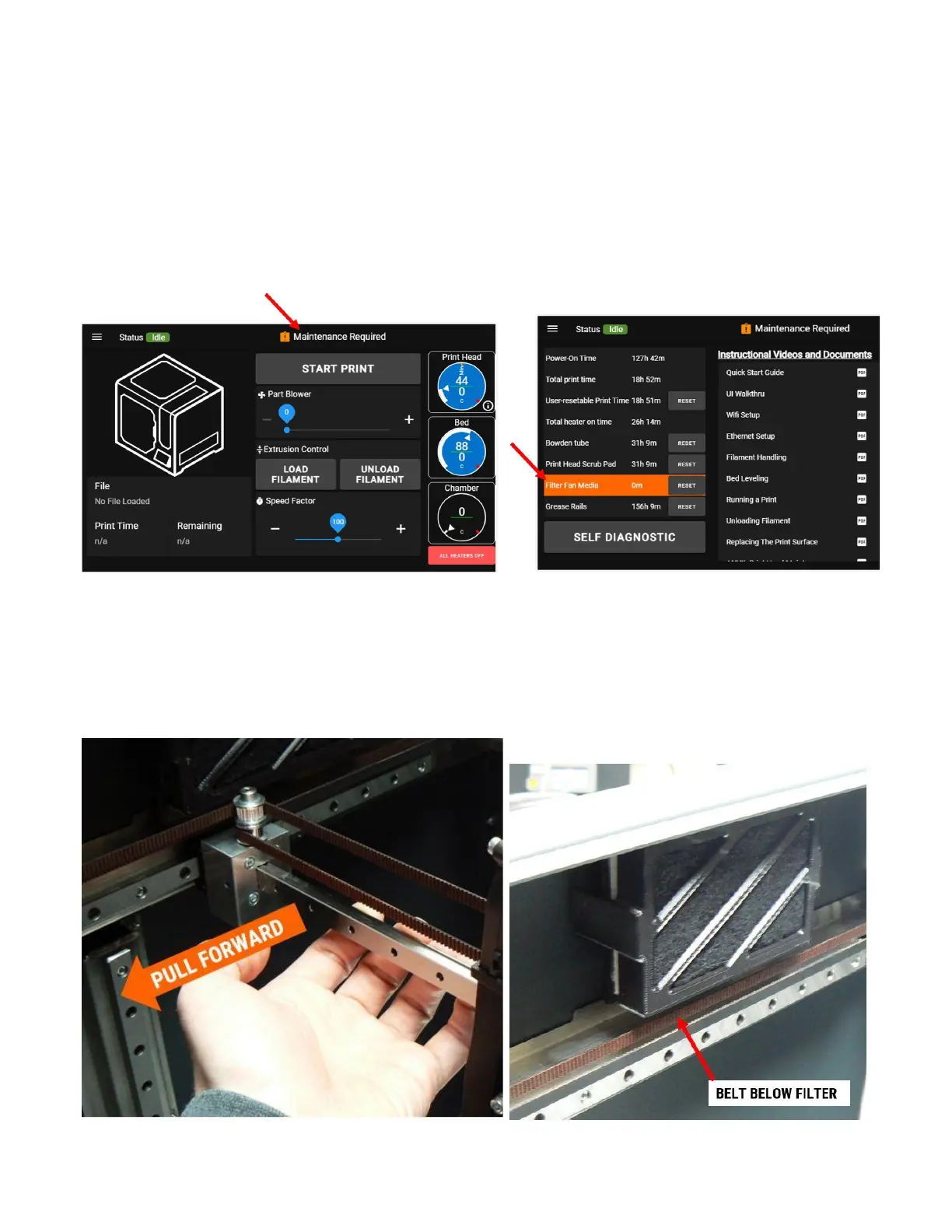
Replaced on a maintenance schedule - notification will appear when due for replacement
HOW TO REPLACE
1. EDGE should be idle and cold (bed & print head).
2. Manually move the X axis rail to the front of its travel.



 To Next Page