41
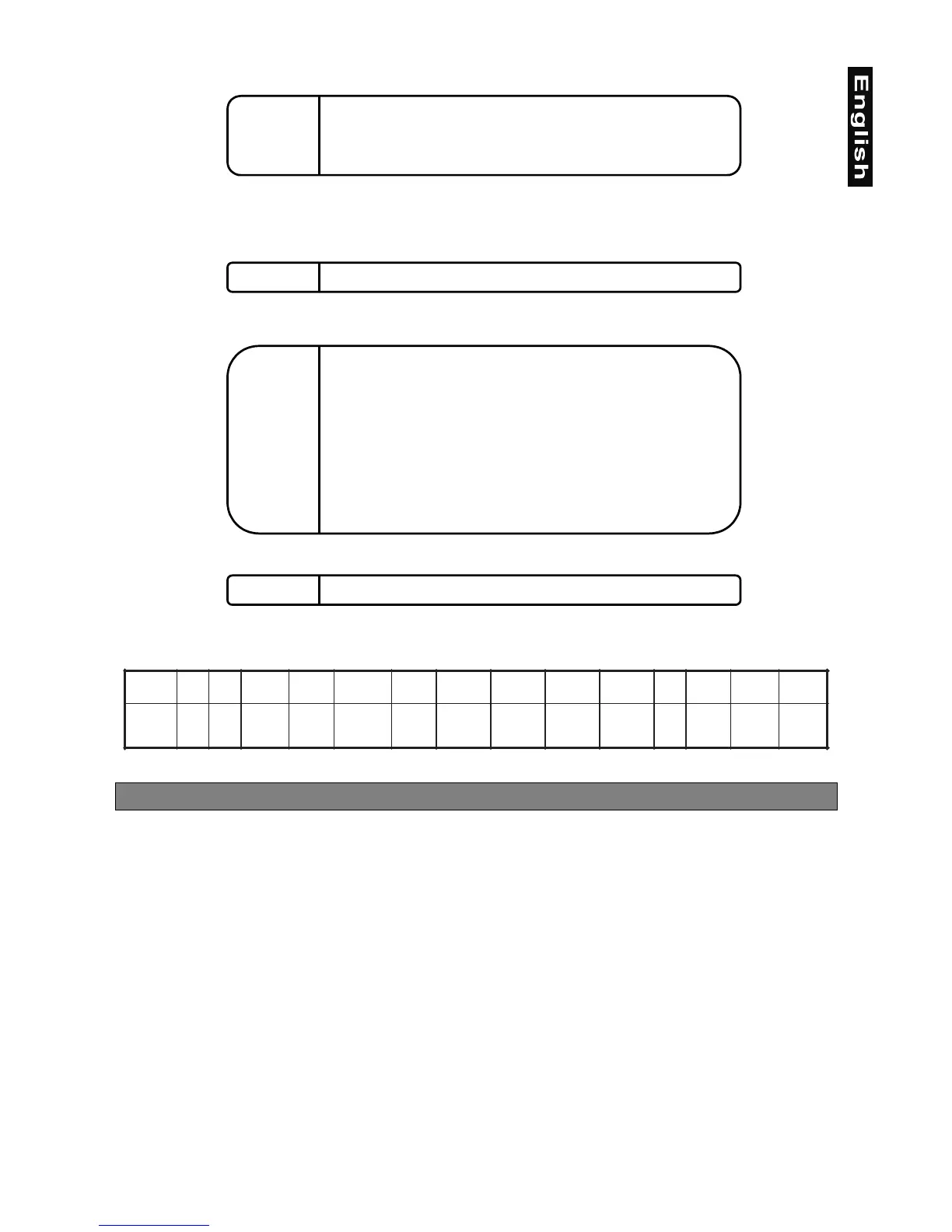
Channel 12 - Rotating gobo index, rotating gobo rotation
0 - 127 Gobo indexing
128 - 191 Forwards gobo rotation from fast to slow
192 No rotation
193 - 255 Backwards gobo rotation from slow to fast
Channel 13 - No function
Channel 14 - Focus
0 - 255 Continuous adjustment from far to near
Channel 15 - Shutter, Strobe
0 - 31 Shutter closed
32 - 63 No function (Shutter open)
64 - 95 Strobe-effect from slow to fast (max. 10 flashes/second)
96 - 127 No function (Shutter open)
128 - 159 Pulse-effect in sequences
160 - 191 No function (Shutter open)
192 - 223 Random strobe-effect from slow to fast
224 - 255 No function (Shutter open)
Channel 16 - Dimmer intensity
0 - 255 Gradual adjustment of the dimmer intensity from 0 to 100 %
Function of the control channels - 8 bit protocol:
XMD
lennahC
1234567 8 9 0111213141
noitcnuF
NAPTLIT
TLIT/NAP
DEEPS
NAF
FFO/NO
PMAL
SRUOLOC-MSIRP
MSIRP
NOITATOR
GNITATOR
SOBOG
OBOG
NOITATOR
-SUCOFOBORTSREMMID
Addressing
The Control Board on the top side of the MH-660 allows you to assign the DMX fixture address, which is
defined as the first channel from which the MH-660 will respond to the controller.
If you set, for example, the address to channel 5, the MH-660 will use the channel 5 to 20 for control.
Please, be sure that you don’t have any overlapping channels in order to control each MH-660 correctly and
independently from any other fixture on the DMX data link.
If two, three or more MH-660 are addressed similarly, they will work similarly.
For address setting follow this procedure:
1.
Switch on the MH-660 and wait until the fixture reset has finished (
"rSt"
is flashing at the display).
2.
Press the
[Mode]
key in order to access the main menu. Browse through the menu by pressing the [Up]
and [Down] keys until the display shows
"A001"
. Confirm by pressing
[Enter]
key and the letter
"A"
will
flash.
3.
Use the [Up] and [Down] keys to select the desired address.
4.
Confirm by pressing
[Enter]
or
[Mode]
to cancel.
Controlling:
After having addressed all MH-660 , you may now start operating these via your lighting controller.
Note:
After switching on, the MH-660 will automatically detect whether DMX 512 data is received or not. If there is


 To Next Page