Firmware Download Utility Instructions
© 2004 – 2005 FutureLogic, Incorporated. All Rights Reserved. PUBN Page 2 of 10 05/04/2005
PUBN-000027 REV.B
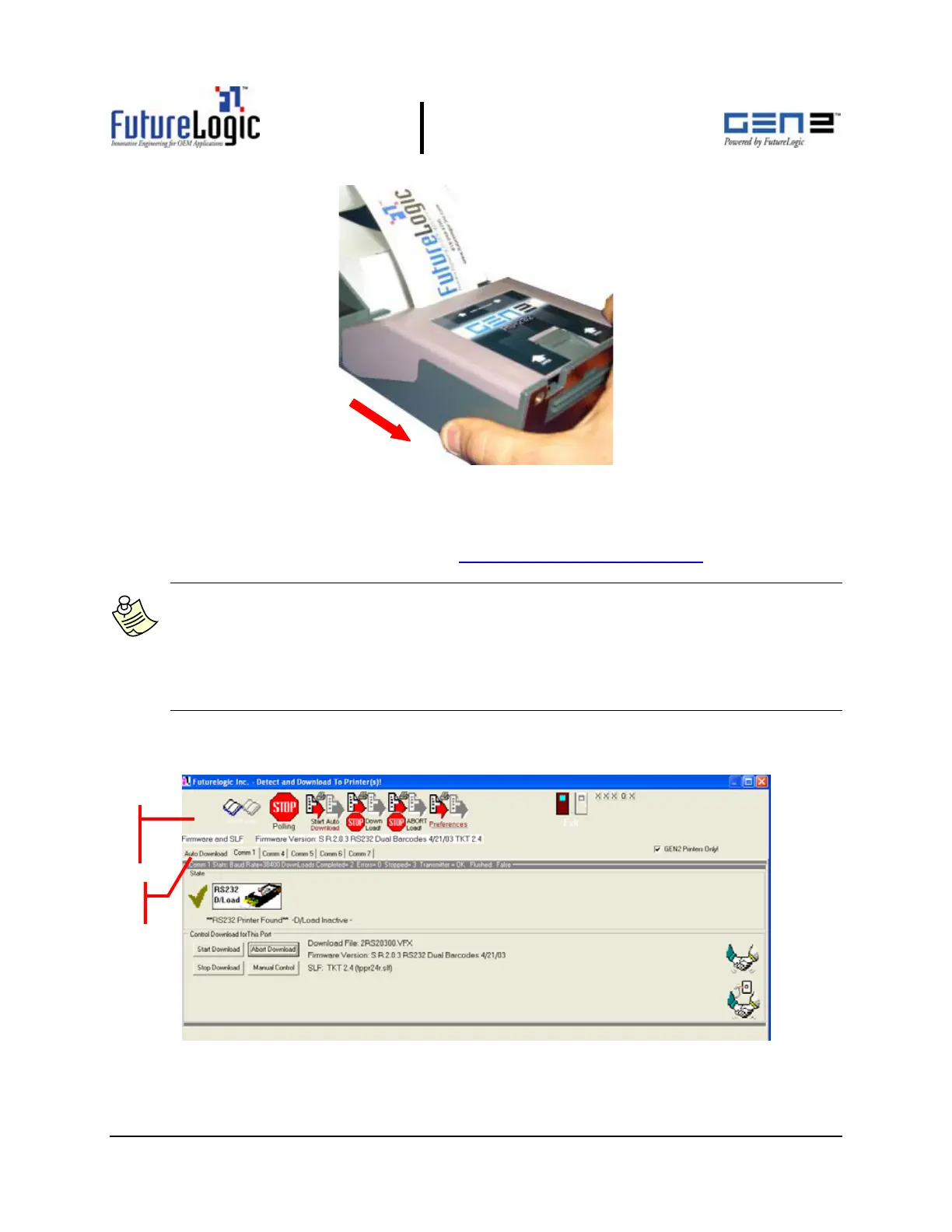
Figure 1-2 Slide the Unit until It Locks
1.2 Using the Download Utility
Verify that you have installed the FutureLogic, Inc. Download Utility. You can acquire this
software from the FutureLogic, Inc. Web site (http://www.futurelogic-inc.com
) or CD-ROM.
Note: The main window of the Download Utility displays a tab marked Auto Download.
Additional tabs for each communications port you select on the Auto Download
Preferences dialog display as well.
When the Download Utility detects a printer connected to a communications port, the
tab for that port displays “Printer Found.” If not printer is detected, the tab for that port
displays “??No Printer??”.
To change the firmware on the GEN2 printer:
1. Access the Download Utility.
Figure 1-3 Download Utility – Main Window
oolbar
Buttons
Tabs



 To Next Page