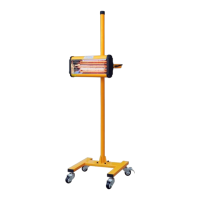
Pull-up this handle
for cassette moving
up and down.
Pull-up this handle
for cassette moving
up and down.
Pull-up this handle
for cassette moving
up and down.
Pull-up this handle
for cassette moving
up and down.
Pull-up this handle
for cassette moving
up and down.
Pull-up this handle
for cassette moving
up and down.
3 s
①
②
③
AUT O
1
2
3
5
6
7
8
4
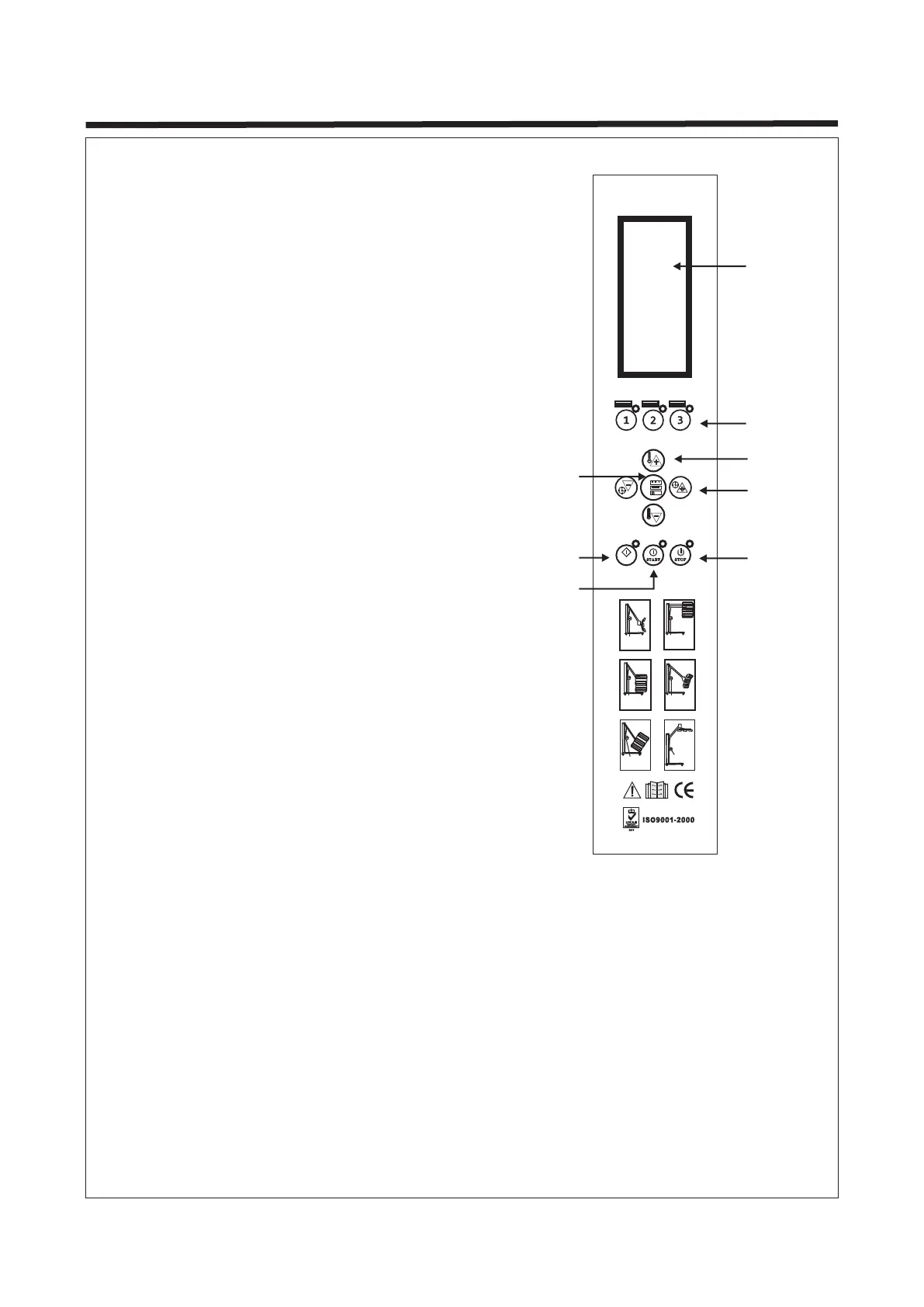
1. LCD display
2. Lamp selector (each lamp can be controlled
separately)
3. Power adjustment
4. Time adjustment
5. Setting:
- Press the button once, it will enter into
"Routine" mode when the lamp is on.
- Press again, it will enter into "Pulse" mode
when the lamp is on.
- Press and hold to enter into curing
parameters setting mode.
6. Auto
7. Start
8. Stop
1. Setting for Distance
Press and hold the "Setting" (Button 5) to enter into setting mode. Set the curing parameters
according to the requirements of different paints. Nearest distance: The equipment will stop
automatically when the distance between the panel and emitter is less than its preset distance.
Farthest distance: The equipment will stop automatically when the distance between the panel
and emitter exceed its preset distance. The equipment works only in the preset distance range.
2. Setting for Temperature
Press "Power adjustment" (Button 3) when the lamp is ready to use to set the temperature.
3. Setting for Automatic Mode
Press "Setting" (Button 5) when the lamp is ready to use to set curing parameters (shown on
LCD display) according to the requirements of different paints to achieve the best effect - see
next page.
4. CONTROLS
Page 4
C i r c u i t b r e a k e r m u s t b e i n s t a l l e d


 To Next Page