5. OPERATION
Page 6
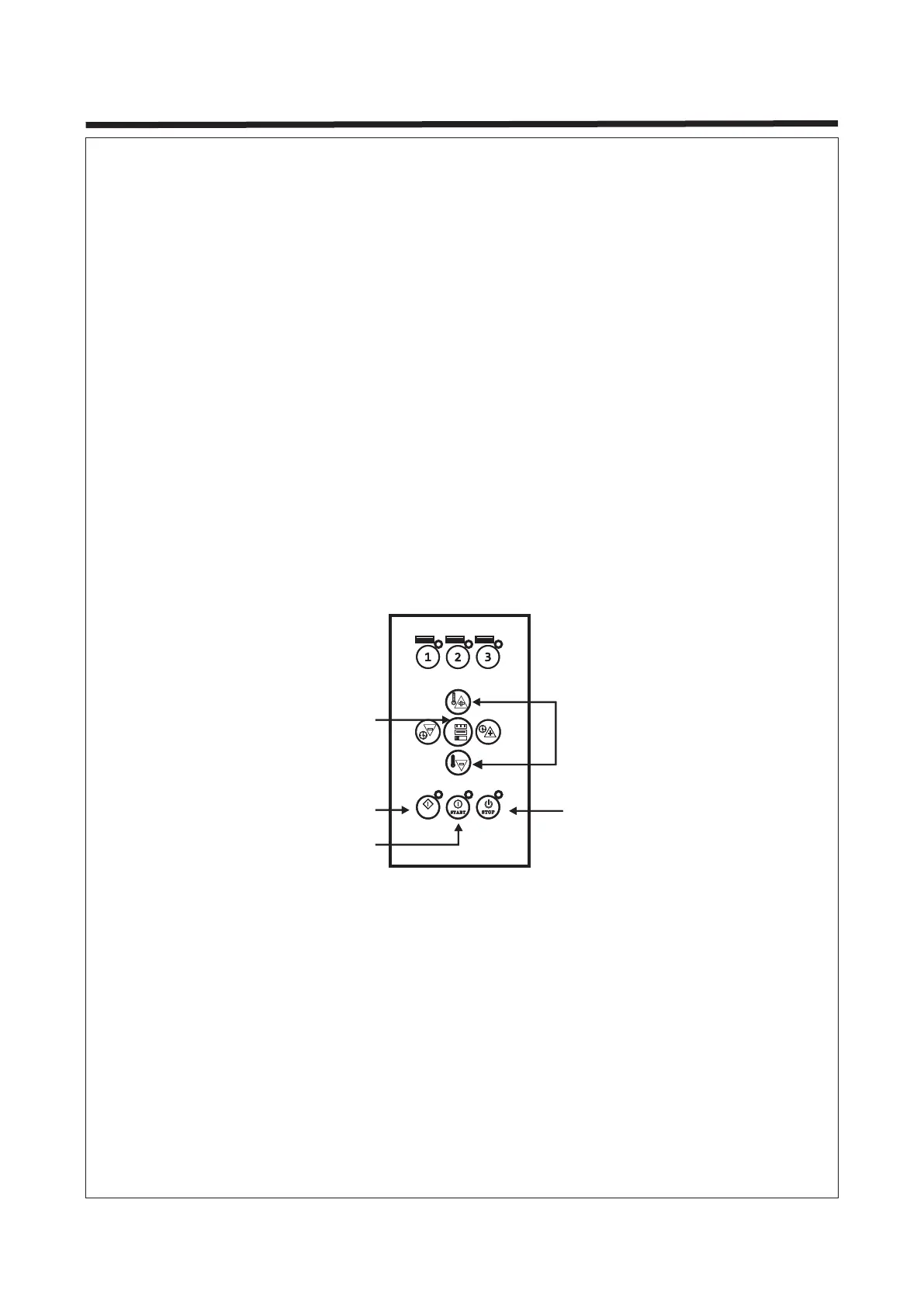
2. Manual Mode
a. Press the navigation buttons "Power +/- " and "Time +/-" when the lamp is ready to use
to adjust the curing power and time.
b. Press the button "Setting" to set the mode of "Routine" or "Pulse”.
c. Press the button "Start".
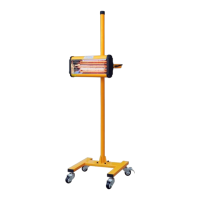
d. The curing distance between the cassette and paint surface should be set according to
the paint material and weather(air humidity). Usually, keeping a distance of about 45cm
from the paint surface is recommended.
e. The curing time and power should be set according to the requirements of the paint
material. Usually, "Pulse" is set to 5 mins and "Routine" to 10 mins.
g. Turn off the equipment when the work is completed.
3. Pulse Mode
a. Set power and time. Press the button "Setting" and select "Pulse".
b. Press the "Start" button.
c. The curing distance between the cassette and paint surface should be set according to
the paint material and weather (air humidity). Usually, keeping a distance of about 45cm
from the paint surface is recommended.
d. After this program is completed, the system is able to carry out other programs. Make
sure to turn off the system when the equipment is not in use.
3 s3 s
①①
②②
③③
AUT OAU TO
Setting
Power Adjustment
Start
Auto
Stop


 To Next Page