Information in this document can be modified without notice.
Edition 07.2020..
Trouble Shooting
Door Multi-point Locking System Automatic Smart Access Controlled
Make sure you are using the right power supply:
output V DC and min. .A
Check wiring according to the correct option of wire diagram.
Make sure no component is missing.
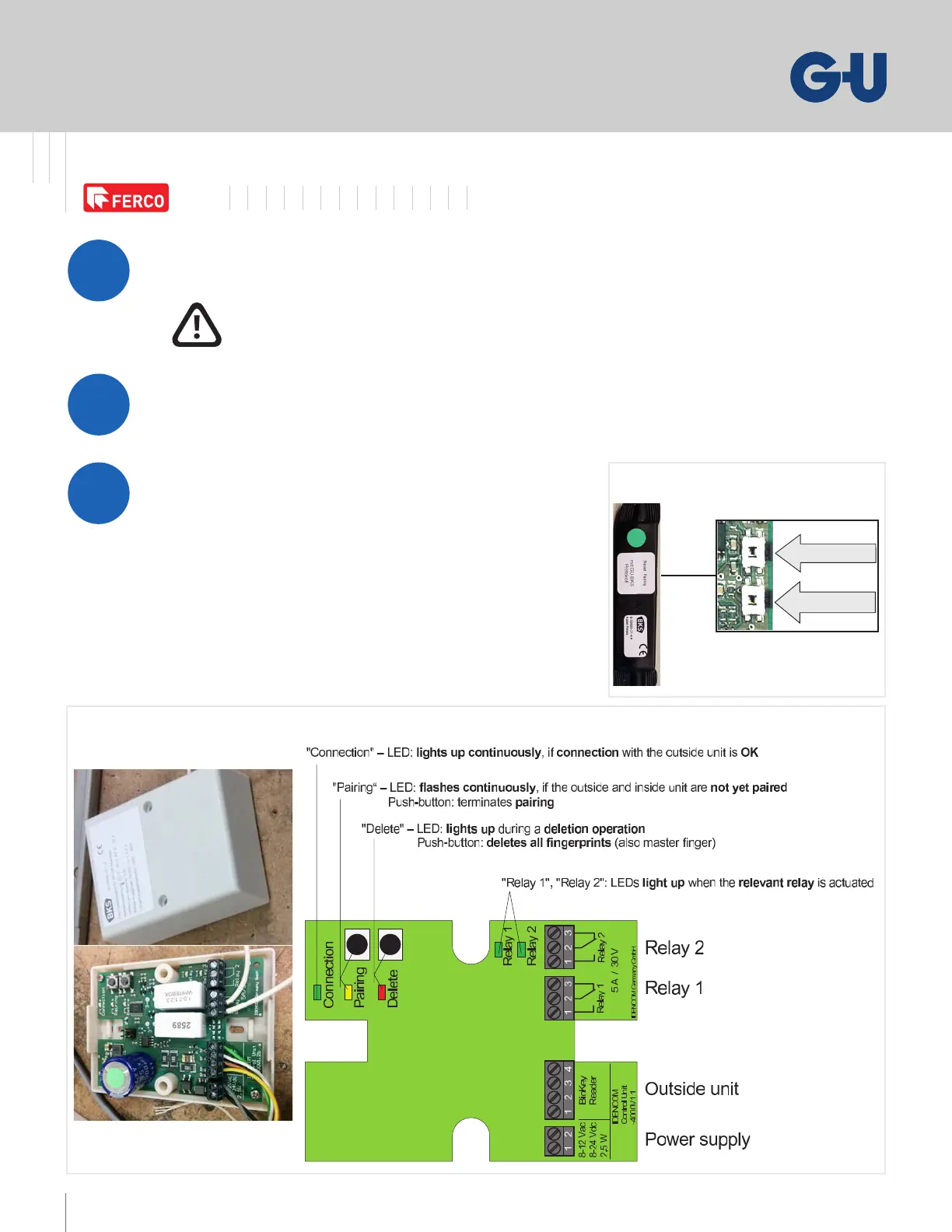
. If using a cable relay or a relay unit, try to reset
the system by pushing on the pairing button.
If still not working go to step
. Press the delete/reset button for seconds.
You will need to reprogram the keypad/ngerprint
(see operating instructions)
Any dierence in voltage may cause
malfunction and damage the system!
White box
(relay unit)
teseR
gniriaP
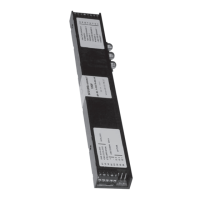
Cable relay



 To Next Page