Gait Up SA
EPFL Innovation Park, Bat C. CH-1015 Lausanne
www.gaitup.com
TVA CHE-145.136.760
User guide PhysiRun Lab - v1.1.1 Date: 06.05.2019
Copyright © 2018-2019, All Rights Reserved - Gait Up SA. CH-1015 Switzerland 7
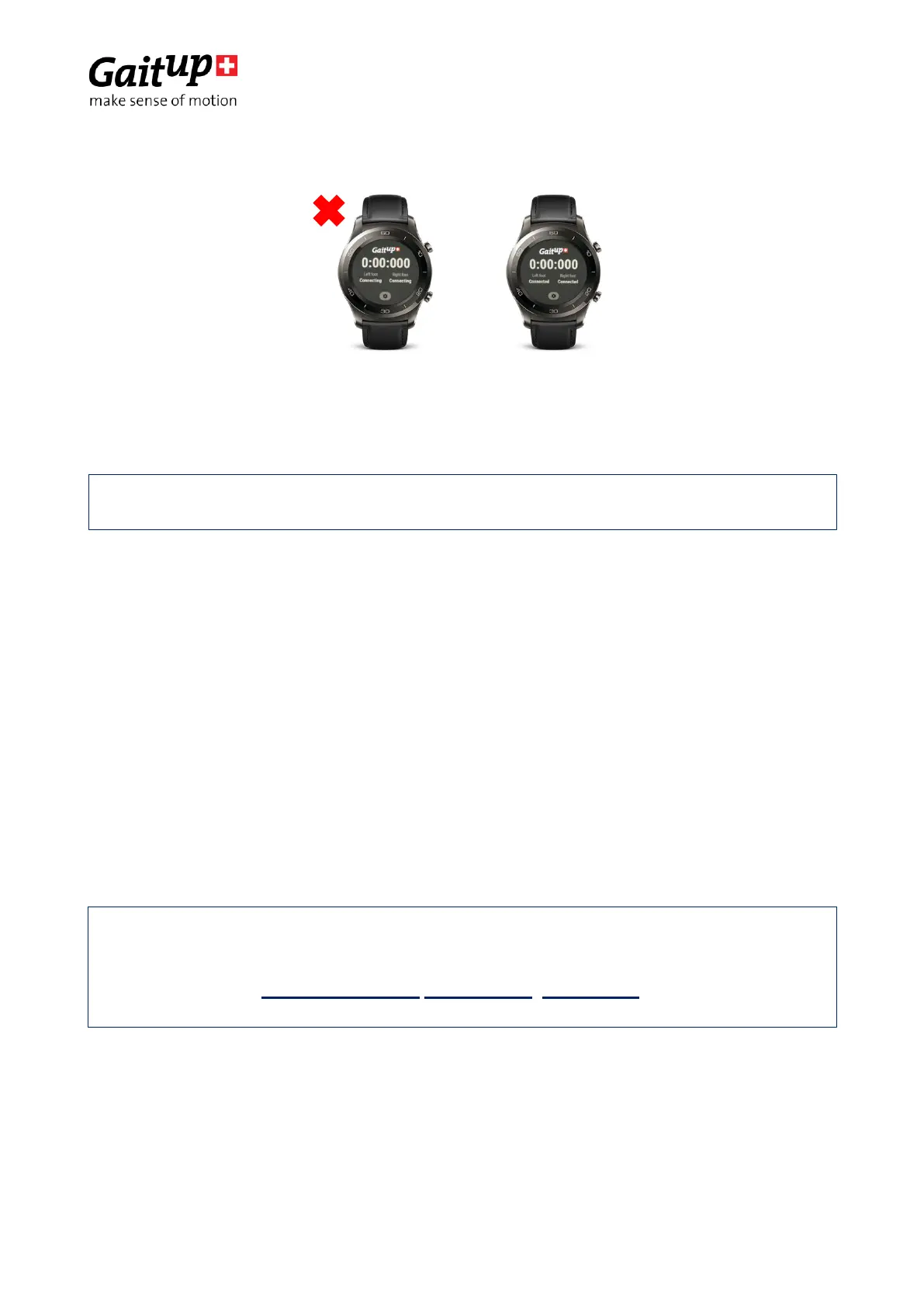
—To start a measure press the bottom right button (Connected to Ready). When the watch
displays “Ready” the sensors start recording.
—To start the chronometer, you can press the bottom right button of the watch again.
—To stop the measure, press the same button. The green blinking on the sensors stops
and your files are saved on each Physilog
®
5.
3.2 Start a measure from the Physilog
®
5
The measure can be started directly from the Physilog
®
5.
Material required:
• 2 Physilog
®
5
To start the measure hold the button for 3 seconds on each sensor. Check that there is a
green blinking on your two sensors after releasing the button.
To stop the measure hold the button for 3 seconds, the sensor shines orange, then blinks
rapidly 3 times and stops. Check that the sensors stopped blinking. The file is
automatically saved on the device.
WARNING: If you want a synchronization between your two sensors make sure
they are blinking green in the same time. Otherwise you need to check the
configuration “Radio mode” and “Radio channel” of your sensors with the
Research Toolkit (Windows version /Mac version, User guide), tab
“Configuration”.


 To Next Page