45
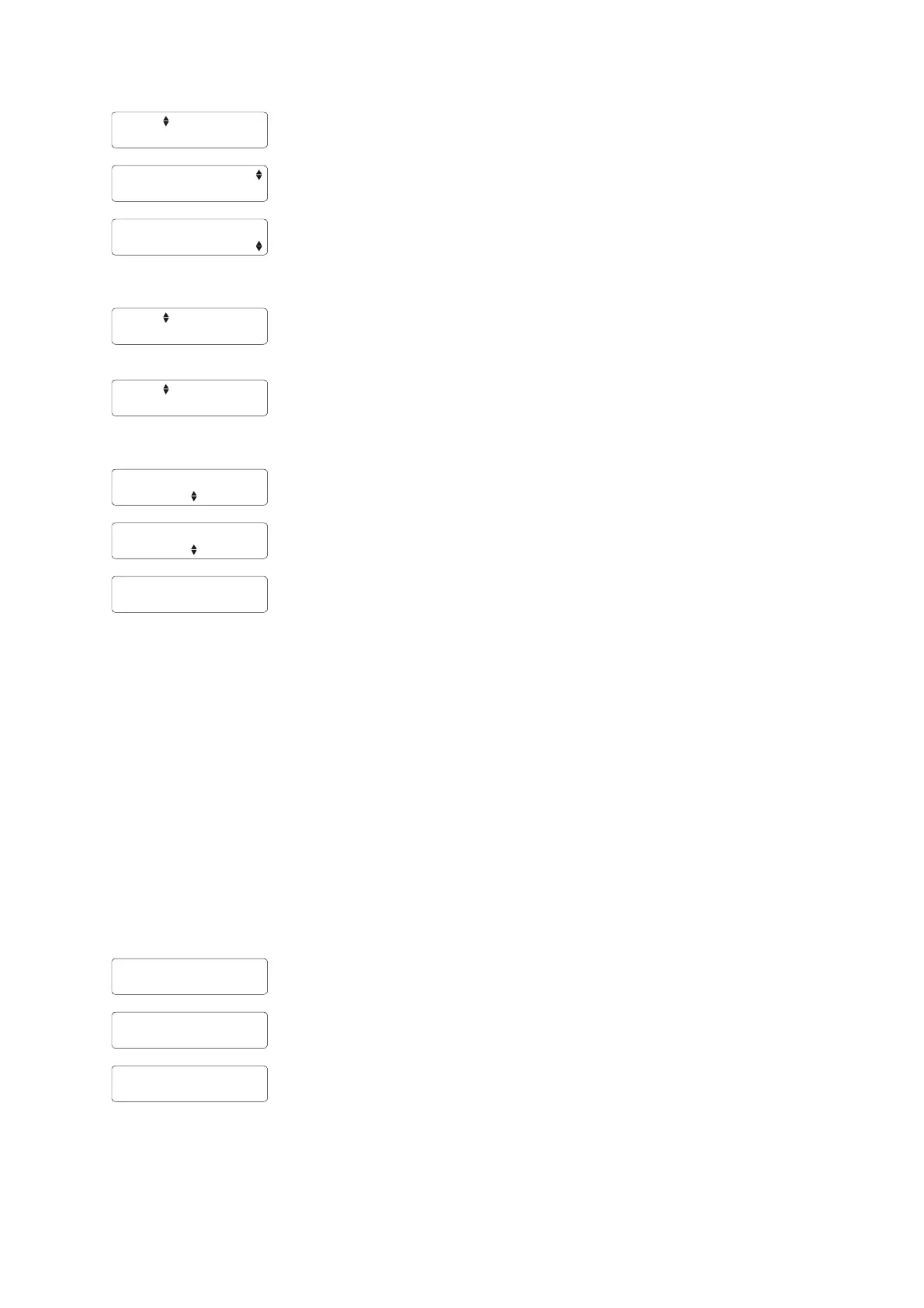
D: 0.00s A:---
Skip the parameters atomic effect and step delay and select 12 as firing cue
in order to proceed with the entries for this cue.
D: 0.00s A:---
Firstly enter the duration how long the valves will be opened, in this case
0.9 seconds.
D: 0.00s A:0.6
Right after that you can enter the ignition delay (atomic effect) which is in
this case 0.6 seconds. This parameter can be edited in the range of 0.0 to
0.7 seconds. The effect duration must be at least 0.1 seconds longer that
the ignition delay.
D: 0.00s A:---
Activate 'Mode' two times for a short period to reach the parameter firing
cue. The device increments the cue number automatically so that cue 13 is
being displayed.
D: 0.00s A:---
Select cue number 17 with 'Up' and 'Down'. The you program, as already
described above, an effect duration of 0.5 seconds and an atomic effect of
0.4 seconds. Rotate through the edit menu with 'Mode' until you reach the
parameter step delay.
D: 0.00s A:0.4
Now enter the desired step delay by using 'Up' and 'Down'.
D: 1.47s A:0.4
As soon as you are finished with your entries activate 'Mode' for a longer
time to exit the edit menu.
Nicht ändern
Right after doing so the device returns to the submenu of the Terminal
programming. With another activation of 'Mode' for a short period you will
exit this submenu and reach the main menu.
Note: By activating the magnetic sensor fields 'Up' and 'Down' for a longer time you can change the
current parameter rapidly.
Note: If you are using the atomic effect, which is also a firing delay, in a music synchronized show you
have to take these delays into consideration during the design of the show. In principle this parameter
must be handled like the rising time of a display shell. The particular cues must be fired earlier
according to the atomic delay so that the flame effect will be synchronized with the music.
Note: The parameters flame duration, atomic effect and step delay can also be programmed remotely,
which is very convenient, either with the controller PFC Advanced or the Galaxis PYROTEC
Composer software in conjunction with the wireless USB modem 'PFM Advanced' (the latter is
currently in preparation). Furthermore you can and perform remote data request.
24.3.6.5. The menu item 'Terminal programming: Delete'
Delete
All possibly programmed durations (T), all atomic effects (A) and all step
delays (D) in the memory of the G-Flame will be deleted with this function.
After activating 'Mode' this safety request is being displayed and you can
start the deletion process with 'Up'.
The memory has
been deleted!
This message is being displayed after deleting the memory, which only
takes a short moment. Subsequently the device return to the submenu of
the terminal programming.



 To Next Page