© 2021 GAME GOLF by Game Your Game, Inc. All rights reserved.
ON-COURSE SETUP
GET STARTED SETUP TROUBLESHOOT UPDATE SMART CADDIE
16
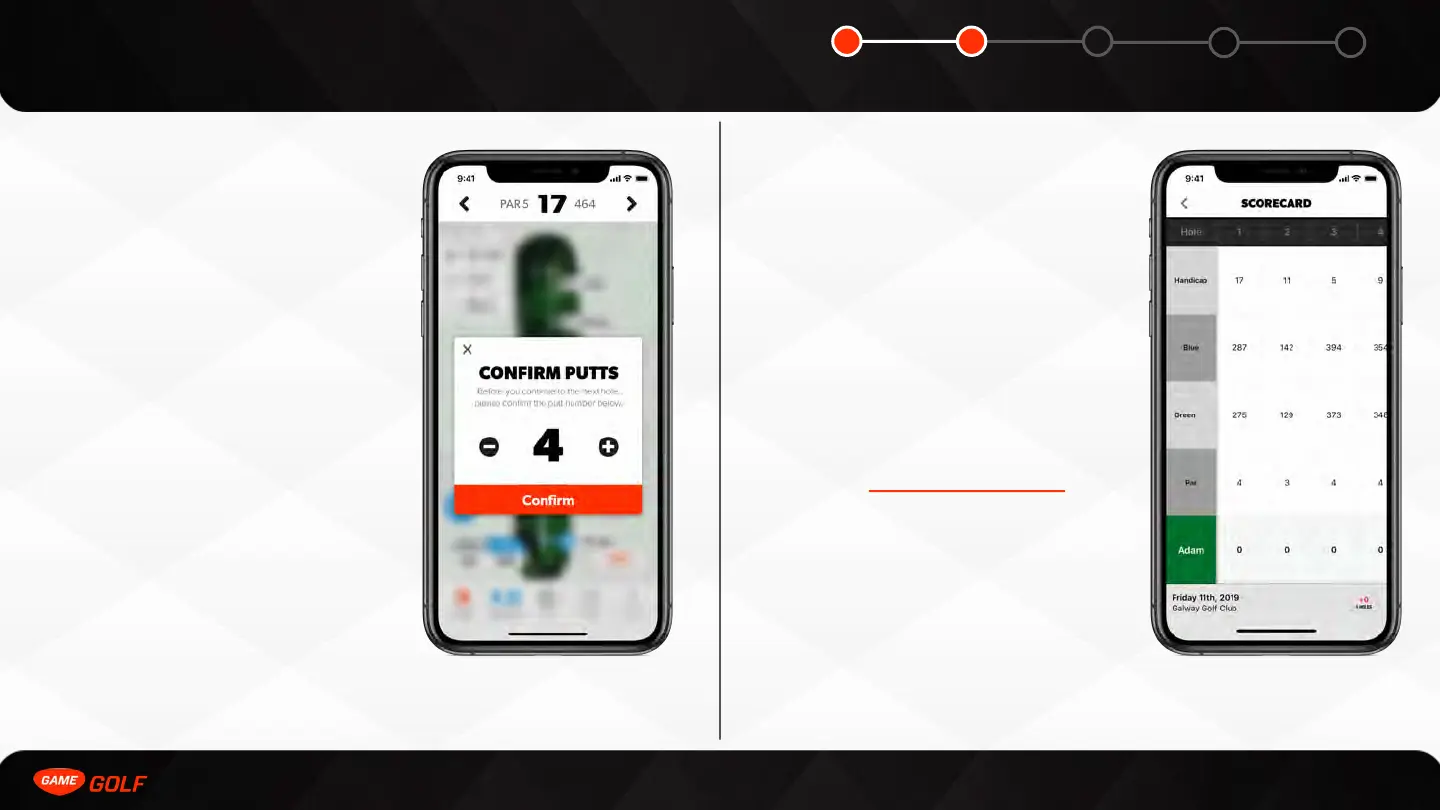
PUTT COUNT
MODIFIER
The putt count modifier allows you to quickly
edit your putts if you want to add a ‘gimme’
putt or remove a practice putt that you do
not want to include in your round. It will
automatically pop up as soon as you are
walking to the next tee box or if you
manually go back to previous holes.
REVIEW YOUR
SCORECARD
You can review your scorecard at any time
in your round. All you need to is the
following:
1. Go to ”Menu” tab
2. Select “Scorecard”
You can scroll left and left to view the
entire scorecard. If your local course
scorecard is not up to date or incorrect,
please email support@gamegolf.com and
we will update this immediately.



 To Next Page