© 2021 GAME GOLF by Game Your Game, Inc. All rights reserved.
TROUBLESHOOTING
GET STARTED SETUP TROUBLESHOOT UPDATE SMART CADDIE
20
TAG PAIRING
ISSUES
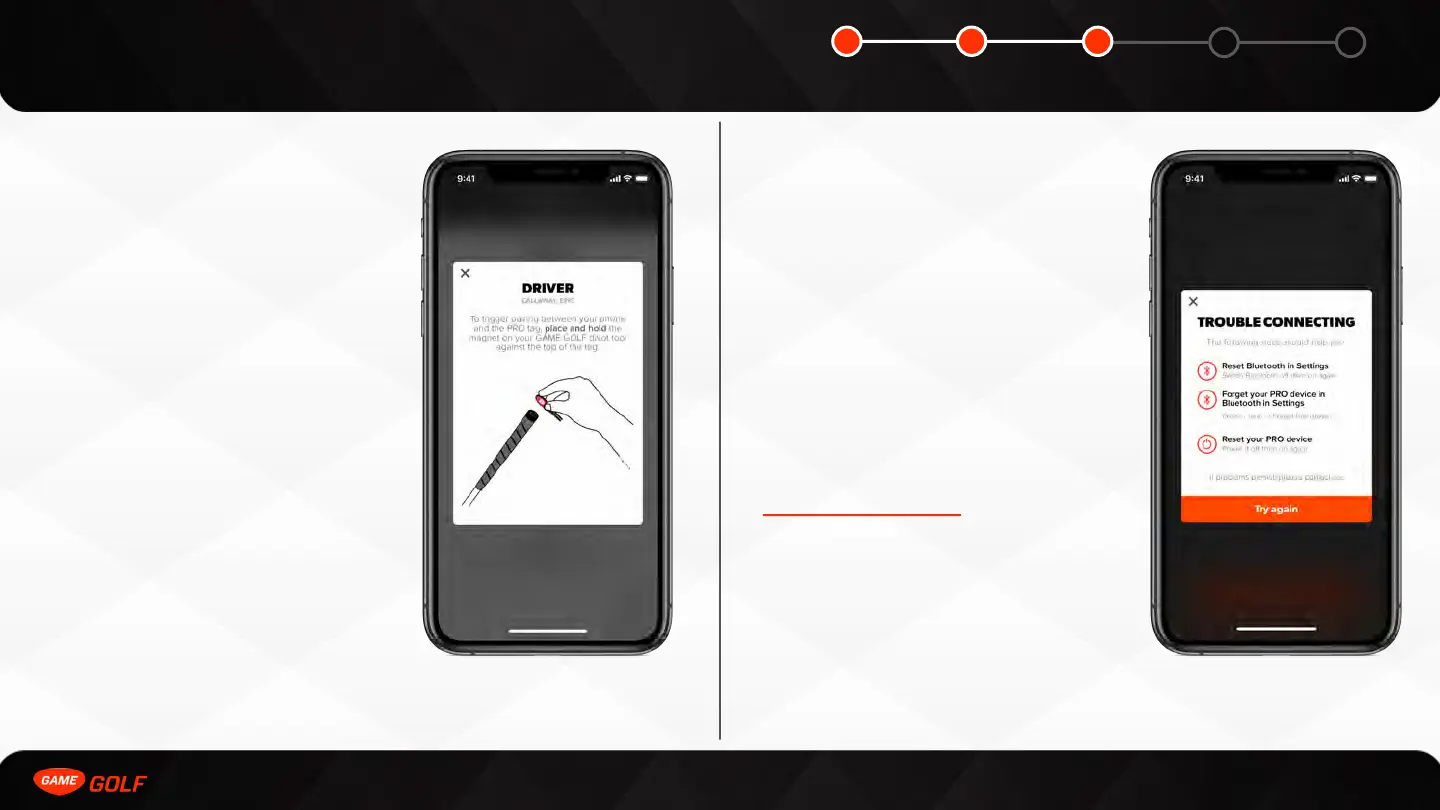
If you having any pairing issues, the tag
may not be awake.
Make sure you are doing the following:
• Pair Clubs in a well-lit space - day light
works best
• Pair only one club at a time, with all
other clubs in your bag
• Hold magnet against tag for 10-15
seconds
• If a tag is not pairing try shaking back
and forth for 5 seconds - this motion
will wake the tag up
• If no tags are pairing, try resetting
Bluetooth on your mobile phone
MEDALLION PAIRING
ISSUES
If you are having issues with your medallion
pairing, please try the following:
• Reset Bluetooth settings on your mobile
phone by turning it off and back on
• Reset Network settings on your mobile
phone by turning it off and back on
• Reboot your medallion by turning it off
and back on
If you are still having trouble, please email
support@gamegolf.com for assistance.



 To Next Page