10
PLAY APPLE ARCADE AND MFI GAMES
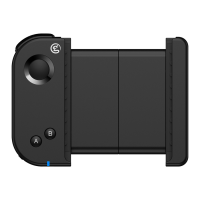
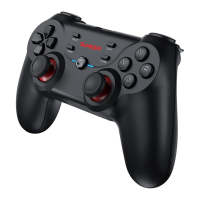
Refers to mobile games that support using a gamepad.
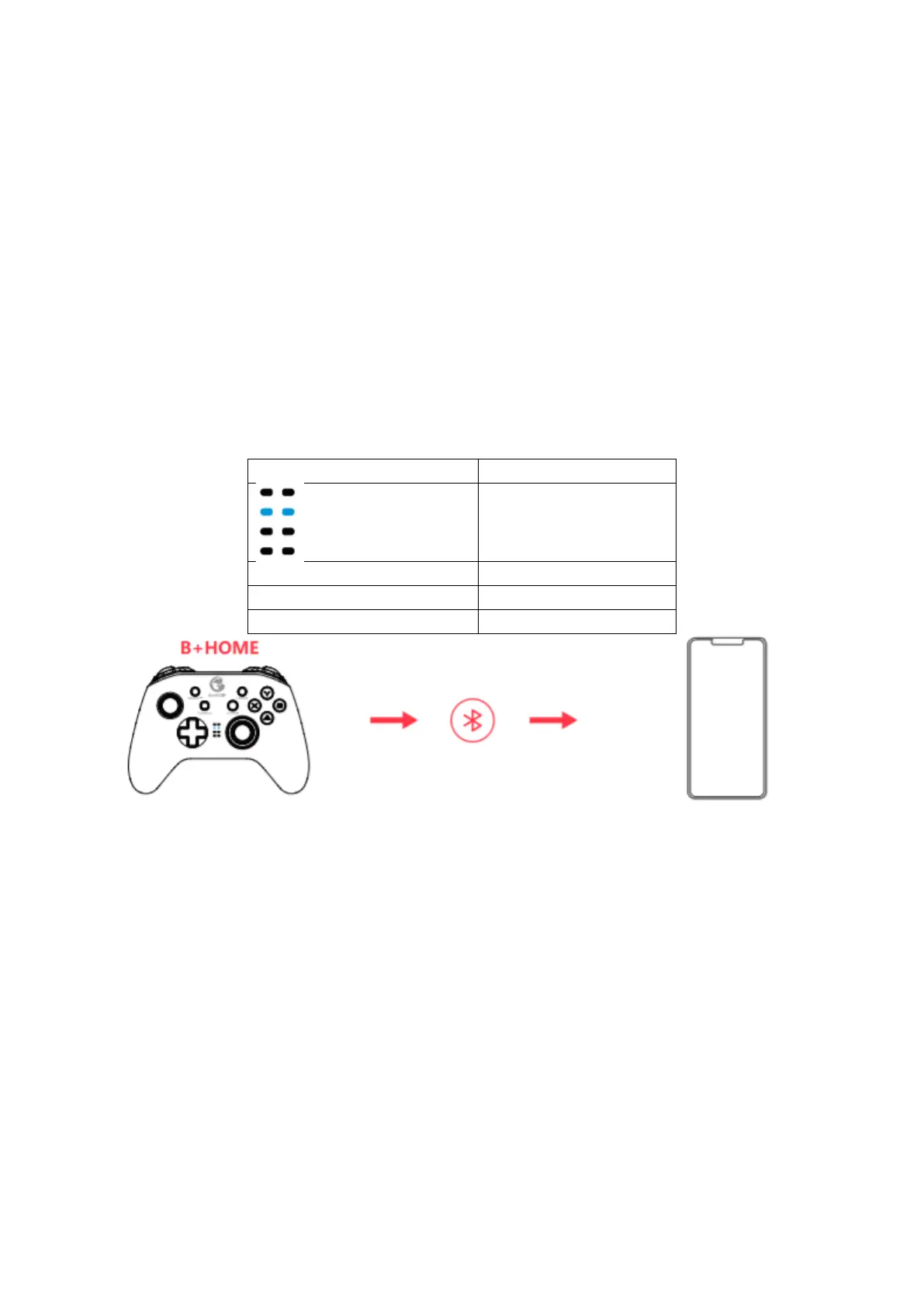
1. Press the B + HOME button until the gamepad is turned on.
2. Turn on the phone’s Bluetooth, search for Xbox Wireless Controller gamepad,
click and pair.
3. The next time you connect, as long as you press the HOME button to power on,
the gamepad will automatically connect.
NOTE: If the gamepad has been switched to another mode, you need to use the key
combination to restart.



 To Next Page