9
HOW TO CONNECT TO MOBILE PHONE VIA BLUETOOTH
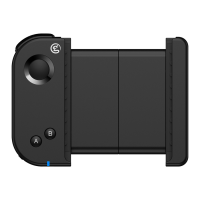
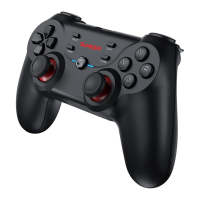
PLAY ANDROID CONTROLLER-SUPPORTED GAMES
Refers to mobile games that support using a gamepad.
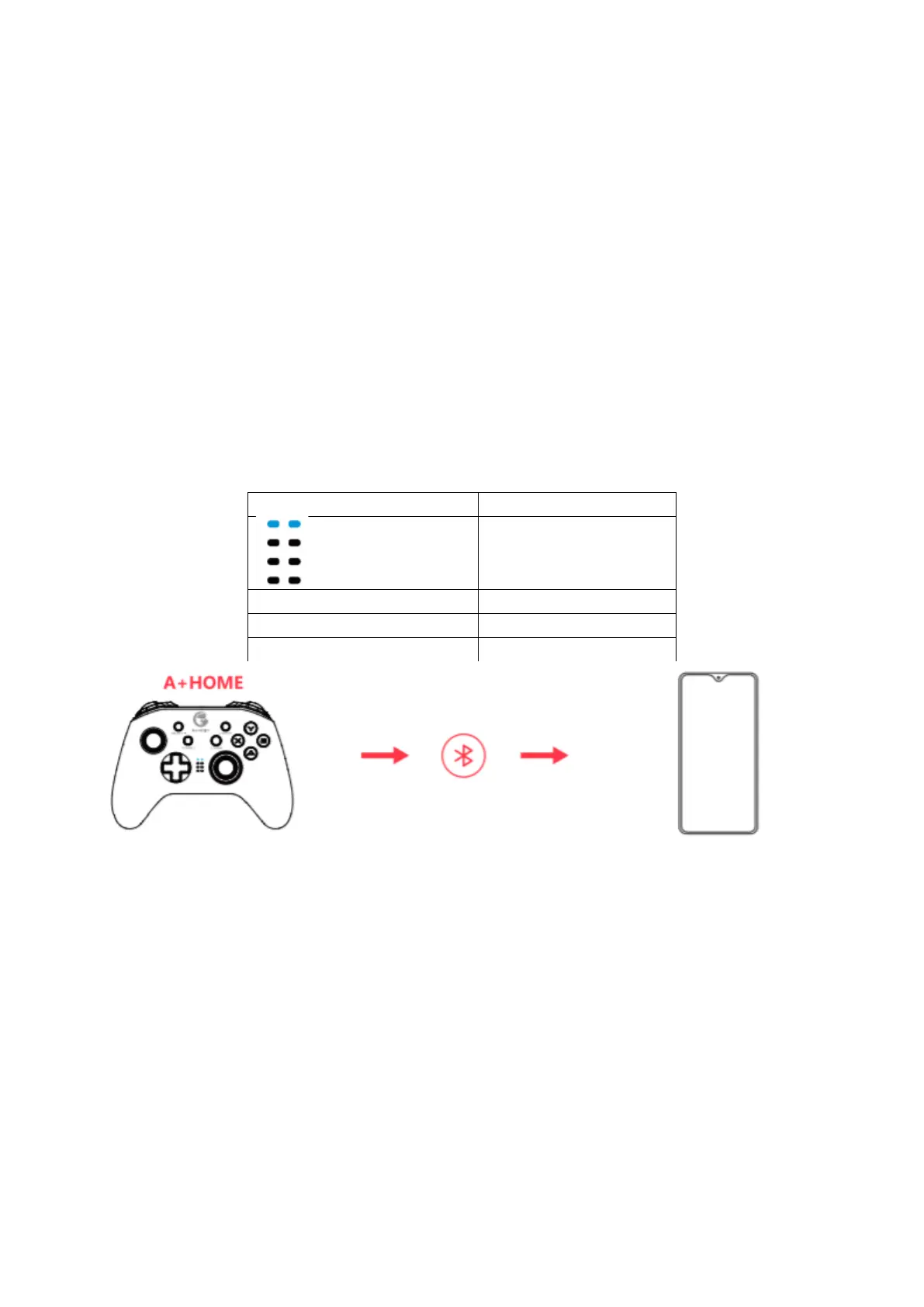
1. Press the A + HOME button until the gamepad is turned on.
2. Turn on the phone’s Bluetooth, search for GameSir-T4 pro gamepad, click and
pair.
3. The next time you connect, as long as you press the HOME button to power on,
the gamepad will automatically connect.
NOTE: If the gamepad has been switched to another mode, you need to use the key
combination to restart.
Mode indicator



 To Next Page