11
HOW TO CONNECT TO APPLE MAC VIA BLUETOOTH
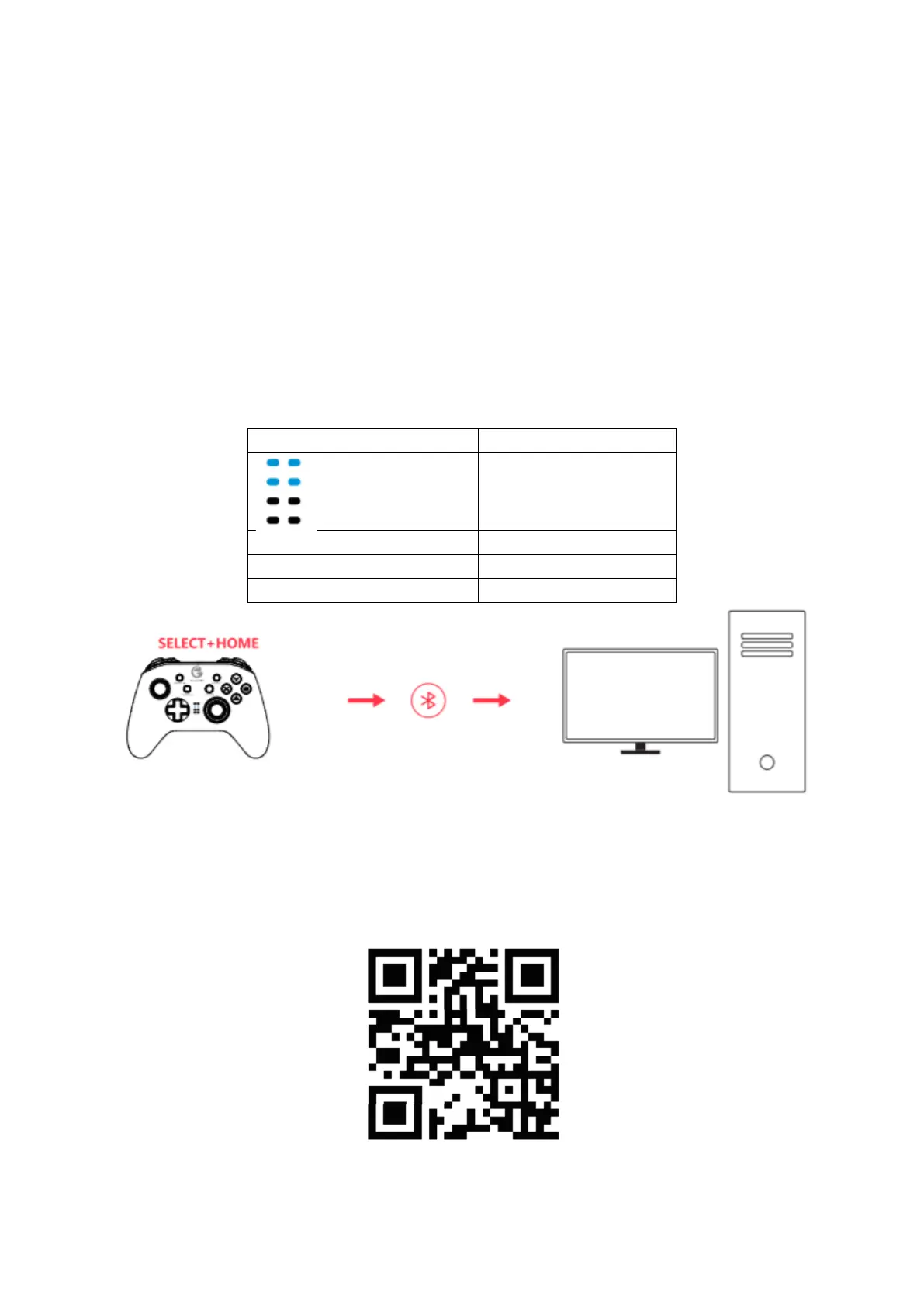
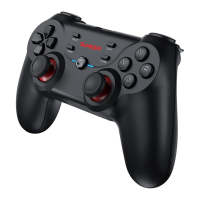
1. Press the SELECT + HOME button until the gamepad is turned on.
2. Turn on the Apple MAC’s Bluetooth Bluetooth, search for GamepadX gamepad,
click and pair.
3. The next time you connect, as long as you press the HOME button to power on,
the gamepad will automatically connect.
NOTE: If the gamepad has been switched to another mode, you need to use the key
combination to restart. And back buttons programming is not supported in this mode.
To learn more about Android controller-supported games, Apple Arcade games, MFi
games and how to use GameSir T4 pro, please scan the following QR code or refer to the
online advanced user guide.



 To Next Page