7
Connect to Xbox One/Xbox One S/Xbox One X
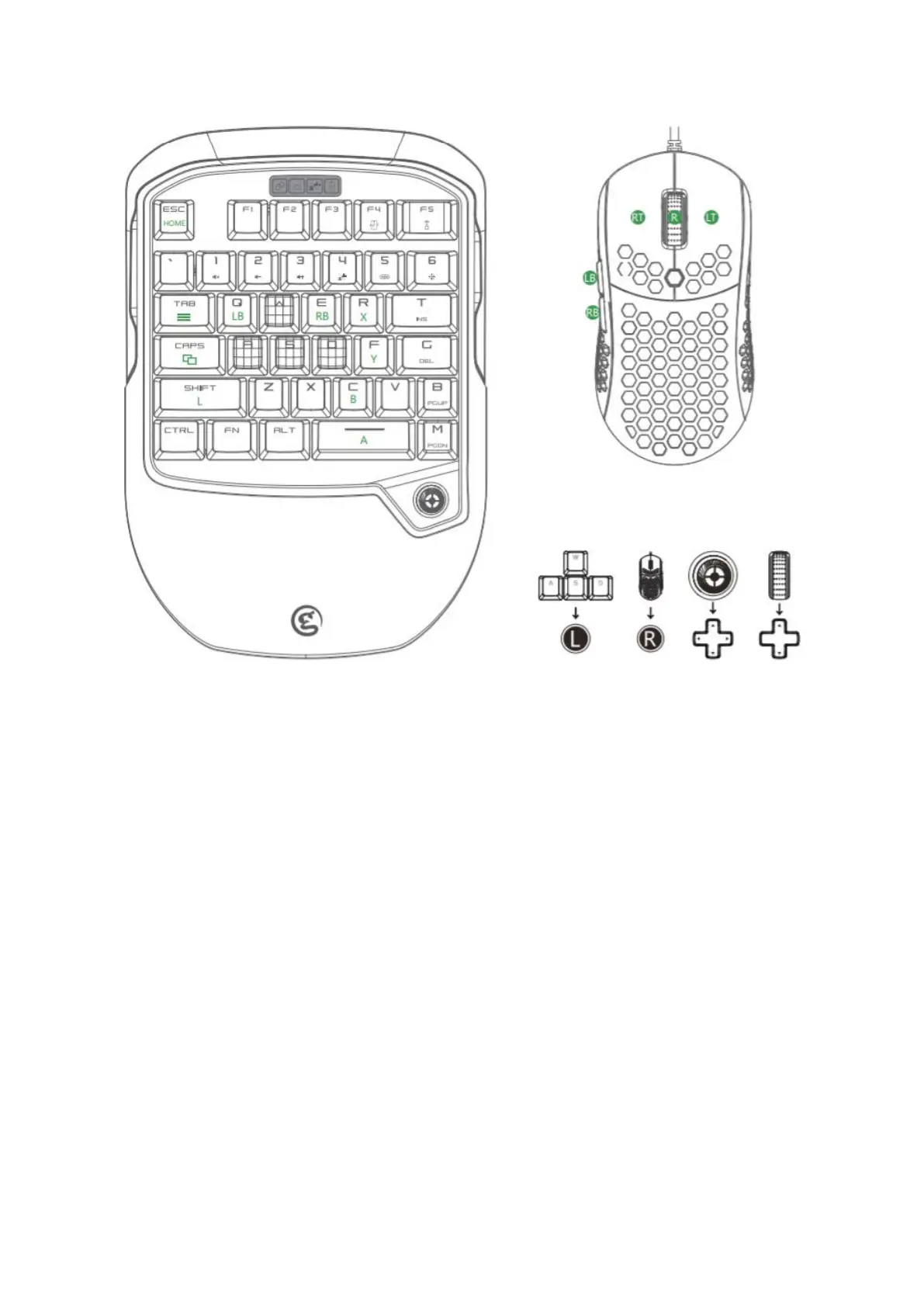
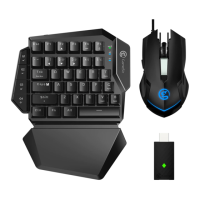
a. Plug the USB cable of GM400 mouse into the USB port (only for mouse) of VX2.
b. Switch on GameSir VX2, the connection status indicator will flash in green,
meaning GameSir VX2 is ready to be connected.
c. Plug the receiver into the USB port of Xbox, the receiver indicator will flash in
blue, meaning PS4 is ready to be connected. When the connection status
indicator and the receiver indicator stay on, the connection is completed.
d. Plug the official controller having connected to Xbox into the USB port of the
receiver via USB cable, and wait for the controller to be identified. When the
connection mode indicator stays green, the identification is completed.
e. Connection completed. GameSir VX2 is ready to use.


 To Next Page