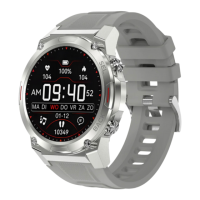
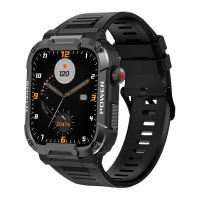
a. Weather and temperature conditions:
a. Automatic blood pressure measurement:
a. Blood oxygen monitoring on the Gard Pro Ultra:
Switch to the weather interface to view weather and temperature. Weather
conditions are automatically updated 24 hours a day.
Switch to the blood pressure interface to start automatic blood pressure
measurement.
Make sure the Gard Pro Ultra is worn securely and in good contact with your
wrist.
From the home screen, swipe right once and select ''Oxygen saturation.''
The Gard Pro Ultra automatically begins measuring.
The blood oxygen reading is displayed on the screen.
ULTRA
PAGE 07
9. BLOOD PRESSURE MONITOR
10. BLOOD OXYGEN MONITOR
11. WEATHER FORECAST
Make sure the Gard Pro Ultra is worn securely on the wrist with no gaps.
From the home screen, swipe right once and select ''Blood Pressure.''
The Gard Pro Ultra will automatically begin measuring your blood pressure.
Wait for the measurement to complete.
The blood pressure reading will be displayed on the screen.
i.
ii.
iii.
iv.
i.
ii.
iii.
iv.
Note: For accurate results, make sure the Gard Pro Ultra is worn properly
and avoid excessive movement during measurements.


 To Next Page