EasyManua.ls Logo

Garden Mate Easy Program - Manual Operation; Set Manual On; Stop Water Flow; Technical Specifications and Troubleshooting

Default Icon
5 pages
Print Icon
To Next Page IconTo Next Page
To Previous Page IconTo Previous Page
Loading...
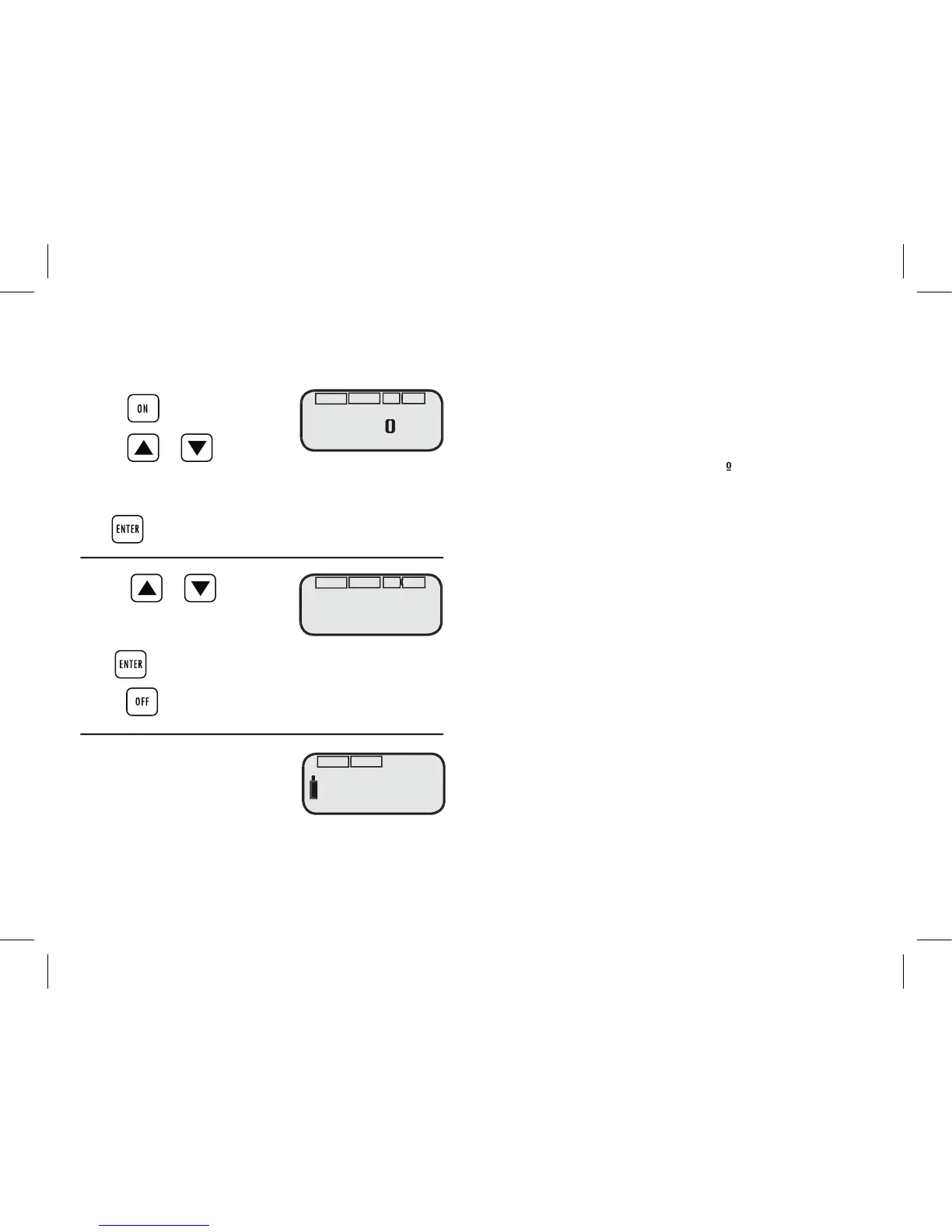
MANUAL OPERATION
You can bypass the programs set in your GardenMate
®
Tap Timer by
using manual operation.
To Set Manual On (for water fl ow)
1. Press
2. Press or
RUN TIME hour of watering will fl ash
Adjustment range 0-9 hours
Press to confi rm the hours set for run time. The minutes of run
time will start to fl ash
3. Press or
RUN TIME minutes of watering will fl ash
Adjustment range 0 –59minutes
Press to start water fl ow for RUN TIME selected.
4. Press to stop water fl ow.
Low battery indicator
When the battery is running low an
indicator will appear and the valve will
automatically close.
AUTO
6:1O
O
:15
Mo
RUN TIME
TIME
ON OFF
AUTO
6:1O O:
15
Mo
RUN TIME
TIME
ON OFF
Technical Specifi cations
Water pressure: Maximum up to 600 kPa.
If operating in a higher
water pressure area, use
a pressure reducer.
Temperature: Max 60
º
C
Batteries: 2 x AA Alkaline
Use with cold water only
Trouble shooting
• Check batteries – if batteries are running low the
valve will close automatically
• Ensure that programs have been set correctly
and that there is no overlap
• Make sure the tap is turned on

ON OFF
ON OFF
ON OFF
ON OFF
AUTO
RUN TIME
TIME
RUN TIME