20
GB
Manual Watering
Prerequisite:
The lever of the Irrigation Valve must be set to the “AUTO”
position.
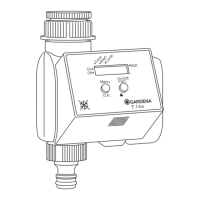
1. Press the ON/OFF key on the Control Unit.
Manual watering starts.
2. Press the ON/OFF key on the Control Unit during manual
watering.
Manual watering is ended prematurely.
After putting the Programming Unit into operation, the manual
watering time is pre-set to 30 minutes (
0
:
30
).
1. Call the main level.
The time and day are displayed.
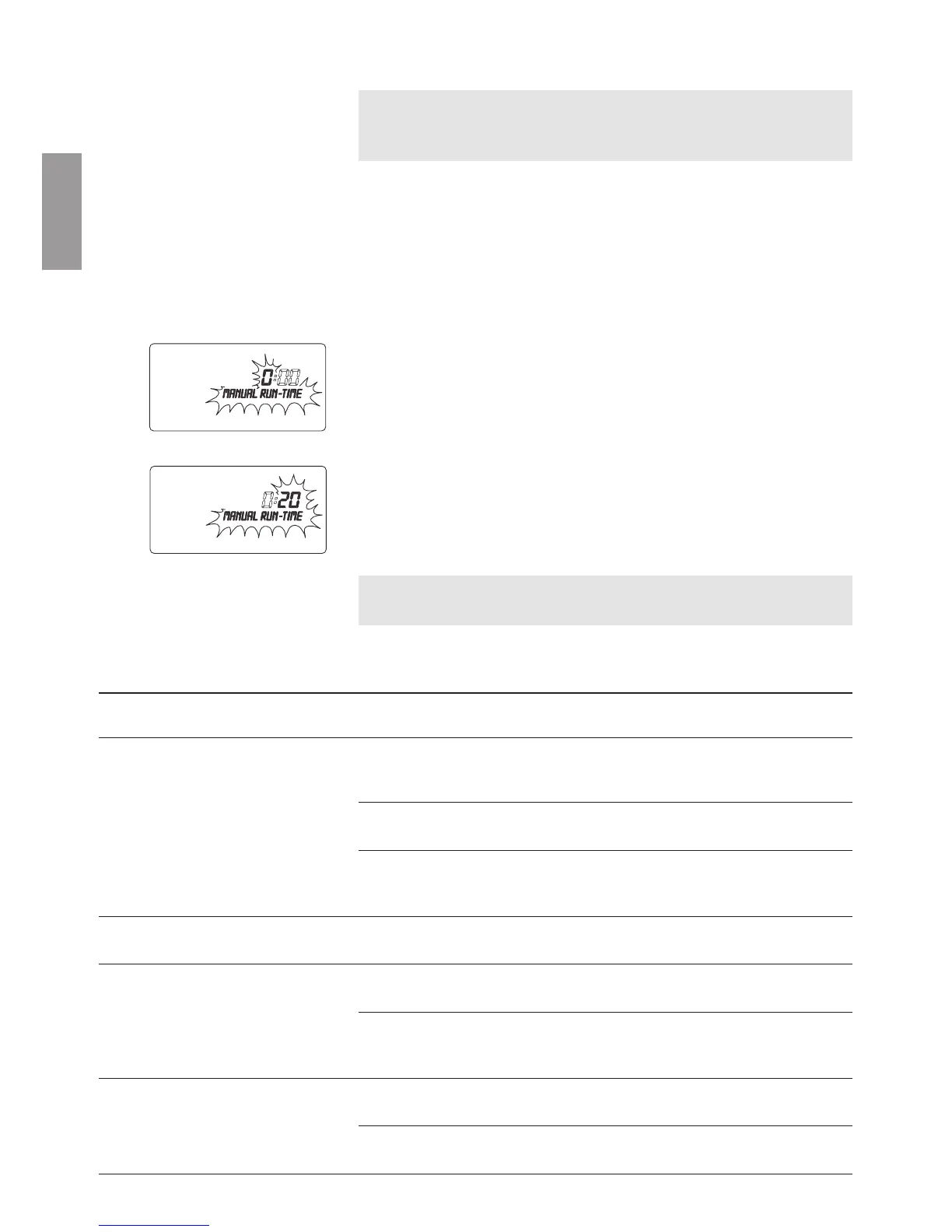
2. Press and hold down the Ok key for 5 seconds.
MANUAL RUN-TIME
and the hours flash.
3. Set the hours for the watering time using the ▲-▼ keys
(for example
0
hours) and confirm by pressing the Ok key.
MANUAL RUN-TIME
and the minutes flash.
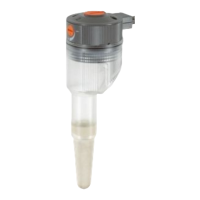
4. Set the minutes for the watering time using the ▲-▼ keys
(for example
20
minutes) and confirm by pressing the Ok key.
The changed manual watering time is saved in the Program-
ming Unit and the main level is displayed.
Tip: If you have questions about programming the Programming
Unit, please do not hesitate to contact GARDENA Service.
6. Trouble-Shooting
Fault Possible cause Remedy
No display Energy-saving stand-by mode v Press any key.
has switched on.
The display shows the main
level.
No battery or battery flat. v Insert battery (refer to
4. Putting into Operation).
Outside temperature v Wait until the operating
below –10 °C or above + 50 °C. temperature range is
reached again.
Battery flat after a short Alkaline battery was not used. v Use an alkaline battery of
operating period the type 9 V IEC 6LR61.
Faults during data Plug connection dirty. v Clean using a soft cloth or
transmission brush (do not use solvent).
Control Unit not connected v Connect Control Unit
or connected incorrectly. completely, push on as
far as possible.
ERROR 1
No contact at the plug con- v Check contact at the plug
flashes on the display nection. connection.
(no connection to
No battery in the Control Unit. v Replace battery in Control
Control Unit)
Unit.
Manual watering:
Setting the manual
watering time:



 To Next Page