102
GB
By briefly opening the water flow the outlets on the Automatic
Water Distributor are switched further so that when the watering
programs are reactivated (% Run-Time) the original order of the
outlets for the required watering program is retained.
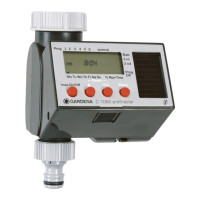
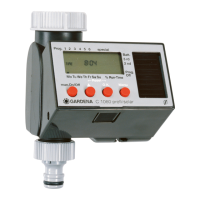
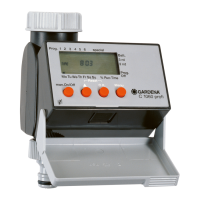
When using the Water Computer C 1060 prof together
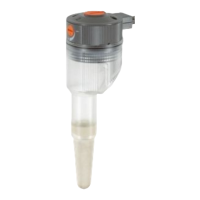
with the Automatic Water Distributor, Soil Moisture Sensor
(Art. No. 1187) or Rain Sensor electronic (Art. No. 1189)
please note the following:
If the special function is activated and the Soil Moisture or
Rain Sensor indicates sufficient moisture, watering is interrupted.
The watering time of following watering programs is shortened
to 30 seconds (display:
11
min.) until the Soil Moisture / Rain Sensor
allows the watering programs to be resumed. The watering time
originally entered then begins.
Shortening the watering time when the soil is sufficiently moist
ensures that the automatic water distributor is switched to the
next outlet and therefore ensures that the correct order of the
watering program for the respective distributor outlet is retained.
Soil Moisture Sensor /
Rain Sensor


 To Next Page
 Loading...