106
GB
9. Putting Your Water Computer out of Operation
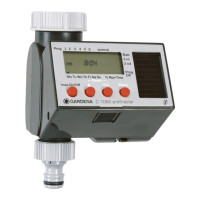
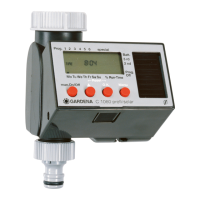
1. Press Menu-key 3 times, select Prog. Off with the ▲-key
and confirm with the O.K.-key.
The watering programs are deleted.
2. Store your Water Computer in a dry place where it is protected
from frost.
The product must not be added to normal household waste. It
must be disposed of properly.
Please return flat batteries to a GARDENA dealer or dispose
of them properly at your nearest recycling centre. Only dispose
of batteries when they are flat.
10. Accessories
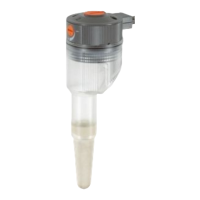
Automatic control with: GARDENA Soil Moisture Sensor Art. No. 1187
GARDENA Rain Sensor electronic Art. No. 1189
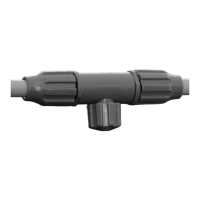
GARDENA Automatic Water Distributor Art. No. 1198
Over-wintering /
storage:
Disposal:
(in accordance with
RL2002/96/EC)


 To Next Page
 Loading...