EasyManua.ls Logo

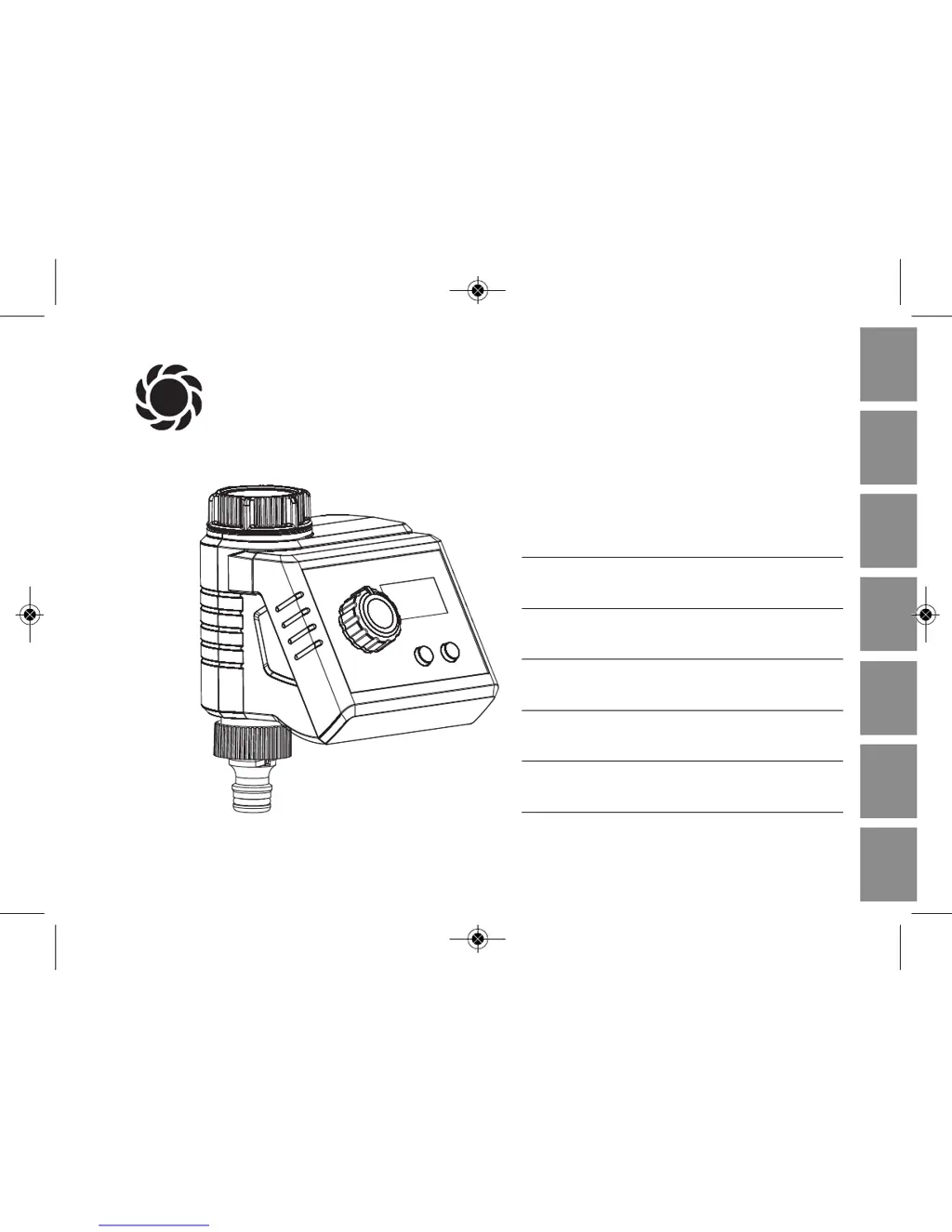
Gardena SelectControl 1885 - User Manual

Gardena SelectControl 1885
164 pages
Go to English
Print Icon
To Next Page IconTo Next Page
Loading...
DF
I
EPGBNL
GARDENA
®
D Betriebsanleitung
Bewässerungscomputer
F Mode d’emploi
Programmateur d’arrosage
I Istruzioni per l’uso
Computer per irrigazione
E Manual de instrucciones
Programador de riego
P Instruções de manejo
Computador de rega
GB Operating Instructions
Water Computer
NL Instructies voor gebruik
Besproeiingscomputer
SelectControl
Art. 1885
1885-20.960.01_11.11.2013_GARDENA.QXP 13.11.2013 10:37 Seite 1

Table of Contents

Questions and Answers

  • S
    Stephen GarzaAug 10, 2025
    Why is my Gardena Desktop watering program not starting?
    • J
      John TuckerAug 10, 2025
      If your Gardena Desktop watering program isn't running, it might be due to making program changes during or just before the start time. To fix this, make sure to enter or change the program settings outside the programmed start times. Also, ensure that the tap is turned on.
  • M
    Matthew RobinsonAug 14, 2025
    How to fix a Gardena SelectControl 1885 with no display?
    • W
      wrightashleyAug 14, 2025
      If your Gardena Desktop's display isn't working, the battery may be inserted incorrectly. Check that the polarity markings (+/–) match. Also, the battery might be flat, so try inserting a new alkaline battery.
  • B
    brianna61Aug 20, 2025
    What to do if the sensor display flashes on my Gardena SelectControl 1885?
    • J
      jasonthompsonAug 20, 2025
      If the sensor display is flashing on your Gardena Desktop while the rotary knob is set to “Sensor,” it could be due to a disconnected or faulty sensor cable. Try connecting a sensor or replacing the sensor cable.
  • T
    Tracy WellsAug 25, 2025
    What to check if the soil moisture sensor of Gardena Desktop always registers damp?
    • R
      Robert BrownAug 26, 2025
      If the soil moisture or rain sensor on your Gardena Desktop continuously registers damp, and the area is actually dry, examine the setting and location of the soil moisture or rain sensor.
  • A
    andersonpamAug 30, 2025
    Why won't my Gardena Desktop water computer shut off?
    • E
      Edward BensonAug 30, 2025
      If your Gardena Desktop water computer isn't closing, it might be because the minimum quantity of water drawn is less than 20 l/h. Try connecting more drip heads to increase the water flow.
  • W
    walkersarahSep 3, 2025
    What to do if rotary knob of Gardena SelectControl 1885 is set to On and tap turned off?
    • K
      Katrina OrrSep 4, 2025
      Turn the tap on.

Gardena SelectControl 1885 Specifications

General IconGeneral
BrandGardena
ModelSelectControl 1885
CategoryDesktop
LanguageEnglish

Related product manuals