12
GB
Storage:
Disposal:
(in accordance with
RL2002/96/EC)
Risk of injury!
Risk of injury!
Cleaning the cover and the
ventilation slots:
B
4
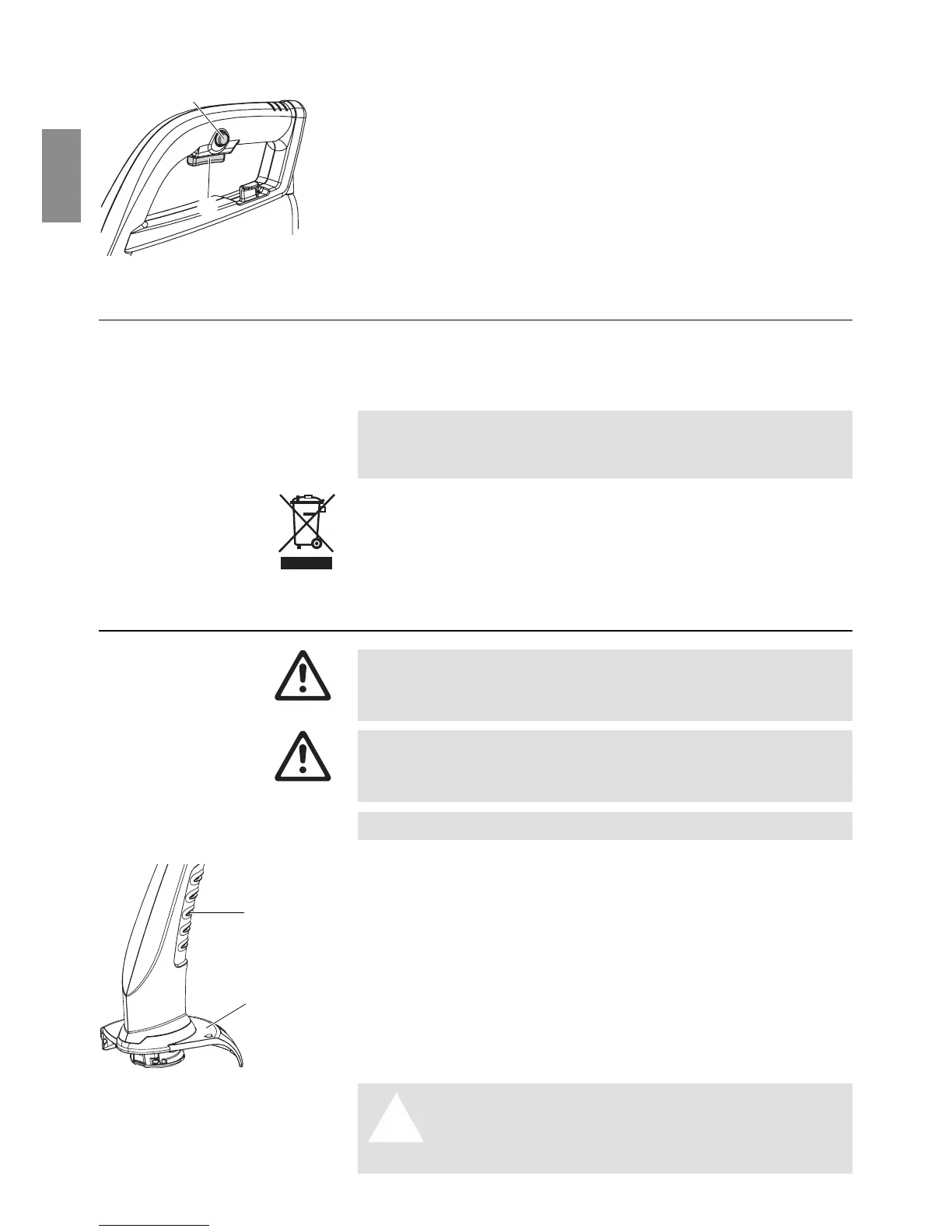
Switching the trimmer on:
1. Press and hold the safety lock
0
and then press the start
button
A
on the handle.
2. Release the safety lock
0
again.
Switching the trimmer off:
v Release the start button
A
on the handle.
5. Storage
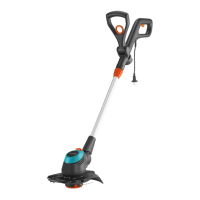
The Turbotrimmer must be stored out of the reach of children.
v Store your Turbotrimmer in a dry place where it is protected
from frost.
Recommendation: The trimmer can be hung up by the handle.
The cutting head is not put under any unnecessary strain if the
trimmer is stored hanging up.
The product must not be added to normal household waste. It
must be disposed of in line with local environmental regulations.
v Important: Make sure that the unit is disposed of via your
municipal recycling collection centre.
6. Maintenance
There is a risk of injury from the cutting filament!
V Always unplug the mains plug of the Turbotrimmer be-
fore carrying out maintenance work!
Risk of injury and risk of damage to property!
V Never clean the Turbotrimmer under running water or
with a water jet (in particular a high pressure water jet).
The ventilation slots must always be free of dirt.
v After each use remove grass and dirt residue from the cover
4
and the ventilation slots
B
.
Risk of injury!
A
V Never use metallic cutting elements or
replacement parts and accessories not
provided by GARDENA.
Starting the trimmer:
0
A
Replacing the filament
cassette:





 To Next Page