EasyManua.ls Logo

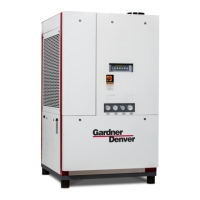
Gardner Denver RNC600 - User Manual

Gardner Denver RNC600
52 pages
Print Icon
To Next Page IconTo Next Page
Loading...
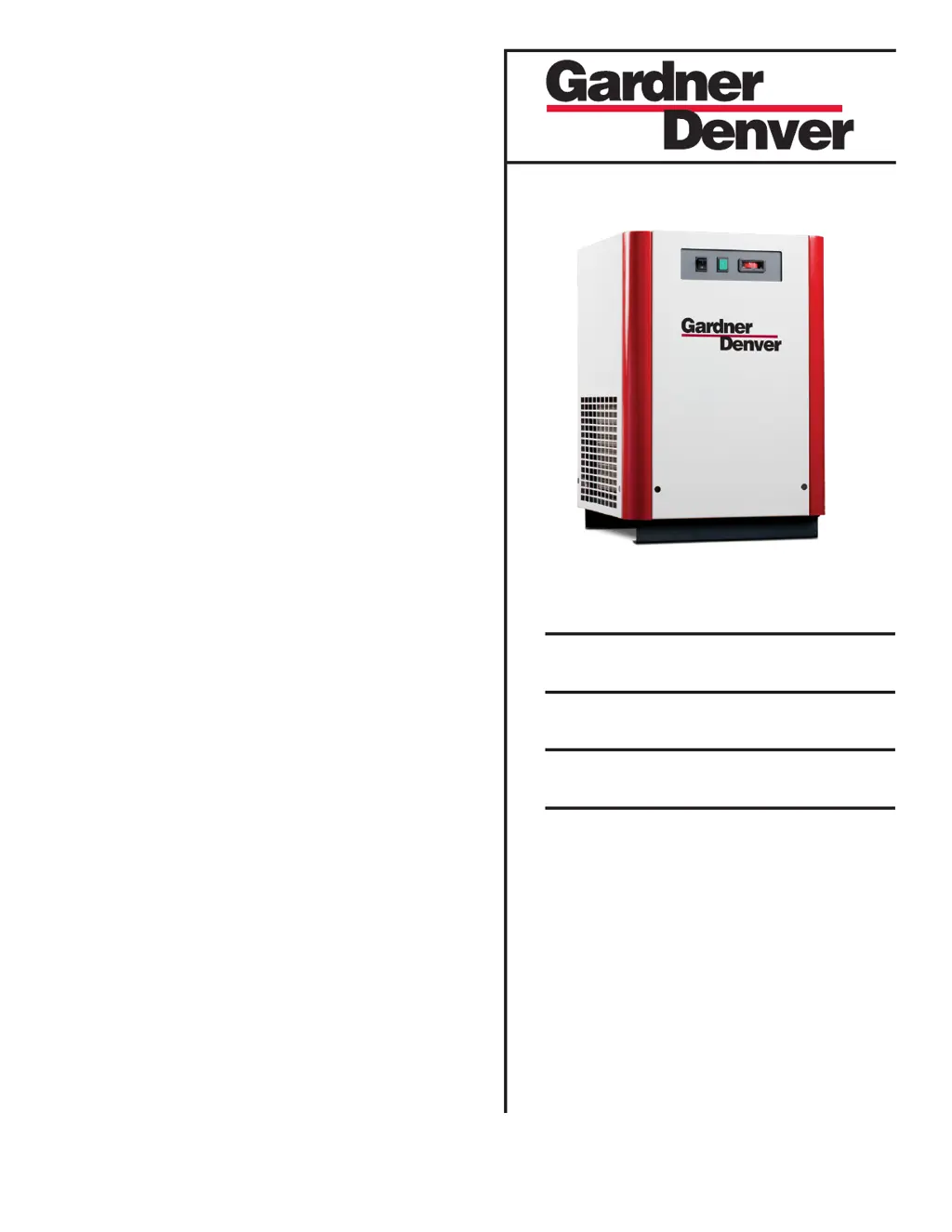
REFRIGERATED
TYPE
COMPRESSED
AIR DRYERS
INSTRUCTION MANUAL
RNC Series
Models: RNC100, RNC125, RNC150, RNC200,
RNC250, RNC300, RNC400, RNC500,
RNC600, RNC750
5002737 Rev. J 02/17
18-2-670 RNC100-750 New Platform 1st Edition
For Sales and Service: (800) 883-2477
Or visit Sales and Service at www.gardnerdenverproducts.com

Table of Contents

Questions and Answers

  • G
    George AllisonAug 18, 2025
    Why is the pressure drop so high across my Gardner Denver RNC600?
    • A
      Ashley JonesAug 18, 2025
      A high-pressure drop across your Gardner Denver Dehumidifier can stem from a few reasons. First, check the flow rate to ensure it's not excessive. Freezing of moisture in the evaporator due to a refrigeration system fault can also cause this issue. Lastly, a clogged separator or optional Oil Removal filter element could be the culprit; if so, replace the filter element(s).
  • D
    darin43Aug 21, 2025
    How to troubleshoot a Gardner Denver Dehumidifier refrigeration system that is not functioning properly?
    • C
      Christine McintoshAug 21, 2025
      If the refrigeration system of your Gardner Denver Dehumidifier isn't working right, begin by checking the power to the unit. Ensure the ON/OFF switch is in the “ON” position and that the line disconnect switch is closed. Inspect fuses and breakers for continuity. Have an electrician examine the wiring for any faults or loose terminals. Also, check if ambient conditions are within the specified minimum and maximum temperature ranges. For air-cooled models, ensure the condenser fins are clean and that there is free airflow across the condenser. If the problem continues, further assistance is required.
  • S
    Steven MartinAug 27, 2025
    What causes a high pressure drop across my Gardner Denver RNC600 Dehumidifier?
    • H
      Holly WrightAug 27, 2025
      A high pressure drop across your Gardner Denver Dehumidifier could stem from a few reasons. First, check the flow rate to ensure there isn't excessive air flow. Another potential cause is the freezing of moisture in the evaporator due to a refrigeration system fault. Lastly, the separator or optional oil removal filter element might be clogged, necessitating replacement of the filter element(s).
  • F
    frank30Aug 30, 2025
    What to do if the refrigeration system is not functioning properly in my Gardner Denver RNC600 Dehumidifier?
    • R
      Ryan MillerAug 30, 2025
      If the refrigeration system of your Gardner Denver Dehumidifier isn't working correctly, begin by checking the power supply to the unit. If the power light is off, ensure the unit is receiving power. If the compressor light is off, turn the switch to the “ON” position. If the refrigeration compressor cycles on and off, close the disconnect switch. Check for continuity and have an electrician inspect the electrical connections. Also, verify the minimum and maximum temperature ranges, and clean the condenser, ensuring free airflow. If the problem continues, further assistance is required.
  • D
    David MorrowSep 2, 2025
    Why is the dew point indicator in the red area on my Gardner Denver RNC600?
    • E
      Erin BrownSep 2, 2025
      If the dew point indicator on your Gardner Denver Dehumidifier is in the red area, it could be due to the dryer being overloaded, resulting in a high air outlet temperature. It may also be because the refrigeration system is not functioning properly, also leading to a high air outlet temperature. If the dryer is running with no load, the light will go out when air flow is established.
  • B
    Bethany JuarezSep 12, 2025
    Why is there a high pressure drop across my Gardner Denver RNC600?
    • J
      Jeffery KnappSep 12, 2025
      A high pressure drop across your Gardner Denver Dehumidifier can be due to several reasons. First, check the flow rate to ensure there isn't excessive airflow. If moisture is freezing in the evaporator due to a refrigeration system fault, see section D (not provided). Lastly, the separator or optional Oil Removal filter element might be clogged; replace the filter element(s) in this case.
  • W
    Walter KempNov 14, 2025
    What to do if there is water downstream of my Gardner Denver Dehumidifier?
    • B
      Brenda SmithNov 14, 2025
      If you find water downstream of your Gardner Denver Dehumidifier, several factors could be at play. Start by blowing out the system with dry air to eliminate any residual moisture in the pipelines. Ensure the air bypass system isn't open by checking the valve positions. Confirm that the inlet and outlet connections are correctly connected. If temperatures around the air lines downstream have dropped below the dryer's dew point rating, insulate or heat trace those lines. Check if the condensate drain is clogged or not working; if it's inoperative, replace it. Also, make sure the drain line isn't restricted or frozen—if it is, open it. For electric drains, reset the timer to fully discharge all liquid. If the dryer is overloaded, check the inlet air temperature, pressure, flow rate, and ambi...
  • A
    Adam ConleyNov 23, 2025
    Why is there water downstream of my Gardner Denver RNC600?
    • S
      santiagomaryNov 23, 2025
      If you find water downstream of your Gardner Denver Dehumidifier, several issues could be the cause. It might be due to residual free moisture in the pipelines, which can be resolved by blowing out the system with dry air. The air bypass system might be open, so check the valve positions. Ensure the inlet and outlet connections are correctly connected. If temperatures around the air lines downstream have dropped below the dryer's dew point, insulate or heat trace those lines. Excessive free moisture at the dryer inlet requires installing a separator ahead of the dryer. Check the condensate drain: if it's not draining automatically, replace the drain mechanism; if clogged, open the drain line. For electric drains, reset the timer for sufficient condensate removal. An overloaded dryer, resul...

Summary

General Safety Information

Pressurized Devices Safety

Safety precautions for pressure-containing devices.

Electrical Safety Precautions

Electrical safety requirements for operation and service.

Installation

Location Requirements

Guidelines for selecting an appropriate installation location.

Operation

Operating Conditions and Start-up

Minimum/maximum conditions and initial dryer start-up steps.

Timer Drain Functionality

Details on the timer drain and its programming.

I-Controller Level 4 Interface Basics

Overview of the I-Controller Level 4 interface elements.

Ethernet Web Interface Access

Accessing dryer status and settings via web browser.

Ethernet Settings Configuration

Configuring IP, subnet, and email alerts via web interface.

Electronic Demand Drain (I-Controller Level 4)

Operation and function of the electronic demand drain.

Modbus Register Details

Holding Register Reference Table

List of Modbus registers and their descriptions.

Maintenance

Separator;Oil Filter Replacement

Procedure for replacing separator and oil removal filter elements.

Troubleshooting Guide: I-Controller Level 1 & 2

Water Downstream Moisture Issues

Causes and corrections for moisture in downstream pipelines.

High Pressure Drop Issues

Causes and corrections for high pressure drop across the dryer.

Troubleshooting Guide: I-Controller Level 4

I-Controller Level 4 Issues and Solutions

Diagnosing and resolving Level 4 controller issues.

Reference: Sizing

Dryer Alarm Table

List of alarm conditions, triggers, and actions.

Wiring Diagrams: I-Controller Level 1

Wiring Diagrams: I-Controller Level 2 (Models 100-150)

Wiring Diagrams: I-Controller Level 2 (Models 200-600)

Wiring Diagrams: I-Controller Level 4 (Models 200-600)

Wiring Diagrams: I-Controller Level 4 (Model 750)

Warranty Information

Gardner Denver RNC600 Specifications

General IconGeneral
BrandGardner Denver
ModelRNC600
CategoryDehumidifier
LanguageEnglish

Related product manuals