INSTALLATION/OPERATION MANUAL
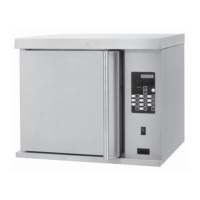
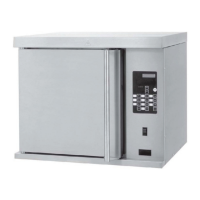
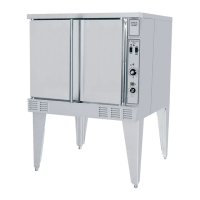
GARLAND HALF SIZE ELECTRIC CONVECTION OVEN MODEL:MCOE5L
Page 7
Part Number: 4516833 rev E 5/16
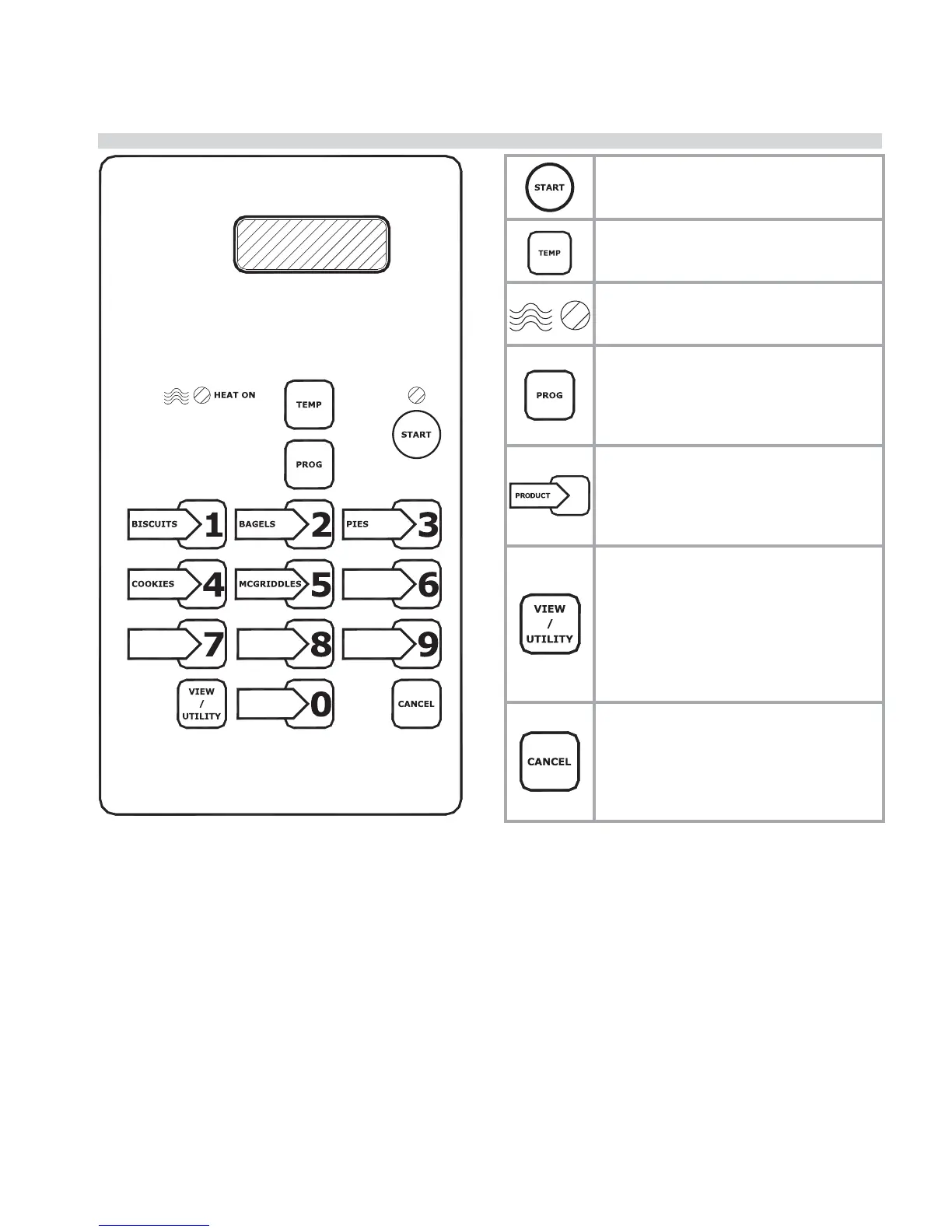
DESCRIPTION OF OVEN CONTROLS
Power Button – The START button is
used to begin a bake. The led lights to
indicate the bake has been started.
TEMP Button – The TEMP button is used
to verify the actual temp and setpoint
temp.
Heat On LED – The HEAT ON LED lights
to indicate that the control called for
heat.
Program Button – The PROG button
allows each button to be programed
with the various functions of the control.
Press and hold the PROG button to enter
the programming mode.
Product Button(s) – The PRODUCT keys
are used to select pre-programmed time
and temperature for speci c products.
Up to 10 di erent product buttons can
be programmed.
VIEW / UTILITY Button – The VIEW/
UTILITY button toggles the display when
baking multiple products at the same
time. Press the view/utility button and
the display will show the product names
and time left for each product currently
baking in the oven. Allows the user to
enter FAST COOL
CANCEL Button – The CANCEL button
allows the user to end a bake. Press and
hold the button, the control will beep
when the button is pressed and again
when the bake is cancelled. The last
bake entered will be cancelled.


 To Next Page
 Loading...